Email Management for Lawyers: How to Triage 200 Privileged Emails a Day
By Chris Stefaner, Co-founder of Swizero
Last month, a partner at a mid-size litigation firm accidentally forwarded a privileged strategy memo to opposing counsel. The email application’s autocomplete feature had populated the wrong address. It took 47 seconds to send. The motion to disqualify took six weeks. The malpractice claim is still open.
This is not an unusual story. Miller Canfield’s analysis of email-related legal ethics cases found that misdirected emails have resulted in complaints for legal malpractice, breach of fiduciary duty, and even firm disqualification. The autocomplete function, designed to save time, is now one of the most common vectors for privilege waiver in legal practice.
Email management for lawyers is not a productivity problem. It is a liability problem. Every inbox decision a lawyer makes carries ethical weight that no other profession faces: privilege, retention obligations, conflicts checks, and the duty of competence over the technology itself. The generic advice to “batch your email” or “turn off notifications” was not designed for someone whose careless click could waive attorney-client privilege on an entire matter.
Key Takeaway
Legal email triage requires systems designed around privilege protection and ethical obligations, not just speed. Lawyers who process 200+ emails daily need constrained workflows that surface urgent client communications first while preventing the fatigue-induced mistakes that lead to inadvertent disclosure. A hard cap on the number of emails per session reduces decision load and protects judgment when it matters most.
Why Email Management for Lawyers Is Structurally Different#
Lawyers receive approximately 120 emails per day, according to data compiled by MetaJure’s analysis of legal information overload, with many litigators and transactional attorneys reporting 200 or more during active matters. By the end of 2015, attorneys on average were creating or receiving more than 70 documents daily (emails, attachments, PDFs, Word documents), representing a 50% growth rate from 2013 to 2015 alone. That growth has only accelerated.
The Bloomberg Law 2025 Attorney Workload and Hours Survey found that attorneys work an average of 49 hours weekly but bill only 37. That 12-hour gap, roughly 2.4 hours per working day, is consumed by non-billable administrative tasks. Email sits at the center of this gap. The Clio 2024 Legal Trends Report found that 77% of lawyers use email as their primary tool for task and project management. Not a dedicated case management system. Not a docket tracker. Email.
Here is the difference between a lawyer’s inbox and everyone else’s. When a marketing manager misses an email, a campaign gets delayed. When a lawyer misses an email, a statute of limitations may lapse, a court deadline may pass, or privileged information may go unprotected. The 2024 Bloomberg Law Attorney Well-Being Report found that attorneys reported feeling burned out 42% of the time, with mid- and senior-level associates experiencing burnout at a rate of 51%. Email is not the only cause. But it is the task that touches everything else.
Attorney Burnout Rate by Career Stage (2024)
Source: Bloomberg Law 2024 Attorney Well-Being Report; general workforce comparison from Gallup
What Makes Attorney Email a Privilege Minefield?#
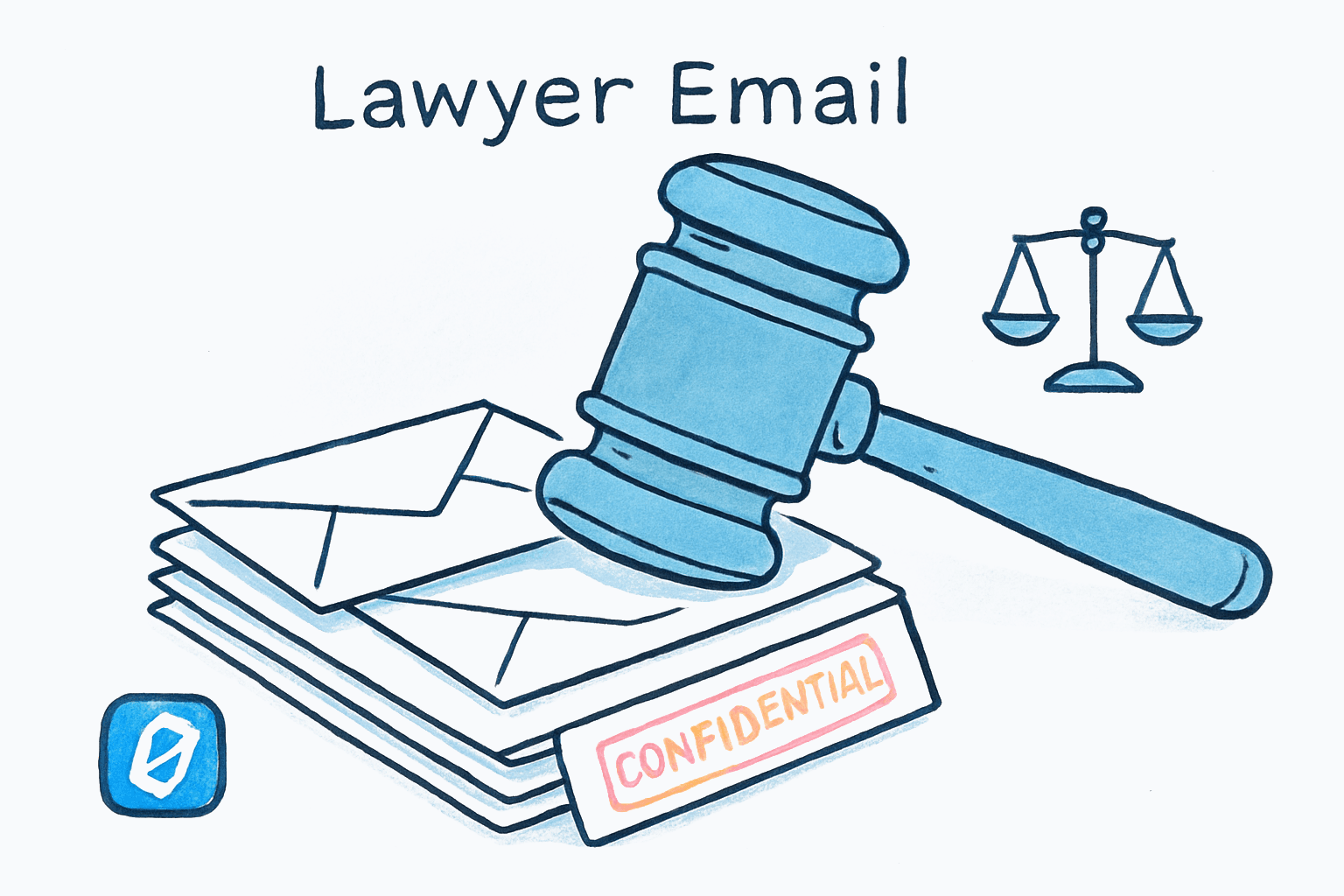
Every email a lawyer sends or receives potentially falls under attorney-client privilege, work product doctrine, or both. The practical consequence is that email triage for lawyers involves a layer of analysis that other professionals simply do not face. Each message requires a rapid assessment: Is this privileged? Who else is on this thread? Can I forward this, and to whom?
Federal Rule of Evidence 502(b) provides that inadvertent disclosure does not automatically waive privilege, but only if the holder took “reasonable steps to prevent disclosure” and “promptly took reasonable steps to rectify the error.” The key phrase is “reasonable steps.” Courts evaluate this on a case-by-case basis, examining the volume of materials involved, the precautions taken, and the speed of the response.
Moses & Singer LLP’s analysis in Privilege, Email and the Case of the Careless Click documents cases where email autocomplete errors led to disqualification of counsel and malpractice exposure. In one notable case, a Philadelphia lawyer emailed confidential settlement information to a reporter instead of co-counsel with the same last name. The information was subsequently published.
The problem compounds with fatigue. Research on email decision fatigue shows that decision quality degrades over the course of sequential choices. For lawyers processing their 150th email of the day, the risk of a careless autocomplete acceptance or an accidental reply-all on a privileged thread rises measurably. I’ll be honest: I expected the privilege-waiver-via-email data to be cleaner, with specific annual statistics on inadvertent disclosures. It isn’t. Most disclosures are resolved through motions practice or claw-back agreements and never reach published opinions. The anecdotal pattern, though, is consistent and alarming.
| Risk Type | Trigger | Potential Consequence |
|---|---|---|
| Privilege waiver | Forwarding to non-privileged party | Loss of protection for entire subject matter |
| Malpractice exposure | Misdirected email via autocomplete | Client lawsuit, potential disqualification |
| Ethical violation | Failing to promptly address breach | Bar discipline under Model Rule 1.6(c) |
| Retention failure | Deleting emails subject to litigation hold | Sanctions, adverse inference instructions |
| Conflicts issue | Responding without conflicts check | Disqualification, fee disgorgement |
How Do Retention Obligations Complicate Email Triage?#
Unlike most professionals, lawyers cannot simply delete emails and move on. ABA guidelines and state bar rules impose retention requirements that typically range from five to seven years for client materials, with some jurisdictions requiring up to ten years. The North Carolina State Bar’s Formal Ethics Opinion 2002-05 addresses email retention directly: whether electronic mail should be retained as part of a client’s file is a legal decision to be made by the lawyer, one that requires exercising professional judgment about the requirements of competent representation.
The Washington State Bar Association’s Document Retention Guide and the Oklahoma Bar Association’s retention guidance both emphasize that lawyers need written retention policies covering email specifically, with consistent enforcement. Trust account records carry even longer retention requirements, typically seven years.
This creates a paradox for email productivity. Every system for “processing email faster” assumes that most messages can be quickly discarded. For lawyers, many cannot. A seemingly routine email about scheduling a deposition becomes a discoverable document the moment litigation is anticipated. The result is that lawyers accumulate email at a rate that would be pathological in any other profession, but is ethically required in theirs.
The practical implication: any email management system a lawyer uses must support both rapid triage (moving through messages quickly) and defensible retention (ensuring nothing that should be kept gets lost). These two goals are in tension, and most email tools optimize for only one.
If the tension between fast triage and defensible retention resonates, Swizero handles both by surfacing a fixed number of priority emails per session while your underlying Gmail account preserves the full record. You triage the handful that need attention. Everything else stays intact.
The ABA’s Technology Competence Mandate#
Since 2012, the ABA has required lawyers to maintain competence in relevant technology. ABA Model Rule 1.1, Comment 8 now states that lawyers must “keep abreast of changes in the law and its practice, including the benefits and risks associated with relevant technology.” As of 2026, 42 states have adopted this comment or similar language.
ABA Model Rule 1.6(c) goes further, requiring that “a lawyer shall make reasonable efforts to prevent the inadvertent or unauthorized disclosure of, or unauthorized access to, information relating to the representation of a client.” This is not aspirational. It is an enforceable rule. Lawyers who use email tools without understanding their security model are potentially violating their ethical obligations.
The ABA’s Formal Opinion 512, issued in July 2024, extended this competence requirement to generative AI tools. Lawyers using AI for email management must “fully consider their applicable ethical obligations,” including duties to protect client information. The opinion specifically notes that lawyers may not rely solely on AI tools to perform tasks that call for the exercise of professional judgment.
Andrew Perlman, Dean of Suffolk University Law School and chair of the ABA’s task force on AI, has written that “the opinion makes clear that the existing Model Rules already provide a robust framework for addressing the ethical challenges raised by generative AI.” For AI-assisted email management, this means lawyers must understand where their email data goes, who processes it, and whether the AI provider’s data retention policies are consistent with their confidentiality obligations.
This is where the privacy architecture of any email tool becomes a legal question, not just a preference. Swizero’s architecture separates two functions: ranking uses local heuristics that run on the device, while AI-generated summaries and drafts use zero-retention cloud processing through Anthropic. No email content is stored by the AI provider, and no client communications are used for model training. That design aligns with the confidentiality framework the ABA requires. But the burden of verification falls on the lawyer. Every attorney using AI-assisted email processing should be able to answer three questions: Where does my email content go? Is it stored? Can it be used to train models? If the answers are uncertain, the tool may not satisfy the “reasonable efforts” standard under Rule 1.6(c).
Can Triage Systems Reduce Malpractice Risk?#
Yes, but only if they account for the specific decision architecture of legal email. Generic triage advice (urgent/important matrices, the two-minute rule) fails lawyers for a structural reason: it does not account for privilege classification as a triage dimension.
A functional legal email triage system operates on three axes, not two:
Axis 1: Urgency. Does this email have a deadline attached? Court filings, client emergencies, and opposing counsel communications with response deadlines sit at the top. Newsletter subscriptions and vendor pitches sit at the bottom. This axis is the same for everyone.
Axis 2: Privilege sensitivity. Is this communication privileged? Does it contain work product? Is there a non-privileged party on the thread who shouldn’t be? This axis is unique to legal practice. An email from a client discussing litigation strategy requires different handling than an email from the same client asking about a lunch meeting.
Axis 3: Retention category. Does this email need to be preserved in the client file? Is there an active litigation hold that applies? Is this communication responsive to a pending discovery request? Deleting a routine email is fine. Deleting that same email after a preservation notice has been issued can result in sanctions.
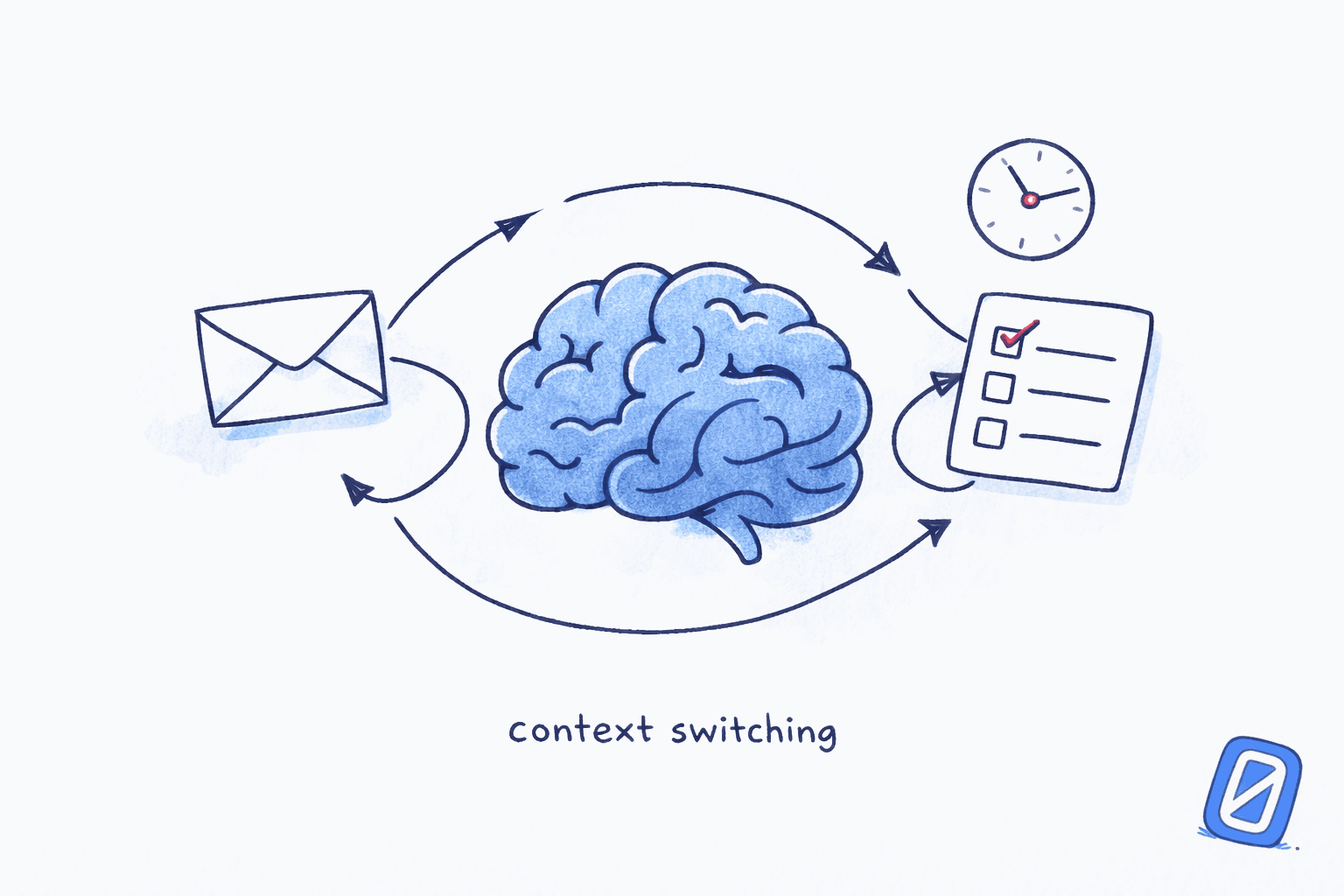
The process of working through email faster means something different when each message carries this three-dimensional weight. Standard email apps present every message with the same visual treatment: a sender, a subject line, a timestamp. Nothing in that presentation tells a lawyer whether the email is privileged, whether it falls under a litigation hold, or whether it contains a deadline. The triage burden falls entirely on the lawyer’s memory and judgment, both of which degrade over the course of a long session.
The Swizero approach addresses the first axis directly: AI triage surfaces urgent client emails first, within a fixed card limit that prevents the session from becoming unbounded. A lawyer processing a handful of cards is less likely to make a fatigue-induced error than one scrolling through 200 messages in a single sitting. The second and third axes (privilege and retention) still require human judgment, which is exactly the point. The system preserves cognitive resources for the decisions that actually require a lawyer’s professional analysis.
What Does a Realistic Legal Email Workflow Look Like?#
The Bloomberg Law 2025 survey finding that 97% of attorneys work while out of the office, with 73% doing so on at least half their days off, makes one thing clear: legal email is a mobile problem. Partners review case updates from airport lounges. Associates draft responses from their phones at 11 PM. The science behind inbox stress applies with particular force to lawyers, who face both the general anxiety of an unprocessed inbox and the profession-specific fear that an overlooked email could mean a missed deadline or an ethical violation.
A realistic legal email workflow, one that a practicing lawyer can actually sustain, has three characteristics:
Short sessions, multiple times per day. The research on decision fatigue and email consistently shows that decision quality degrades over extended sorting sessions. For lawyers, the stakes of degraded quality are higher than for most professionals. Shorter, bounded sessions (reviewing a fixed number of priority messages rather than trying to reach the bottom of the inbox) protect judgment during the decisions that carry the most risk.
Privilege-aware sorting at the tool level. Emails from known clients, opposing counsel, and court systems should surface before vendor pitches and CLE announcements. This is where AI prioritization adds genuine value: not by making legal judgments, but by ensuring that the messages most likely to require legal judgment appear first.
Retention handled upstream. The underlying email account (Gmail, in Swizero’s case) preserves the full record. Triage happens in the interface layer. Nothing is deleted from the source. This separation between triage interface and retention system is not a feature preference; for lawyers, it is an ethical requirement.
I could write an entire post about the specific workflows that different practice areas demand. A transactional partner during a deal closing has different email patterns than a family law solo practitioner. But the structural principles are the same: bound the session, prioritize by risk, preserve the record.
Frequently Asked Questions#
Is email subject to attorney-client privilege?#
Email communications between a lawyer and client are protected by attorney-client privilege when they involve the seeking or providing of legal advice and are intended to be confidential. The privilege extends to attachments and forwarded content within the same thread. However, including non-privileged third parties on the thread, or forwarding privileged content outside the attorney-client relationship, can waive the privilege. Federal Rule of Evidence 502(b) provides a framework for evaluating inadvertent waivers but requires the lawyer to have taken reasonable steps to prevent disclosure.
How long must lawyers retain client emails?#
Retention requirements vary by jurisdiction. ABA guidelines recommend five years for most client materials, but many states require six or seven years. Some jurisdictions extend this to ten years for certain case types. Emails subject to active litigation holds must be preserved indefinitely until the hold is lifted. The Washington State Bar Document Retention Guide recommends written policies covering email specifically, applied consistently across all matters. Trust account communications typically require seven years of retention.
Can lawyers use AI tools for email management?#
Yes, but with specific ethical constraints. ABA Formal Opinion 512 (July 2024) requires lawyers to understand how AI tools handle client data, verify AI outputs rather than relying on them blindly, and ensure their use is consistent with duties of competence and confidentiality under Model Rules 1.1 and 1.6. Lawyers should confirm that any AI email tool does not store, share, or train on client communications.
What happens if a lawyer accidentally sends a privileged email to the wrong person?#
The consequences depend on the jurisdiction and the steps taken afterward. Under FRE 502(b), inadvertent disclosure does not automatically waive privilege if the lawyer took reasonable precautions and acted promptly to rectify the error. Practically, this means immediately notifying the recipient and requesting deletion, followed by documenting the incident. Failure to act promptly can convert an inadvertent disclosure into a waiver. In severe cases, courts have disqualified law firms and awarded costs to the opposing party.
How many emails do lawyers receive per day?#
Industry data suggests lawyers receive approximately 120 emails per day on average, consistent with general knowledge-worker email volumes. Attorneys on active matters, particularly in litigation and transactional practice, frequently report 200 or more. Unlike most professionals, lawyers cannot simply delete the majority of these messages due to retention obligations, creating an accumulation problem that compounds over years of practice.
Sources#
- MetaJure: Surprising Statistics About Lawyer Information Overload. MetaJure Knowledge Management. Legal document volume growth data: 70+ documents per day by 2015, 50% growth from 2013.
- Bloomberg Law 2025 Attorney Workload and Hours Survey. Bloomberg Law, 2025. Attorneys average 49 hours/week, bill 37; 97% work out of office.
- 2024 Attorney Well-Being Report. Bloomberg Law, 2024. 42% burnout rate overall, 51% for mid/senior associates.
- Clio 2024 Legal Trends Report. Clio, 2024. 77% of lawyers use email as primary task management tool; 2.6 billable hours per 8-hour day.
- Federal Rule of Evidence 502. Legal Information Institute, Cornell Law. Framework for inadvertent privilege waiver in federal proceedings.
- Privilege, Email and the Case of the Careless Click. Moses & Singer LLP. Case analysis of autocomplete-driven privilege breaches.
- Legal Consequences of Email Blunders. Miller Canfield. Misdirected emails leading to malpractice, disqualification, and breach of fiduciary duty claims.
- ABA Formal Opinion 512: Generative AI Tools. American Bar Association, July 2024. Ethics framework for lawyers using AI, including competence and confidentiality duties.
- ABA Model Rule 1.6: Confidentiality of Information. American Bar Association. “Reasonable efforts” standard for preventing disclosure.
- North Carolina State Bar Formal Ethics Opinion 2002-05. NC State Bar. Guidance on email retention as part of client files.
- Washington State Bar Document Retention Guide. WSBA. Comprehensive guidance on retention periods and written policies.
- ABA Ethics Opinion on Generative AI Framework. Andrew Perlman, ABA Business Law Today, October 2024. Analysis of Opinion 512’s implications.
Your inbox doesn't have to feel like this.
Swizero finishes your email in minutes, not hours.
Give your inbox a finish line