Your Inbox.
Finished.
Swizero turns Gmail into a short stack of cards, most important first. Swipe through it, tap for an AI draft when a reply is needed, and close the app finished.
Gmail on iPhone. Access opens in rounds. One full free week from when your access is activated.
secondsPrivacy
firstAI that
gets you
Hi Priya,
Yes to both hires. Go ahead and add them to Friday's board pack and I'll sign off there.
Thanks for turning this round so quickly.
Alex
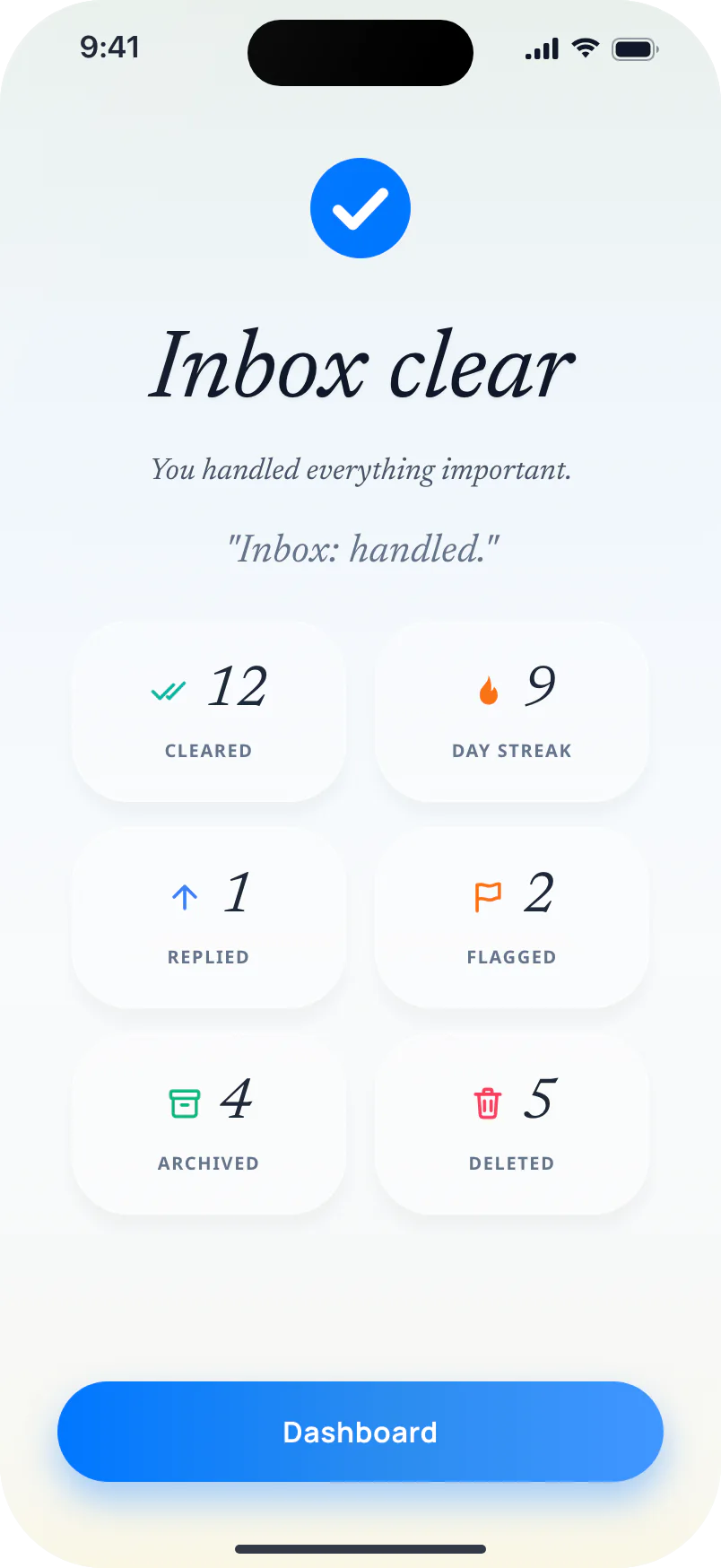
You handled everything important.
"Inbox: handled."
How It Works
Email, reimagined in three steps.
Here's what happens when you open Swizero.
Rank
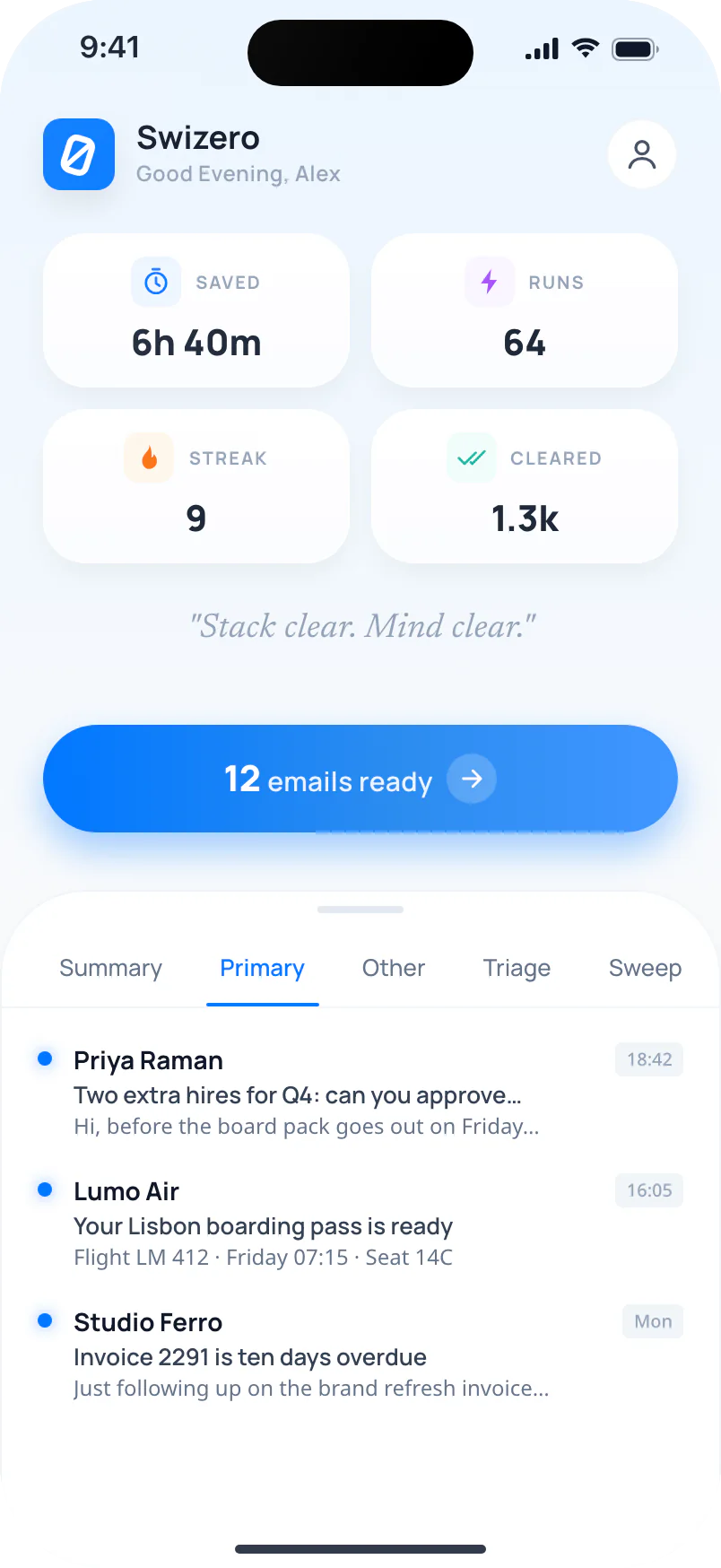
Swizero scans your inbox, summarizes each email, and ranks them by what actually needs you.
Swipe
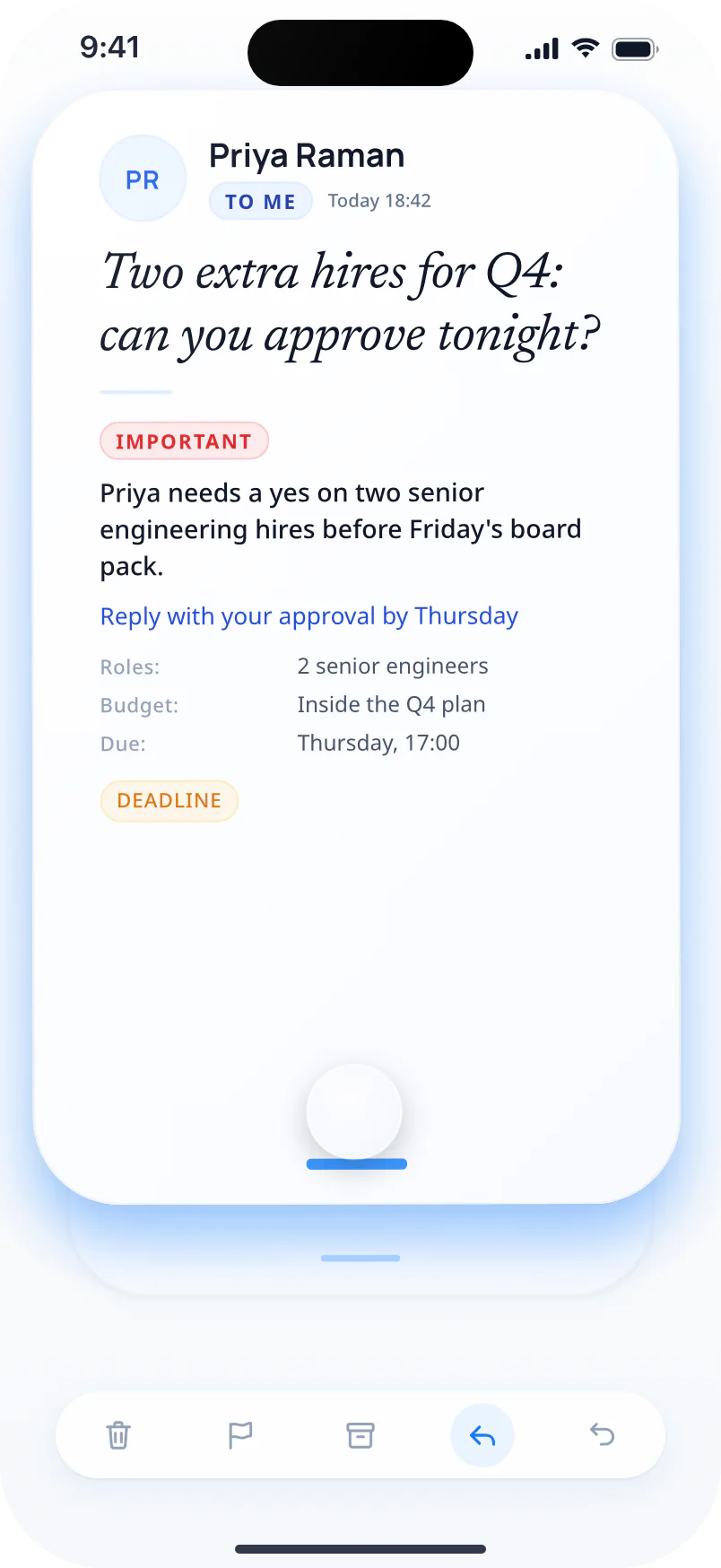
Each email becomes a card. Delete it, flag it, archive it, or swipe up to draft a reply in seconds.
Done
Finish your Swizero Run. Close your inbox. Move on with your day knowing nothing was missed.
See it in action
Your inbox, ranked by what matters.
Swizero scores every email by urgency and sender importance, then presents a short ranked list of what actually needs you. No digging. No scanning. The signal finds you.
AI Prioritization
Every email gets a score. Urgency, sender importance, and context combine into a single ranking so the signal rises and the noise stays out of your way. That scoring is the core of Swizero's AI email management.
Urgency
Time-sensitive messages rise to the top automatically.
Sender importance
People you engage with most are weighted higher.
Context
Thread history and content inform every score.
Triage and reply, all in one flow.
Swizero distills every email into a card you can act on in seconds. Swipe through your stack, then reply with an AI draft you control. Nothing sends without your say-so.
Email Card Summary
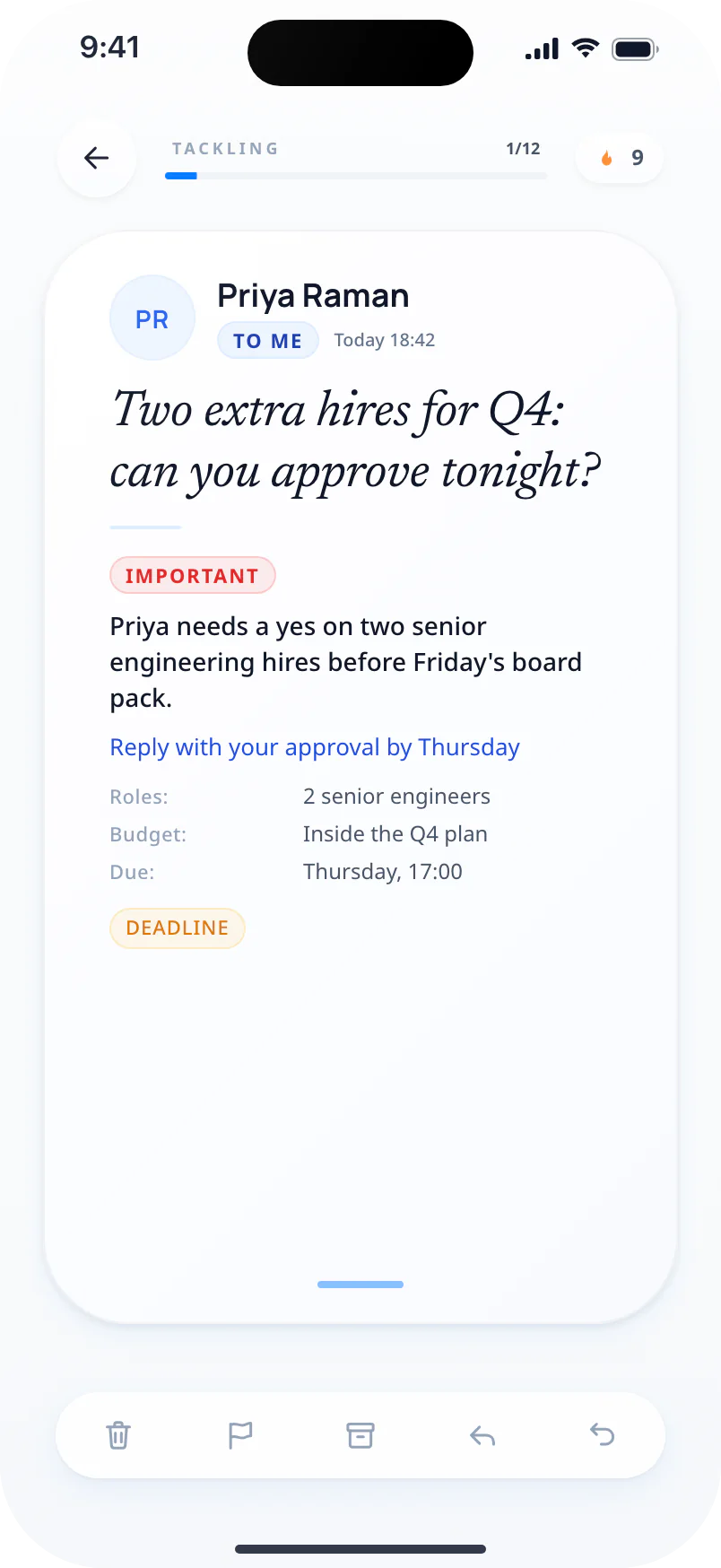
AI distills every email to what matters. Category, key details, and risks at a glance. One swipe per email.
AI Reply
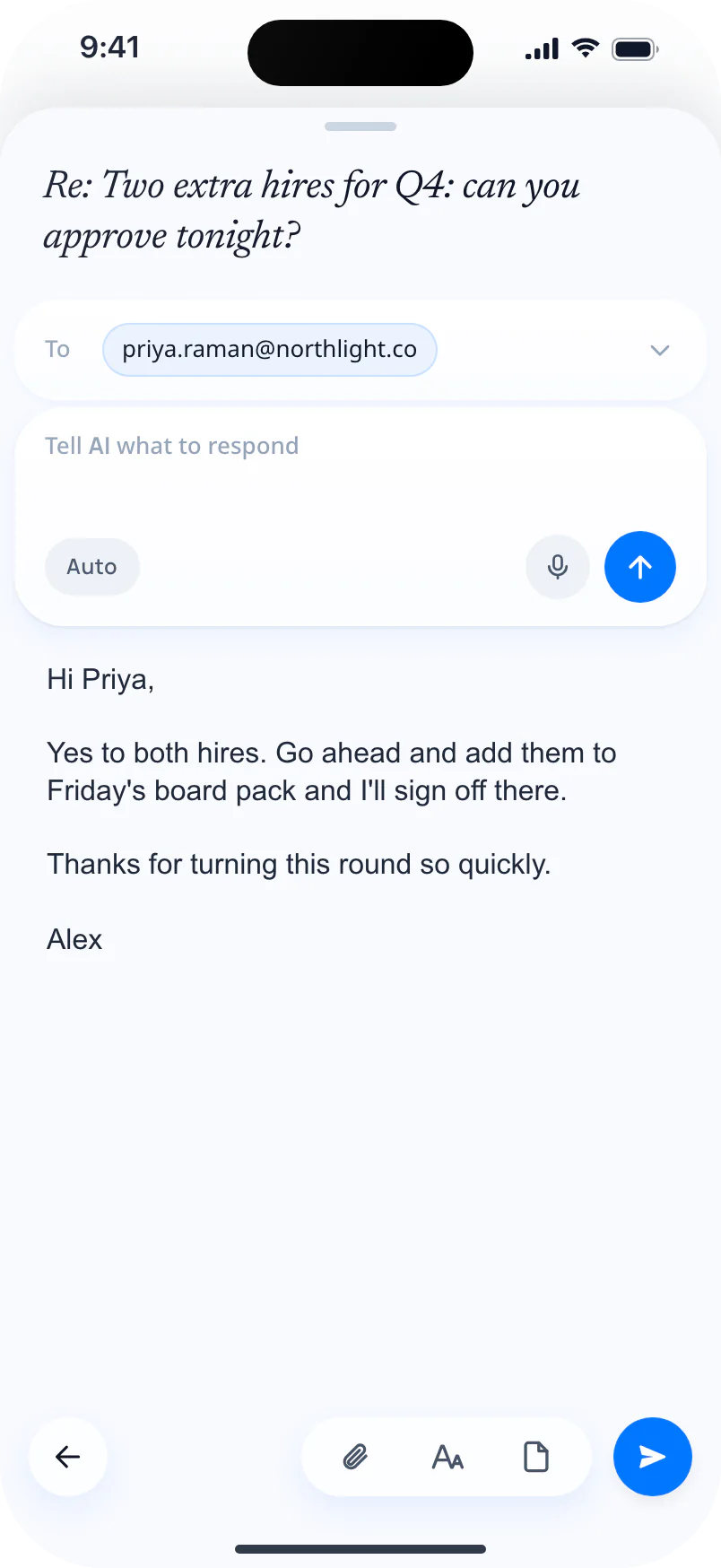
One tap generates a contextual reply. Review and refine before sending. Nothing sends without your approval.

Done. Every single time.
Finish a Swizero Run in minutes, not hours.
Prioritised Email Stack
Only the emails that need you, in a stack you can actually finish.
Daily Streak
Build the habit. Track your consistency.
Hours Back Every Week
What used to take hours, done in minutes.
Power moves. Zero friction.
Three tools that turn ten minutes of inbox maintenance into a few seconds.
Subscription Manager
Unsubscribe without the scavenger hunt.
You signed up for 40 newsletters. You read 4. Swizero surfaces them all and lets you cut the ones that stopped earning your attention.
Bloomberg Technology
7 emails
Canva Design
12 emails
TechCrunch Daily
4 emails
Grammarly Insights
9 emails
Linear Changelog
3 emails
Your email stays yours.
Swizero is privacy-first AI email: it works only with AI providers that never store your emails and never train on your data.
We guarantee your emails are never stored or used for training.
Every message is processed and immediately forgotten. No retention. No fine print. Ranking happens on your device; AI output runs through zero-retention cloud.
Zero third-party sharing
We promise your email data is never sold, shared, or used to build profiles. Only providers bound by strict data agreements.
End-to-end privacy
We ensure no email text is shared, stored, or logged outside the moment it's processed. Period.
Delete anytime
Your data, your choice. Delete your account and everything goes with it, with no archives and no exceptions.
A commitment, not a checkbox.
From early users
What users say
“I check email twice a day now. Morning and after lunch. A few swipes each time and I'm done. My team thinks I got an assistant.”

“Used to spend the first hour of every morning in my inbox. Now it's under five minutes, I'm in and out of my inbox so efficiently. I genuinely forget email exists for most of the day.”

“Six deals, hundreds of emails. The old way was constant checking and still missing things. Now I do blocked runs and nothing falls through.”


Ready to finish your inbox?
Swizero is live on iPhone with Gmail. Access opens in rounds, and your full free week starts when your access is activated.
A handful of cards. One swipe each. Done.
“Email finally has a finish line”