AI Email Privacy: 90% Don't Trust It (Here's What They Found)
By Chris Stefaner, Co-founder of Swizero
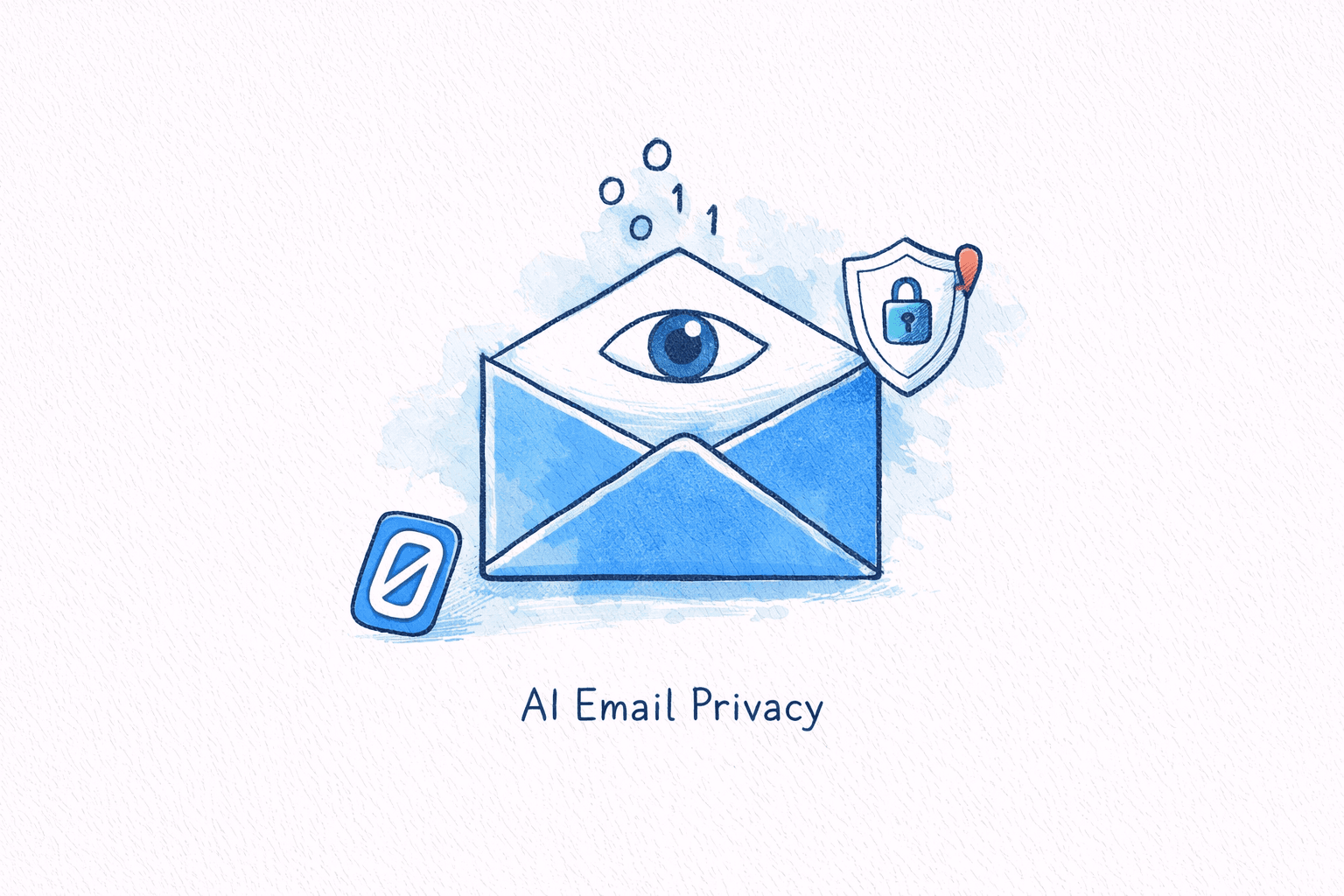
What happens when you let an AI read your most private messages?
It’s a question most people never think to ask. You enable “AI summaries” or “smart replies” in your email app, and it just works: your inbox feels faster, your drafts feel sharper, and you move on with your day. But behind that convenience, something is happening to the actual text of your emails. Your conversations with your doctor, your lawyer, your spouse, your accountant are going somewhere. And depending on which app you use, “somewhere” might be a cloud server owned by a company whose business model depends on processing as much of your data as possible.
As AI email features explode across the industry (Gmail’s Gemini integration, Superhuman’s Auto Drafts, Shortwave’s AI assistant), the privacy implications are growing faster than most users realize. A 2025 Relyance AI survey found that 82% of consumers see AI-driven data loss as a serious threat. And yet adoption keeps climbing, because the features are genuinely useful.
The tension between convenience and privacy isn’t theoretical. It’s the defining tradeoff of AI email in 2026. That tension will only sharpen as inboxes shift from occasional AI features toward agentic email, where an autonomous system reads and acts on messages continuously rather than only when you ask it to.
Key Takeaway
Most AI email features work by sending your email content to cloud servers for processing by large language models. This means a third party (the email app provider and often their AI vendor) can access the text of your messages. The privacy-first alternative is zero-retention cloud processing: your email content is sent to AI providers who are contractually prohibited from storing, logging, or training on it. The content is processed and immediately discarded. Combined with local ranking that never leaves your device, this approach keeps your data from becoming someone else’s input.
How AI Email Features Actually Process Your Data#
To understand the privacy implications, you need to understand the plumbing. When an AI email assistant summarizes a thread, drafts a reply, or prioritizes your inbox, it doesn’t do that magic locally. For the full technical breakdown, see how AI email assistants actually work. In most cases, it follows a pipeline that looks like this:
- Your email text is extracted from the message: subject line, body, attachments, metadata.
- That text is sent to a cloud server, often operated by a third-party AI provider (OpenAI, Google, Anthropic).
- A large language model processes the text, generating summaries, draft replies, or priority scores.
- The result is sent back to your device and displayed in the app.
Steps two and three are where the privacy questions live. Your email content (potentially containing financial details, medical information, legal communications, and personal conversations) is transmitted to and processed on servers you don’t control. Even if the provider promises not to train on your data, the text was still decrypted and read by their system.
This is how most AI email apps work today. Superhuman uses cloud-based AI with a Zero Day Data Retention agreement, meaning their LLM providers don’t store your data after processing; but the data is still sent to the cloud for processing. Shortwave routes emails through a RAG architecture using models like GPT-4 and Claude, with the processing happening on third-party cloud infrastructure. And Google’s Gmail, powered by Gemini, processes your inbox data on Google’s servers to generate summaries, smart replies, and AI-driven categorization.
Each of these companies has legitimate security practices. The issue isn’t that they’re careless; it’s that cloud processing is inherently a different privacy model than keeping data on your device.
The Scale of What’s at Stake#
This isn’t an abstract concern. The numbers tell a clear story about why email data privacy matters more than ever.
In 2025, U.S. data breaches hit a record 3,322 incidents, a 4% increase over the prior year. Globally, 425.7 million accounts were breached, with the United States accounting for 142.9 million of them. Financial services and healthcare (industries where email contains the most sensitive data) were the two hardest-hit sectors.
Meanwhile, GDPR enforcement continues to escalate. Cumulative fines have now surpassed EUR 7.1 billion, with EUR 1.2 billion issued in 2025 alone. Average daily data breach notifications reached 443 per day by January 2026, up 22% from the prior year.
And consumer sentiment is catching up. According to research published by Malwarebytes in March 2026, 90% of people don’t trust AI companies with their personal data. In the U.S. specifically, 70% of those familiar with AI have little or no trust in companies to use AI-collected data responsibly.
The gap between adoption and trust is striking. People use AI email features because they’re useful, while simultaneously not trusting the companies that provide them. That’s not sustainable, and it’s exactly the gap that privacy-first design aims to close.
What the Experts Are Saying#
Security researcher Bruce Schneier has been sounding alarms about AI and surveillance for years. In a 2024 essay on personal AI assistants, he warned that “we use internet services as if they are agents working on our behalf, but they are actually double agents secretly working for their corporate owners.” He’s argued that AI doesn’t just continue the surveillance economy; it supercharges it: “Surveillance is the business model of the internet because advertising is the business model of the internet.”
That framing is especially relevant for email, where the content is inherently personal and the AI needs deep access to be useful.
On the regulatory side, privacy advocate Max Schrems, the Austrian lawyer whose legal challenges have reshaped European data protection law, has been equally blunt about AI companies and GDPR. Commenting on Meta’s use of personal data for AI training, Schrems said: “Meta is basically saying that it can use ‘any data from any source for any purpose and make it available to anyone in the world’, as long as it’s done via ‘AI technology’. This is clearly the opposite of GDPR compliance.”
The pattern is consistent across both technical and legal experts: giving AI access to personal communications creates a fundamentally different risk profile than traditional email, and most users don’t fully understand the tradeoff they’re making.
If the idea of your emails being retained by third parties doesn’t sit right, Swizero takes a different approach. Email ranking is scored locally on your device, and when AI summaries and drafts require cloud processing, Swizero uses providers that contractually cannot store or train on your content. Your emails are processed and immediately discarded — never retained, never repurposed. How Swizero handles your data →
Cloud Processing vs. On-Device: The Privacy Spectrum#
Not all AI email privacy approaches are created equal. Here’s how the major approaches compare:
| Approach | How It Works | Who Sees Your Data | Examples |
|---|---|---|---|
| Full cloud processing | Email text sent to provider’s servers and third-party AI models | Email provider + AI vendor | Gmail/Gemini, Shortwave |
| Cloud with Zero Retention | Email sent to cloud, processed, then deleted immediately | Email provider + AI vendor (briefly) | Superhuman |
| Private Cloud Compute | Email processed in isolated, auditable cloud enclaves | No one (cryptographically enforced) | Apple Intelligence |
| Zero-retention cloud | Email sent to cloud, processed with contractual no-storage guarantee | No one retains it | Swizero |
Each step down that table represents a meaningful reduction in exposure. Cloud with zero retention is better than indefinite storage. Private cloud compute is better than standard cloud.
Apple’s Private Cloud Compute is worth noting as a serious middle ground. When Apple Intelligence needs more processing power than your device can provide, it routes data to purpose-built cloud servers where the data is processed in secure enclaves, never stored, and cryptographically verified by independent researchers. It’s genuinely innovative, but it’s still cloud processing for complex tasks.
Swizero’s architecture combines elements of these tiers. Email ranking uses local heuristic scoring on your device, so the classification work that determines which messages surface first never leaves your phone. When AI summaries and drafts require more processing power, Swizero routes that to providers with contractual zero-retention guarantees — your content is processed in an ephemeral context and discarded immediately, never stored, logged, or used for training. The result: no server retains your email content, even when cloud AI is involved.
The Gmail Gemini Problem#
Google’s integration of Gemini into Gmail deserves special attention, because Gmail has over 1.8 billion users and the privacy implications affect more people than any other email AI deployment.
In late 2025, Google enabled Gemini’s access to Gmail by default for U.S. users, allowing the AI to analyze private email communications. By March 2026, the Gemini Personal Intelligence feature (which gives AI access to Gmail, Photos, Docs, and YouTube history) went free for all U.S. users.
Google maintains that Gmail content is not used to train public Gemini models. But there’s a critical nuance: once you enable Gemini Personal Intelligence, your prompts and Gemini’s responses do become available for model training. A class-action lawsuit in California alleges that Google intentionally obscured the opt-out process, violating privacy laws by collecting data without explicit consent.
The broader issue isn’t unique to Google. It’s structural: when AI features are enabled by default, and opting out requires navigating multiple settings pages, the practical effect is that most users’ email data ends up being processed in the cloud whether they made a conscious choice or not.
What “Privacy-First” Actually Means in Practice#
The term “privacy-first” gets thrown around a lot in marketing copy. Here’s what it means in concrete engineering terms, and how to evaluate whether an email app actually delivers on the promise.
Zero-retention cloud processing means the AI model runs on cloud infrastructure, but under strict contractual guarantees: the provider cannot store, log, or use your content for training. Your email text is processed, a response is generated, and the content is immediately discarded. This approach delivers the power of frontier AI models while eliminating the retention risk that makes standard cloud processing concerning.
Zero data sharing means no part of your email content is used to train AI models, improve products, or inform advertising. This needs to be explicit in the privacy policy, not implied.
No ad targeting means the business model doesn’t depend on analyzing your email for commercial signals. This is especially relevant for free email services, where the user is often the product.
Swizero’s privacy-first AI email approach combines local ranking with zero-retention cloud AI. Email ranking is scored locally using heuristics on your device, so classification never leaves your phone. When AI features like summaries and draft replies require cloud processing, Swizero uses frontier AI providers under strict zero-retention contracts -- providers that cannot store, log, or train on your email content. And the business model is subscription-based, not ad-supported. We’ve written about why the architecture matters and how it shapes the entire product philosophy.
This architecture means your email content is never permanently stored on Swizero’s servers or the servers of its AI partners. Your message is processed, a response is generated, and the content is discarded. Read how Swizero handles your data →
How to Protect Your Email Privacy Right Now#
Whether or not you switch email apps, there are steps you can take today to reduce your exposure:
- Audit your AI settings. Check whether AI features in Gmail, Outlook, or your email client of choice are enabled. If they are, understand what data they access. Google’s Gemini settings are under Settings > Google AI > Gemini in Gmail.
- Read the privacy policy. Specifically look for language about data retention, third-party AI vendors, and training data. If the policy says your data “may be used to improve our services,” that often means model training.
- Disable features you don’t actively use. If you never use AI summaries or smart replies, turn them off. There’s no reason to share data with a feature you ignore.
- Consider your threat model. If your email contains regulated data (HIPAA, attorney-client privilege, financial information), cloud-based AI processing may create compliance risks that outweigh the convenience.
- Look for zero-retention alternatives. Apps that use AI providers with contractual no-storage guarantees eliminate the retention risk even when cloud processing is involved. Swizero routes AI features through zero-retention providers; Apple Mail with Apple Intelligence keeps processing on-device entirely. Both approaches ensure your content isn’t stored or used for training.
Frequently Asked Questions#
Is AI reading my emails if I use Gmail?#
If you have Gemini features enabled in Gmail, yes: Google’s AI processes your email content on its servers to generate summaries, smart replies, and categorization. Google says this data isn’t used to train public Gemini models, but your prompts and responses may be used for training if you enable Gemini Personal Intelligence. You can check and adjust this in your Google account settings.
Can my email provider see my messages even without AI?#
Yes. Any cloud-based email provider (Gmail, Outlook, Yahoo) stores your emails on their servers and can technically access the content. AI features add a layer on top of this: now your email text is also being processed by language models, potentially involving third-party AI vendors. The difference with zero-retention AI processing is that providers are contractually prohibited from storing or training on your content -- your data is processed and immediately discarded, so it doesn’t persist on any additional servers.
What’s the difference between zero-retention cloud AI and standard cloud AI for email?#
Standard cloud AI sends your email text to remote servers where it may be stored, logged, and used to train future models. Zero-retention cloud AI still sends email text to remote servers for processing, but the provider is contractually required to discard the content immediately after generating a response — no logs, no persistent copies, no training use. On-device AI goes further still, running models on your phone’s processor so the text never leaves your device at all. Swizero uses zero-retention cloud processing for AI summaries and drafts, while email ranking happens locally via heuristics.
Does Swizero send my emails to external AI providers?#
AI features like summaries and draft replies use zero-retention cloud processing — your email content is sent to frontier AI providers, processed to generate the output, and immediately discarded. Providers contractually cannot store, log, or train on your content. Email ranking, by contrast, uses local heuristic scoring on your device. See how Swizero handles your data →
Sources#
- 90% of People Don’t Trust AI With Their Data. Malwarebytes, March 2026. Survey on consumer trust in AI data handling.
- Customer AI Trust Survey: 82% See Data Loss Threat. Relyance AI, 2025. Consumer perspectives on AI-driven data risks.
- U.S. Data Compromises Hit Record in 2025. HIPAA Journal, 2026. Record 3,322 data breach incidents in the United States.
- Global Data Breach Recap 2025. Surfshark, 2025. 425.7 million accounts breached globally.
- GDPR Fines Hit EUR 7.1 Billion. Kiteworks, 2026. Cumulative GDPR enforcement penalties since 2018.
- DLA Piper GDPR Fines and Data Breach Survey. DLA Piper, January 2026. Breach notifications reached 443 per day.
- Personal AI Assistants and Privacy. Bruce Schneier, 2024. On the “double agent” nature of AI services.
- noyb Urges DPAs to Stop Meta’s AI Data Abuse. noyb (Max Schrems), 2024. On GDPR non-compliance in AI data use.
- Are AI Tools Like Gmail’s Gemini Accessing Your Emails?. Runbox Blog, January 2026. Gmail Gemini’s default data access.
- Consumer Perspectives of Privacy and AI. IAPP, 2025. 70% of AI-aware U.S. consumers distrust corporate AI data handling.
- Private Cloud Compute. Apple Security Research, 2024. Apple’s approach to privacy-preserving cloud AI.
Your inbox doesn't have to feel like this.
Rank what matters, draft replies, and reach done.
Meet the AI email assistant that finishes