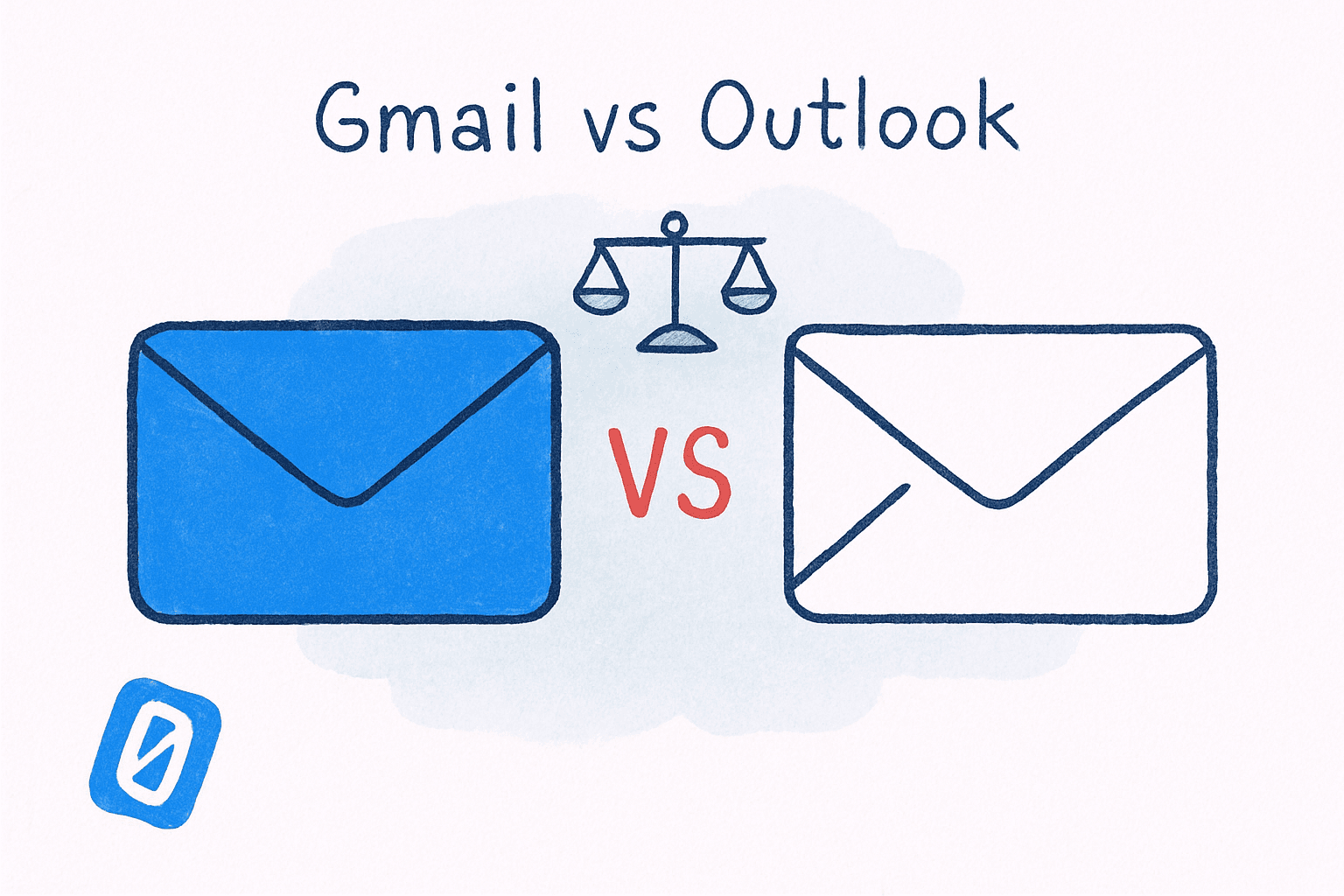
Gmail vs Outlook 2026: The Winner Still Wastes Your Time
By Chris Stefaner, Co-founder of Swizero
Gmail and Outlook are both better than they were a year ago. Gemini writes your drafts in Gmail. Copilot triages your inbox in Outlook. Both platforms have poured billions into AI features that promise to make email faster, smarter, and less painful.
Neither has asked the more important question: what if the problem isn’t speed, it’s that your inbox never ends?
That question matters more than any feature comparison. Gmail and Outlook are in an arms race to help you process email faster, but processing faster doesn’t mean processing less. Both platforms still present you with an infinite, chronological stream of messages. They’ve upgraded the engine without questioning whether the road has a destination.
Key Takeaway
Gmail wins on simplicity, search, and free storage (15 GB vs 5 GB). Outlook wins on enterprise integration, calendar management, and structured organization. But in 2026, neither platform solves the core problem: an inbox with no finish line. Both benefit from a constrained front-end layer like Swizero that caps what you see and process in a single session.
I’ll be honest: I’ve used both platforms heavily for years, and the “winner” depends almost entirely on which ecosystem already owns your workday. The more interesting conversation is what both platforms still get wrong. But let’s start with the facts.
How Do Gmail and Outlook Compare on AI in 2026?#
Gmail’s AI and Outlook’s AI have converged on the same core features (drafting, summarizing, and prioritizing) but they’ve arrived from different directions, and the differences matter.
Gmail’s Gemini integration, announced in January 2026, introduced AI Overviews that summarize long email threads, Smart Compose and Smart Reply powered by Gemini 3, and a new “AI Inbox” view that surfaces to-dos from important messages. Google CEO Sundar Pichai called it Gmail’s entry into “the Gemini era.” The writing quality is strong (Gemini produces polished, natural-sounding drafts) but it’s limited by its lack of deep connectivity to Google Drive documents for grounding context.
Outlook’s Copilot, now in its Wave 3 rollout, takes a different approach. Copilot can draft emails grounded in your entire Microsoft 365 environment, pulling context from OneDrive files, Teams conversations, and calendar events. It supports natural-language triage commands (flag, archive, pin) and can schedule meetings directly from email threads. The mobile voice experience lets you triage hands-free.
The practical difference: Gemini is a better writer in isolation. Copilot is a better assistant in context. According to a G2 comparison, “Microsoft 365 Copilot delivers superior email intelligence for executives managing high-volume communications and decision follow-through.”
But here’s what struck me while testing both: neither AI ever said “you don’t need to respond to this.” Both systems accelerate output. Neither reduces input. Speed has its own cost: the faster you fire off a Gemini-drafted reply, the more often you reach for the undo. Gmail at least lets you unsend an email within 30 seconds, while Outlook’s recall only works when both people sit inside the same Microsoft 365 organization. They make you faster at a treadmill that was already too fast.
What Does Each Platform Actually Cost?#
Pricing is where the comparison gets genuinely confusing, because both Google and Microsoft have layered AI tiers on top of already complex plans.
| Feature | Gmail (Google Workspace) | Outlook (Microsoft 365) |
|---|---|---|
| Free storage | 15 GB | 5 GB |
| Business entry plan | $7/user/mo | $6/user/mo |
| Full AI features | Google AI Pro ($20/mo personal) | Copilot add-on ($30/user/mo) |
| Enterprise suite | $14-25/user/mo | $36-60/user/mo |
| Upcoming price changes | None announced | 5-33% increase from 2026 |
Microsoft’s pricing is about to shift significantly. Starting July 1, 2026, Microsoft 365 commercial plans will increase by $3-8 per user per month to bundle Copilot Chat capabilities. Microsoft 365 E3 jumps from $36 to $39 per user per month. E5 goes from $57 to $60. On top of that, the full Copilot license remains an additional $30 per user per month.
Google Workspace’s pricing has been more stable. The entry-level Business Starter plan sits at $7 per user per month, with AI Pro available as a $20 monthly personal subscription.
For small teams and startups, Gmail is meaningfully cheaper, especially when you factor in 15 GB of free storage versus Outlook’s 5 GB. That 15 GB fills faster than most people expect, which makes knowing how to delete all emails in Gmail in bulk a practical prerequisite for staying on the free tier. For enterprises already embedded in the Microsoft stack, Outlook’s total cost includes tools (Teams, SharePoint, OneDrive) that Google charges separately for at comparable tiers.
Who Actually Uses Gmail vs Outlook in 2026?#
The market share numbers tell a story that might surprise you if you work in a corporate environment where Outlook feels universal.
Email Client Market Share (Early 2026)
Source: Litmus Email Client Market Share, 2026
Gmail commands 1.8 billion active users globally and holds roughly 30.7% of the email client market, second only to Apple Mail. Outlook’s open-rate market share sits at just 4.4% globally, though that number is misleading. Microsoft reports over 400 million active Outlook users and 446 million paid Microsoft 365 seats, meaning Outlook’s real footprint is massive in enterprise environments where open-tracking pixels are often blocked.
The split falls along predictable lines. According to a Cirrus Insight analysis, Gmail dominates among startups and small businesses (44% adoption), while Outlook is favored by mid-market (36%) and enterprise organizations (39%) with IT-managed compliance requirements. A full 75% of Fortune 500 companies use Microsoft 365 as their primary productivity suite, compared to 42% using Google Workspace; and 64% of organizations run both platforms simultaneously.
That last number is telling. Most large organizations haven’t “chosen”; they’re living in both ecosystems, which means their employees deal with the fragmentation of two inboxes, two calendars, and twice the notification surface area.
Which Platform Is Better for Enterprise Teams?#
Outlook, and it’s not particularly close, if “enterprise” means regulatory compliance, IT policy enforcement, and deep integration with collaboration tools.
Outlook’s strengths in enterprise environments include granular Data Loss Prevention (DLP) policies, Microsoft Information Protection labels that travel with messages, and advanced eDiscovery for legal holds. These aren’t flashy features, but they’re why regulated industries (finance, healthcare, government) default to Microsoft 365.
Gmail has made real progress with Google Vault for archiving and compliance, and Workspace’s admin console has matured significantly. But as one enterprise IT comparison from CrucialLogics put it: “Outlook provides advanced enterprise compliance and policy management features, which are especially useful for regulated industries.”
Where Gmail pulls ahead for business users is in its search. Gmail’s search is genuinely best-in-class: fast, forgiving of typos, and deeply integrated with Google’s broader search infrastructure. If you’ve ever tried to find a specific attachment in Outlook versus Gmail, the difference is stark. Outlook’s search has improved, but it still lags behind by a noticeable margin. Most of Gmail’s search power sits behind operators, one of the Gmail tips and tricks that even decade-long users never switch on.
If managing two email ecosystems sounds exhausting, Swizero works as a front-end layer on top of Gmail, with Outlook support planned. Instead of scrolling an infinite inbox, you see a fixed card limit of what matters right now.
What Problem Are Both Platforms Still Not Solving?#
Here’s where I get opinionated, and where I think the Gmail-vs-Outlook debate misses the forest for the trees.
Both platforms treat your inbox as an infinite stream. Gmail organizes it with labels and tabs. Outlook organizes it with folders and rules. Gemini helps you write replies faster. Copilot helps you triage with natural language commands. All of these are improvements to the same flawed model: a chronological feed of everything anyone has ever sent you, with no boundary and no endpoint.
Cal Newport, Georgetown CS professor and author of A World Without Email, articulated the core issue:
“A culture of connectivity makes it acceptable to run your day out of your inbox — responding to the latest message while feeling productive. But your best and most important work is likely done away from your inbox.”
The data supports this. A 2025 Speakwise workplace study of over 6,000 knowledge workers found that 79% blamed constant emails and messages for their workplace struggles and feelings of overwhelm. And the Clean Email Industry Report for 2025-2026 projects global daily email volume will reach 392.5 billion messages by the end of 2026, up from 376.4 billion in 2025. Very little of that growth is personal correspondence, which is why a quarterly pass to mass unsubscribe from marketing emails still buys back more time per minute spent than any AI feature on either platform.
More AI features won’t reverse that trajectory. If anything, AI-generated drafts and suggested replies increase total email volume by making it easier to send messages. Gemini and Copilot are accelerants, not brakes.
Benedict Evans, independent technology analyst and former partner at Andreessen Horowitz, captured this structural problem in his essay Office, Messaging and Verbs:
“You don’t actually send email or make a spreadsheet — you analyze, delegate, report, confer, decide, track and so on.”
Evans’s point is that email is a proxy for dozens of distinct work activities, all crammed into a single chronological stream. Every unread email in an infinite inbox represents an unmade decision. At 121 emails per day, that’s 121 micro-decisions before you’ve started your actual work.
This is the argument for constraints — not better filters, not smarter AI, but a hard limit on how much email you process in a sitting. It’s the philosophy behind Swizero’s design: email with a finish line. Not because limits are trendy, but because the research on decision fatigue and cognitive overload points in one direction: bounded systems outperform unbounded ones.
I could write a whole post about why both Gmail and Outlook have no incentive to reduce time-in-inbox (their business models reward engagement, not completion). But the practical takeaway is simpler: pick whichever platform fits your ecosystem, then add a layer that gives your inbox a stopping point, such as automated Gmail inbox triage.
Gmail vs Outlook: Side-by-Side Feature Breakdown#
For those who want the quick comparison without the editorial:
| Category | Gmail | Outlook |
|---|---|---|
| Search quality | Excellent (Google-grade) | Good (improving) |
| AI assistant | Gemini (writing-focused) | Copilot (context-aware) |
| Calendar integration | Solid | Superior |
| Offline access | Limited | Full (desktop app) |
| Mobile experience | Clean, fast | Feature-rich, heavier |
| Third-party integrations | Strong (via Google Marketplace) | Extensive (via Microsoft AppSource) |
| Free tier | 15 GB, full features | 5 GB, basic features |
| Organizational model | Labels + search | Folders + rules |
| Best for | Startups, individuals, Google shops | Enterprise, regulated industries, Microsoft shops |
The honest answer: if you’re already in Google Workspace, use Gmail. If you’re in Microsoft 365, use Outlook. If you’re in neither, Gmail’s free tier is significantly more generous, and its learning curve is shallower. If you’re in both (and 64% of organizations are) you have a fragmentation problem that neither platform is designed to solve.
Frequently Asked Questions#
Is Gmail or Outlook more secure in 2026?#
Both platforms offer strong baseline security including two-factor authentication, encryption in transit, and spam filtering. Outlook has an edge in enterprise security with Data Loss Prevention policies, Information Protection labels, and advanced eDiscovery. Gmail’s security is excellent for individuals and small businesses, with Google’s infrastructure providing robust protection against phishing. For regulated industries requiring compliance auditing, Outlook is the safer choice.
Can I use Gmail and Outlook together?#
Yes, and many organizations do. You can forward Gmail to Outlook (or vice versa), use IMAP/POP to access one account from the other’s interface, or use a third-party email client that connects to both. Forwarding is the fragile option, and a stale forwarding rule is one of the most common reasons for not receiving emails in Gmail. According to MedhaCloud’s 2026 analysis, 64% of organizations run dual Google Workspace and Microsoft 365 environments. The downside is managing two sets of notifications, two calendars, and two search indexes; a unified front-end layer can help.
Is Copilot or Gemini better for email?#
Copilot excels at context-aware drafting because it pulls data from your entire Microsoft 365 environment: files, calendar, Teams history. Gemini produces more natural-sounding writing and works well for compose-and-send tasks. According to G2’s comparison analysis, Copilot is stronger for executives managing complex communication workflows, while Gemini is better for users who prioritize writing quality and simplicity.
Is Gmail free forever?#
Gmail’s personal free tier (15 GB storage, full feature access) remains free with no announced changes. Google Workspace for business starts at $7 per user per month. Google’s AI features are rolling out to free users gradually, with advanced capabilities like conversational AI Overviews reserved for Google One AI Premium subscribers.
Should I switch from Outlook to Gmail (or vice versa)?#
Switching is costly: you lose search history familiarity, contact autocomplete accuracy, and workflow habits built over years. Unless your organization is migrating ecosystems, switching for marginal feature differences rarely pays off. The bigger leverage is adding a front-end layer like Swizero that gives you constraints and a finish line. Swizero currently works with Gmail, with Outlook support planned.
Sources#
- Gmail Is Entering the Gemini Era. Google Blog, January 2026. AI Overviews, Smart Compose, and AI Inbox features powered by Gemini 3.
- Copilot in Outlook: New Agentic Experiences for Email and Calendar. Microsoft Tech Community, 2026. Wave 3 Copilot features including natural-language triage and voice mobile experience.
- Microsoft 365 Business Plans and Pricing. Microsoft, 2026. Commercial plan pricing overview.
- Gmail Statistics 2026: Users by Country and Market Share. DemandSage, 2026. 1.8 billion active Gmail users, 30.7% email client market share.
- Outlook Statistics for 2026. Clean.email, 2026. Over 400 million active Outlook users worldwide.
- Microsoft Office/365 Statistics. Statista, 2026. 446 million paid M365 seats across global organizations.
- Email Overload Statistics 2026. Speakwise, 2026. Survey of 6,000+ knowledge workers: 79% blame emails for workplace overwhelm.
- Email Statistics Report 2024-2028. The Radicati Group, 2024. Global daily email volume projections through 2028.
- Office, Messaging and Verbs. Benedict Evans, 2015. Email as a proxy for dozens of distinct work activities crammed into a single stream.
- A World Without Email. Cal Newport, Georgetown University, 2021. Critique of inbox-centric work culture.
- Litmus Email Client Market Share. Litmus, 2026. Apple Mail ~50%, Gmail ~30%, Outlook ~4% of email opens.
Your inbox doesn't have to feel like this.
A different approach to email, side by side.
See how Swizero compares