Email Etiquette Rules: The 2026 Professional Guide
By Chris Stefaner, Co-founder of Swizero
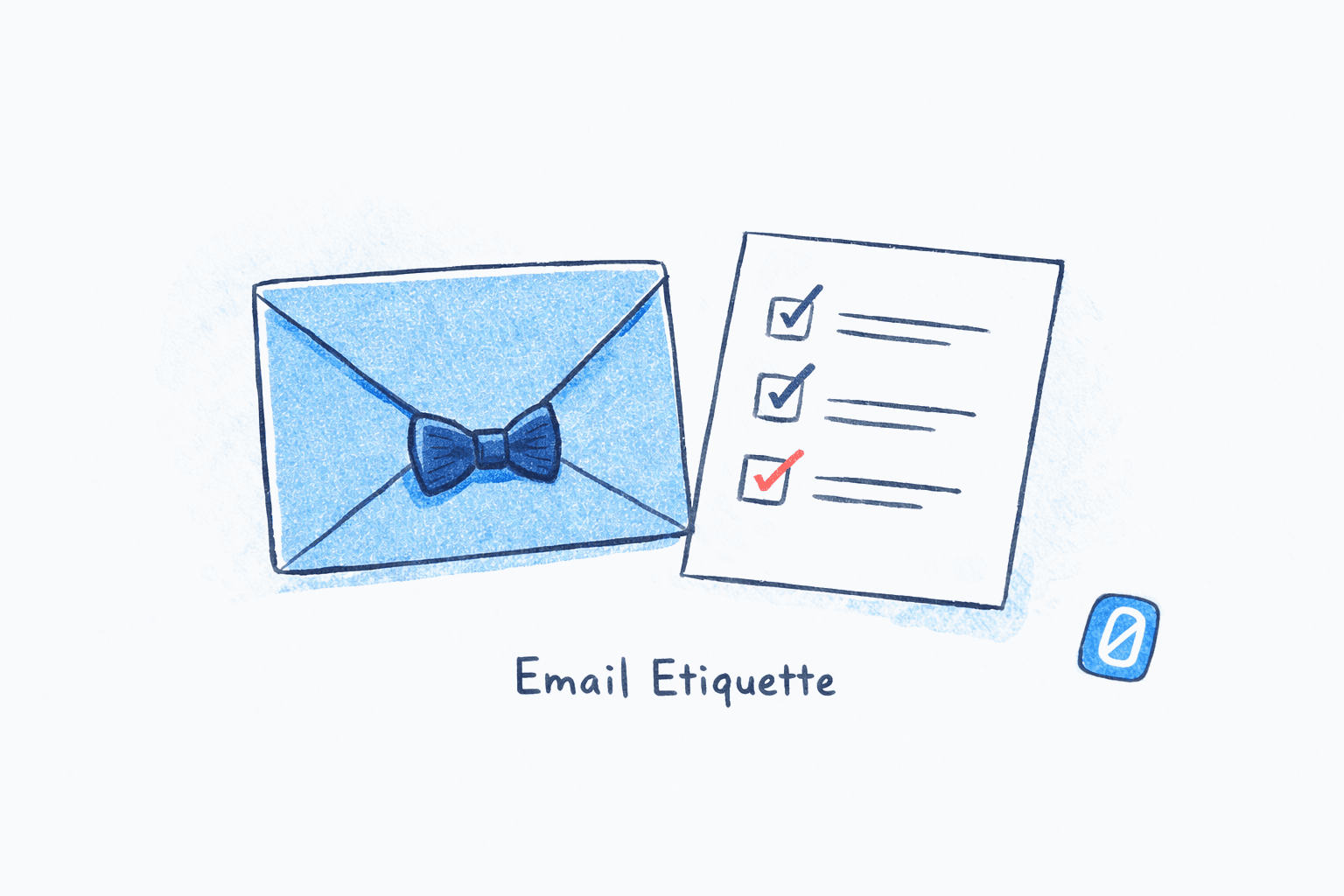
Most email etiquette guides read like they were written in 2009 and updated with a new header image. “Use a professional greeting.” “Don’t use all caps.” Fine. But the real questions professionals face in 2026 are different: Should you disclose that AI drafted your reply? Is a period at the end of a one-word response passive-aggressive? Can you BCC your manager without it being a betrayal of trust?
This guide covers 18 email etiquette rules organized by what actually matters now, not what mattered when BlackBerrys were status symbols. Some of these rules are timeless. Others are brand new. And a handful of “rules” your company probably still enforces are ones you should stop following entirely.
Here is where I’ll be blunt: most workplace email friction comes not from people being rude, but from people being unclear. The email etiquette 2026 landscape looks different from even two years ago, and the email etiquette rules that matter most are the ones that reduce confusion rather than enforce formality. A 2024 Grammarly State of Business Communication report found that miscommunication costs U.S. businesses an estimated $1.2 trillion per year, and email is where most of it starts. Good etiquette is not about politeness for its own sake. It is about reducing the cognitive load you place on other people’s inboxes.
Key Takeaway
Professional email etiquette in 2026 boils down to one principle: respect the recipient’s time and attention. The email etiquette rules that matter most involve clear subject lines, deliberate use of To/CC/BCC, honest tone calibration, and knowing when email is the wrong tool entirely. The 18 rules in this guide are organized by category so you can reference the ones relevant to your situation.
Addressing: Who Gets the Email (and Who Doesn’t)?#
The To, CC, and BCC fields are not decorative. They signal expectation. Good workplace email manners boil down to respecting the recipient’s attention, and the addressing fields are where that starts. Every name you add to an email thread is a person whose attention you are claiming. Use them precisely. Of all the email etiquette rules in this guide, addressing is the one most people get wrong without realizing it.
Rule 1: The To field means “I expect you to act”#
If someone is in the To field, you expect a response or an action from them. If you are just keeping someone informed, they belong in CC. Mixing these up is the single most common source of “I thought you were handling it” confusion.
Rule 2: CC is for visibility, not accountability#
CC a person when they need to know something happened but do not need to do anything about it. The moment you need something from a CCed person, move them to the To field and say so explicitly. Research from the University of Cambridge has shown that excessive CCing, especially CCing someone’s manager, actively erodes workplace trust.
Rule 3: BCC has exactly two legitimate uses#
Use BCC when emailing a large group where recipients should not see each other’s addresses (protecting privacy) and when removing yourself from a thread by BCCing the final recipient. Using BCC to secretly loop in a third party while the other person thinks the conversation is private is a trust violation. If you would not say “I’ve copied Sarah on this,” you should not BCC Sarah.
Rule 4: Stop Reply-Alling unless everyone needs your answer#
Before hitting Reply All, ask: does every person on this thread need to read what I am about to say? If the answer is only the sender, use Reply. A single unnecessary Reply All on a 30-person thread generates 29 interruptions. The math compounds quickly. Among email etiquette rules, this one has the highest annoyance-to-effort ratio.
What Are the Rules for Email Subject Lines in 2026?#
Subject lines are where email etiquette rules meet practical communication. A good subject line tells the recipient what the email is about and what you need from them, in that order. A 2025 Belkins analysis of 5.5 million B2B emails found that subject lines of two to four words had the highest open rates at 46%. Short works.
Rule 5: Front-load the topic and the ask#
“Q3 Budget Review - Approval Needed by Friday” is a complete subject line. “Quick question” is not. The subject line should function as a preview of the entire email. On mobile devices, where over 60% of emails are now opened, recipients see roughly 30-40 characters before truncation.
Rule 6: Use prefixes for action clarity#
Prefixes like [Action Required], [FYI], [Decision Needed], or [No Reply Needed] cost you five extra characters and save your recipient the effort of reading the entire email to determine whether they need to do anything. This is especially valuable for busy professionals managing high-volume inboxes.
Rule 7: Never leave the subject line blank#
A blank subject line is the email equivalent of knocking on someone’s door and standing there silently. It forces the recipient to open the message just to determine if it deserves their attention. Some email clients will filter blank-subject emails as potential spam.
How Quickly Should You Respond to a Professional Email?#
The honest answer: it depends entirely on context, but the widely accepted default is within one business day. Business email etiquette has shifted dramatically in the past five years, and response time expectations have shifted with it. An Organizational Behavior and Human Decision Processes study found that email senders consistently overestimate how quickly recipients expect a response, particularly for non-urgent messages. The result is that people reply faster than anyone requires, sacrificing deep work for phantom urgency.
Rule 8: Acknowledge within 24 hours, even if you cannot answer yet#
If an email requires research or a thoughtful reply, a brief “Got it, I’ll have an answer by Thursday” is more professional than silence followed by a perfect response three days later. The acknowledgment signals that you saw the message and have not dropped it. This is the core principle behind intentional email checking habits.
Rule 9: Urgency belongs in the medium, not the email#
If something genuinely needs a response within the hour, email is the wrong channel. Pick up the phone, send a text, or use your team’s instant messaging tool. This is one of the email etiquette rules that people violate most often without realizing it. Using email for urgent requests trains people to monitor their inbox constantly, which erodes focus and increases stress.
If the pressure to respond instantly is wearing you down, Swizero reduces your inbox to a handful of cards per session, so every email gets deliberate attention instead of a frantic reply.
Tone and Formality: Writing Emails That Land the Way You Intend#
Tone miscommunication is arguably the biggest etiquette problem in professional email, and no list of email etiquette rules is complete without addressing it directly. A landmark study by Kruger, Epley, and Parker published in the Journal of Personality and Social Psychology found that people correctly identify the intended tone of an email only 56% of the time, while believing they are accurate 90% of the time. That gap is where most workplace email conflicts begin.
Rule 10: Write one register more warmly than you think you need to#
Because text strips out vocal inflection, facial expressions, and body language, a message you intend as neutral will often read as cold or curt. Adding “Thanks for flagging this” or “Good question” before a direct answer costs almost nothing and significantly reduces the chance of misinterpretation. Atlassian’s State of Teams 2025 report found that 87% of workers lose an average of five hours per week clarifying confusing messages in email and chat.
I will admit this was the hardest rule for me to internalize. My natural writing style is clipped and direct, which reads perfectly fine in person but lands as terse over email. Adding one warm sentence per message changed how colleagues responded to me within weeks.
Rule 11: Exclamation points are fine in moderation#
The old rule that exclamation points are “unprofessional” is dead. In 2026, a single exclamation point after “Thanks!” or “Great idea!” reads as enthusiastic and approachable. Three exclamation points in a row reads as unhinged. One per email is the sweet spot.
Rule 12: Match your recipient’s level of formality#
If someone signs off with “Cheers,” replying with “Kind regards” creates an awkward tonal mismatch. These professional email rules apply across industries: mirroring the other person’s level of formality is the fastest way to build rapport over email. This is one of the principles behind writing emails that actually get responses.
Where Email Miscommunication Costs Add Up
Source: Grammarly, State of Business Communication, 2024
AI-Generated Emails: The New Etiquette Frontier#
More than half of knowledge workers now use AI tools to draft or edit emails, according to Gallup’s 2026 workforce survey. This raises a question that did not exist two years ago and is quickly becoming one of the most debated email etiquette rules: when should you disclose that AI helped write your message?
Rule 13: Disclose AI when it matters, skip it when it does not#
The emerging consensus: if AI assisted with grammar, spelling, or minor phrasing edits, no disclosure is needed. If AI generated the substantive content of your message and you made only minor edits, disclosure is appropriate, especially in high-stakes contexts like proposals, legal correspondence, or sensitive HR communications. A useful test from SWOOP Analytics’ guidelines on AI disclosure: “Would the recipient feel misled if they found out?”
Rule 14: Always review AI-drafted emails for your voice#
AI draft tools are fast, but they tend toward a generic, slightly formal register that can feel impersonal. Read any AI-generated email aloud before sending. If it does not sound like something you would actually say, edit it until it does. The etiquette violation is not using AI. It is sending something that sounds like a robot wearing your name.
Thread Management and Attachments: Overlooked Email Etiquette Rules#
Rule 15: Change the subject line when the topic drifts#
Email threads that start as “Team lunch Friday?” and end with a discussion about the Q4 roadmap are unsearchable and confusing. When the conversation shifts topics, start a new thread with a new subject line. Your future self, trying to find that one decision buried in a 47-message chain, will thank you.
Rule 16: Name attachments like a professional#
“Document1.pdf” tells the recipient nothing. “Q3-Marketing-Budget-Draft-v2.pdf” tells them everything. Name files descriptively, include version numbers when relevant, and mention the attachment in the body of the email. If you reference an attachment and forget to attach it, send a brief follow-up immediately rather than hoping nobody notices. For more on structuring effective professional messages, see our guide on how to end an email properly.
What Are the Email Etiquette Rules That No Longer Apply?#
Not every old rule aged well. Part of learning modern email etiquette rules is knowing which legacy norms to drop. Here are five you can retire.
| Old Rule | Why It’s Dead | What to Do Instead |
|---|---|---|
| “Dear Sir/Madam” as default greeting | Feels impersonal and assumes gender; 67% of hiring managers view it as outdated (Grammarly, 2026) | Use the person’s name. If unknown, “Hello” or “Hi there” works |
| Always use formal sign-offs | “Yours sincerely” in an internal email reads as sarcastic to many colleagues | Match the thread’s tone. “Best,” “Thanks,” or just your name |
| Never use emojis in work email | Atlassian found 65% of workers use emojis to convey tone; 78% are more likely to engage with messages that include them | Use sparingly and appropriately. A thumbs-up or smiley is fine. A string of party poppers is not |
| Reply to every email | Not all emails need replies. “Thanks!” as a standalone reply adds noise, not value | Reply when you have information, a decision, or a question. Acknowledge receipt only when the sender needs confirmation |
| Emails must be formal and long to be “professional” | Microsoft Research’s analysis of 938,035 enterprise emails found reply rates peak around 40 words and fall away steadily beyond that | Be concise. Short emails are not rude. They are respectful of the reader’s time |
Rule 17: Know when email is the wrong tool#
Email is excellent for asynchronous communication, documentation, and anything that needs a paper trail. Among all the email etiquette rules worth internalizing, knowing when not to send an email might be the most important. Email is terrible for: real-time brainstorming, emotionally sensitive conversations, anything requiring more than three back-and-forth exchanges, and urgent requests that need a response within the hour. For those situations, use a call, a video chat, or a face-to-face conversation. If you want a primer on when to use email versus real-time tools, we have covered that in depth.
Rule 18: Proofread once, then send#
Perfectionism in email is its own form of poor etiquette because it wastes your time and delays information the recipient needs. One careful read-through is enough. If you are agonizing over a single word choice for ten minutes, you are spending attention that could go toward the next email that deserves it.
Frequently Asked Questions#
Is it rude to not reply to an email?#
Not always, and this is one of the most misunderstood email etiquette rules. If an email is purely informational with no question or action request, a reply is unnecessary. The exception is when the sender explicitly asks for confirmation of receipt. In those cases, even a brief “Received, thanks” is appropriate. The etiquette violation is leaving someone wondering whether their message was seen when they clearly need to know.
How formal should a business email be in 2026?#
Less formal than most people assume. Modern email etiquette rules have evolved, and the trend across industries has moved steadily toward conversational professionalism. “Hi Sarah” is appropriate for nearly all business contexts. Reserve “Dear Ms. Chen” for first contact with someone significantly senior or in a formal industry like law or finance. Mirror the other person’s tone after the first exchange.
Should you disclose when AI wrote your email?#
For routine emails where AI assisted with drafting or editing, disclosure is generally unnecessary. For high-stakes communications, especially proposals, legal correspondence, or sensitive personnel matters, disclosure is increasingly expected. The simplest approach is a brief note in your signature like “Drafted with AI assistance” when the content is substantially AI-generated.
Is “Sent from my iPhone” an acceptable excuse for typos?#
It has become socially accepted shorthand for “I wrote this quickly on a small screen, please forgive imperfections.” However, for important client-facing or executive communications, remove the auto-signature and proofread as carefully as you would on desktop. The convenience excuse wears thin on emails where precision matters.
How many people should you CC on a work email?#
As few as possible. Every person you CC is a person whose inbox you are adding to. A good rule of thumb: if someone would not notice or care that they were left off the thread, do not include them. For recurring project updates, consider a shared channel or document instead of a growing CC list.
When is Reply All appropriate?#
Only when every recipient on the thread genuinely needs to see your response. Status updates that affect the whole group, answers to questions the group is waiting on, and corrections to information everyone received are all valid Reply All situations. “Thanks!” and “Got it” directed at one person are not.
Sources#
- The 2024 State of Business Communication. Grammarly and The Harris Poll, 2024. Miscommunication costs U.S. businesses $1.2 trillion annually.
- Egocentrism Over E-Mail: Can We Communicate as Well as We Think?. Kruger, Epley, Parker & Ng, Journal of Personality and Social Psychology, 2005. Email tone correctly identified only 56% of the time.
- B2B Cold Email Subject Lines and Engagement. Belkins, 2025. Analysis of 5.5 million emails; 2-4 word subject lines had 46% open rates.
- State of Teams 2025. Atlassian and YouGov, 2025. 87% of workers lose five hours per week clarifying unclear messages; 65% use emojis to convey tone.
- You Don’t Need to Answer Right Away. Organizational Behavior and Human Decision Processes, 2021. Senders overestimate how quickly recipients expect responses.
- Mobile Email Statistics: How Smartphones Shape Email Engagement. Stripo, 2025. Over 60% of emails opened on mobile devices.
- Americans’ Use of Artificial Intelligence. Gallup, 2026. More than half of knowledge workers use AI tools at work.
- Ethical Use of Generative AI in Internal Communications. SWOOP Analytics, 2025. Framework for when AI disclosure is appropriate.
Your inbox doesn't have to feel like this.
Apply what you just learned, faster.
Put this into practice with Swizero