Updated
How to End an Email: 75+ Sign-Offs for Every Situation
By Chris Stefaner, Co-founder of Swizero
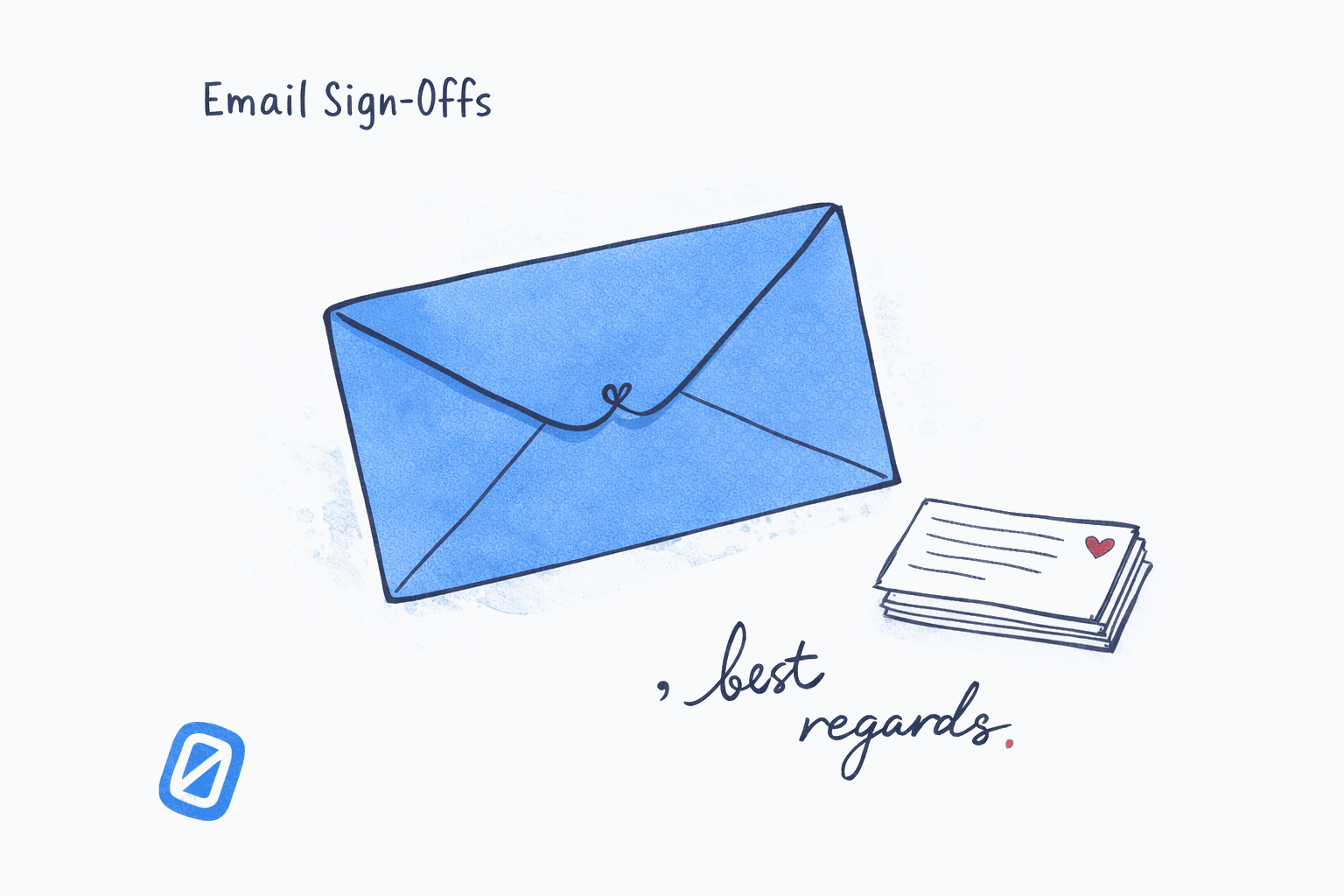
The best way to end an email is to match your sign-off to the relationship and context: “Best regards” for formal threads, “Thanks” for quick requests, “Cheers” when you actually know the person. One word or phrase, a comma, your name. That’s the complete formula for how to end an email.
This guide covers the full range, from buttoned-up professional closings to genuinely funny sign-offs that land well with the right audience. You’ll find 75+ options organized by tone, with notes on when each one works and when it backfires.
How to End an Email: The Basic Structure#
Every email ending has three parts:
- Closing line: one sentence that wraps up the email’s purpose (“Let me know if you have any questions” or “Looking forward to hearing from you”)
- Sign-off: one to three words followed by a comma (“Best regards,”)
- Your name: first name for casual, full name for formal or first contact
A few rules before the lists:
- Capitalize only the first word. “Best regards,” not “Best Regards,”
- Always use a comma after the sign-off phrase, before your name
- Match the tone of the email body. If you wrote formally, sign off formally
- Shorter is usually better. “Thanks,” lands differently than “With many thanks and warmest wishes,”
Professional Email Sign-Offs#
These work for first-contact emails, client correspondence, job applications, proposals, and any situation where you haven’t yet established a casual rapport.
| Sign-Off | Best For | Tone |
|---|---|---|
| Best regards, | All-purpose professional | Neutral |
| Kind regards, | Client emails, new contacts | Warm-professional |
| Regards, | Internal follow-ups | Brief |
| Sincerely, | Cover letters, formal letters | Formal |
| Respectfully, | Very formal, hierarchical | Highly formal |
| Thank you, | Any email with a request | Grateful |
| Thanks, | Collegial, semi-formal | Friendly-professional |
| Best, | All-purpose, widely used | Neutral-friendly |
| All the best, | Slightly warmer than “Best” | Friendly |
| Warm regards, | Warmth with professionalism | Warm |
| With appreciation, | After someone helped you | Warm |
| Many thanks, | After a significant favor | Appreciative |
| Thank you for your time, | Cold outreach, interviews | Formal-grateful |
| Looking forward to it, | Confirming a meeting | Forward-looking |
| Looking forward to speaking, | Before a scheduled call | Forward-looking |
| Talk soon, | Established contacts | Semi-casual |
“Best regards” and “Kind regards” are safe defaults when you genuinely don’t know which level to pick. They communicate competence without coldness.
One note: “Sincerely” can feel oddly stiff in most modern business emails. Save it for actual letters, formal proposals, or legal correspondence. Using it on a quick project update reads like a time traveler from 1987 is in your organization.
How to End an Email Professionally: Situational Sign-Offs#
Some professional contexts have their own conventions. Here are sign-offs matched to specific scenarios.
Job applications and interviews#
- Thank you for your consideration: the standard for cover letters and applications
- I look forward to discussing further: after sending an application or completing an interview
- I appreciate your time: post-interview thank-you emails
- Respectfully: government and legal positions
Sign off a job application email
DesktopUse Thank you for your consideration, as your sign-off. Follow with your full name on the next line, then your phone number and LinkedIn URL. Skip the elaborate email signature for applications and keep it clean.
For first-contact emails with recruiters, 'Kind regards,' is equally safe and slightly less formal.
Networking and cold outreach#
- Best: clean, non-committal, works at any stage
- Thanks for your time: respectful of a busy person’s schedule
- Hoping to hear from you: gentle follow-up tone
When you need action from the recipient#
- Thanks in advance: gratitude is the one part of a sign-off with peer-reviewed evidence behind it. In experiments run entirely over email by Adam Grant and Francesca Gino (Journal of Personality and Social Psychology, 2010), 66% of people agreed to a second request when their first effort had been thanked, compared with 32% who got no thanks
- Looking forward to your feedback: direct but not demanding
- Please don’t hesitate to reach out: open-door framing
Add a closing line before your sign-off
DesktopBefore the sign-off, type a one-sentence closing that restates the email purpose or next step: "Let me know if you have any questions." Then press Enter twice, type your sign-off phrase followed by a comma, press Enter, and type your name.
The closing line and the sign-off serve different purposes. The closing line wraps up the task. The sign-off sets the relational tone.
Casual Email Sign-Offs#
Use these once you have an established relationship: regular teammates, colleagues you message often, or any context where formal closings would feel stiff.
| Sign-Off | When It Works |
|---|---|
| Cheers, | UK-influenced offices, creative industries |
| Thanks! | Casual requests, quick replies |
| Take care, | Friendly professional relationship |
| Have a great day, | Light, positive tone |
| Have a good one, | Peer relationships |
| Talk later, | When you’ll actually talk soon |
| See you then, | Before an upcoming meeting |
| Until next time, | Wrapping up a longer correspondence |
| Catch you later, | Very informal, peer-to-peer only |
The most common mistake is using casual closings before earning them. Signing off with “Cheers!” in your first email to a new client signals a misread of the relationship. If you’re not sure where you stand, go one level more formal than you think you need to. You can always loosen up as the relationship develops.
If choosing a sign-off for every email feels like unnecessary overhead, Swizero’s AI drafting reads the email context and suggests a closing that fits the tone automatically, so the last sentence takes care of itself.
Are Funny Email Sign-Offs Worth Using?#
Yes, in the right context. They work for close teammates, internal threads, or creative-culture companies where deadpan humor is baked into the working style. They backfire with new contacts, senior leadership, or anyone whose sense of humor you haven’t tested.
Dry and deadpan#
- Regretfully yours,
- Yours in chaos,
- Professionally,
- With reluctant optimism,
- In coffee we trust,
- Sent from my existential crisis,
- Yours until email is abolished,
- Against my better judgment,
- With what remains of my enthusiasm,
- Sincerely (lying),
Absurdist and unhinged email sign-offs#
These are best shared only with people who already know you’re weird about it:
- Sent from the void,
- May your replies be brief,
- At peace with this outcome (I am not),
- Running away now,
- Attempting to be helpful,
- Yours in shared suffering,
Corporate parody#
- Per my last email,
- As previously discussed,
- Going forward,
- Circling back,
These are funny precisely because they’ve been used seriously so many times that they’ve become their own genre of workplace absurdism. Using them deliberately, as a joke, signals you’re aware of the culture around you.
Save a funny sign-off as a Gmail template
DesktopIn Gmail, compose an email with just your funny sign-off text. Click the three dots at the bottom of the compose window, select Templates, then Save draft as template and give it a name like "Chaos Mode." Use Insert template to load it when the mood strikes.
Templates also work for standard professional sign-offs. Saving 3-4 tone variants lets you swap in the right one in two clicks.
Creative and Warm Ways to Sign Off an Email#
Not everything falls into professional or funny. These are sign-offs with genuine personality that still read as appropriate in most contexts.
Season and occasion-specific#
- Stay warm, (winter)
- Enjoy the long weekend,
- See you on the other side of Tuesday,
Collaborative and team-oriented#
- Onward,
- More soon,
- To the work,
- In it with you,
Industry-specific sign-offs#
| Industry | Sign-Offs |
|---|---|
| Creative / design | Warmly, / Creating together, |
| Startups / tech | Best, / Ship it, (very informal only) |
| Healthcare | With care, / Take care, |
| Legal | Respectfully, / Very truly yours, |
| Academia | Best wishes, / With collegial regards, |
| Nonprofit | In solidarity, / With purpose, |
| Finance | Best regards, / Kind regards, |
For academic and legal contexts: the sign-off conventions are fairly fixed. Straying too far from “Best regards” or “Sincerely” in those fields reads as unfamiliar with professional norms.
What Sign-Offs Should You Avoid?#
“Warm wishes”: sounds like a greeting card. Oddly impersonal for how warm it’s trying to be.
“Kindly”: common in certain regions, but in American and UK business contexts reads as slightly passive-aggressive (same register as “Please kindly stop ignoring my emails”).
“Yours truly”: fine on a letter. In email, it reads like you’re writing to a Victorian correspondent.
Text abbreviations (“TTYL”, “BRB”): not a text message, even with someone you’re close to.
No sign-off at all: works for very brief internal back-and-forth. For any substantive email, the sign-off is how you close the door. Leaving it off is the email equivalent of walking out mid-sentence.
For more on writing the whole email, not just the closing, the guide on how to write emails people actually read covers structure, subject lines, and length from the top down.
Tips for How to End an Email#
- One sign-off, not two. “Warm regards and best wishes” is both. Pick one.
- Align with your email body’s formality level. Starting “Dear Mr. Chen” and ending “Later,” is a mismatch the recipient will notice.
- Review the whole thread first. If your last three emails ended with “Best,” change it up. Variety keeps correspondence from feeling templated.
- Don’t overthink the choice. “Best” and “Thanks” work in 90% of situations. The sign-off is not the sentence people remember from your email.
- For recurring correspondence, match the other person’s pattern. If they consistently sign off with “Cheers,” mirroring it signals you’re in sync.
If you also want to improve how often you check email and how to keep replies efficient, that post covers the research on response timing and cognitive load. For a broader look at email habits that actually work, the science-backed post there pairs well with this guide.
Frequently Asked Questions#
What is the best way to end a professional email?#
The most reliable professional email sign-offs are “Best regards,” “Kind regards,” and “Thank you.” These work across industries and relationship levels. Use “Best regards” for neutral professionalism, “Kind regards” when you want to add warmth, and “Thank you” or “Thanks” when the email involves a request or task.
How do you end an email to someone you don’t know?#
For first-contact emails, use a formal sign-off: “Best regards,” “Kind regards,” or “Sincerely.” Include your full name and contact details. Avoid casual closings like “Cheers” or “Take care” until you’ve established a rapport with that person over multiple exchanges.
Is it okay to end an email with just your name?#
Ending with only your name works for brief internal replies or ongoing back-and-forth threads where a full closing would feel overly formal. For any substantive email, especially to new contacts or external recipients, include a proper sign-off before your name.
What are some funny ways to end an email?#
Funny email sign-offs work best with people who already know your communication style. Examples include “Yours in chaos,” “With reluctant optimism,” “Sent from my existential crisis,” and corporate parody phrases like “Per my last email” used as a deliberate joke. Reserve these for internal colleagues or close collaborators, and never use them on client-facing or first-contact emails.
What should you avoid in an email sign-off?#
Avoid sign-offs that mismatch the email’s tone, text abbreviations, overly effusive closings like “Warmest regards and best wishes,” and phrases like “Kindly” that can read as passive-aggressive in many English-speaking business contexts. Also avoid religious closings unless you know the recipient shares that language.
How do you end an email asking for something?#
When your email contains a request, use a gratitude-based closing: “Thank you,” “Thanks in advance,” or “I appreciate your help.” The effect is documented in peer-reviewed research. In experiments conducted over email by Adam Grant and Francesca Gino (Journal of Personality and Social Psychology, 2010), 66% of people agreed to help with a second request after their first effort had been thanked, against 32% who received no expression of gratitude. Thanking someone is not filler. It is the part of the closing that does the work.
Does the email sign-off affect reply rates?#
Yes, though through the gratitude, not the exact phrase. There is no reliable public dataset ranking individual sign-off phrases by reply rate, so treat single-number claims about “the best sign-off” with suspicion. What is well supported is the mechanism underneath: Grant and Gino’s 2010 experiments found that expressing appreciation for someone’s help roughly doubled the odds they helped again. Sign-offs that feel presumptuous (“Awaiting your response”) or overly casual (“Later”) cut against that, because they read as taking the favor for granted.
What is the correct format for an email sign-off?#
The correct format is: sign-off phrase, comma, line break, your name. For example: “Best regards,” then a line break, then “Chris.” Capitalize only the first word of the sign-off phrase. Do not use a period after the sign-off. In formal correspondence, follow your name with your title and contact information.
Sources#
- A Little Thanks Goes a Long Way: Explaining Why Gratitude Expressions Motivate Prosocial Behavior. Adam M. Grant and Francesca Gino, Journal of Personality and Social Psychology, 98(6), 946-955, 2010. Email-based experiments: 66% of participants helped with a second request after being thanked, versus 32% who were not.
Your inbox doesn't have to feel like this.
Apply what you just learned, faster.
Put this into practice with Swizero