Email Batch Processing vs Real-Time: What 2026 Research Shows
By Chris Stefaner, Co-founder of Swizero
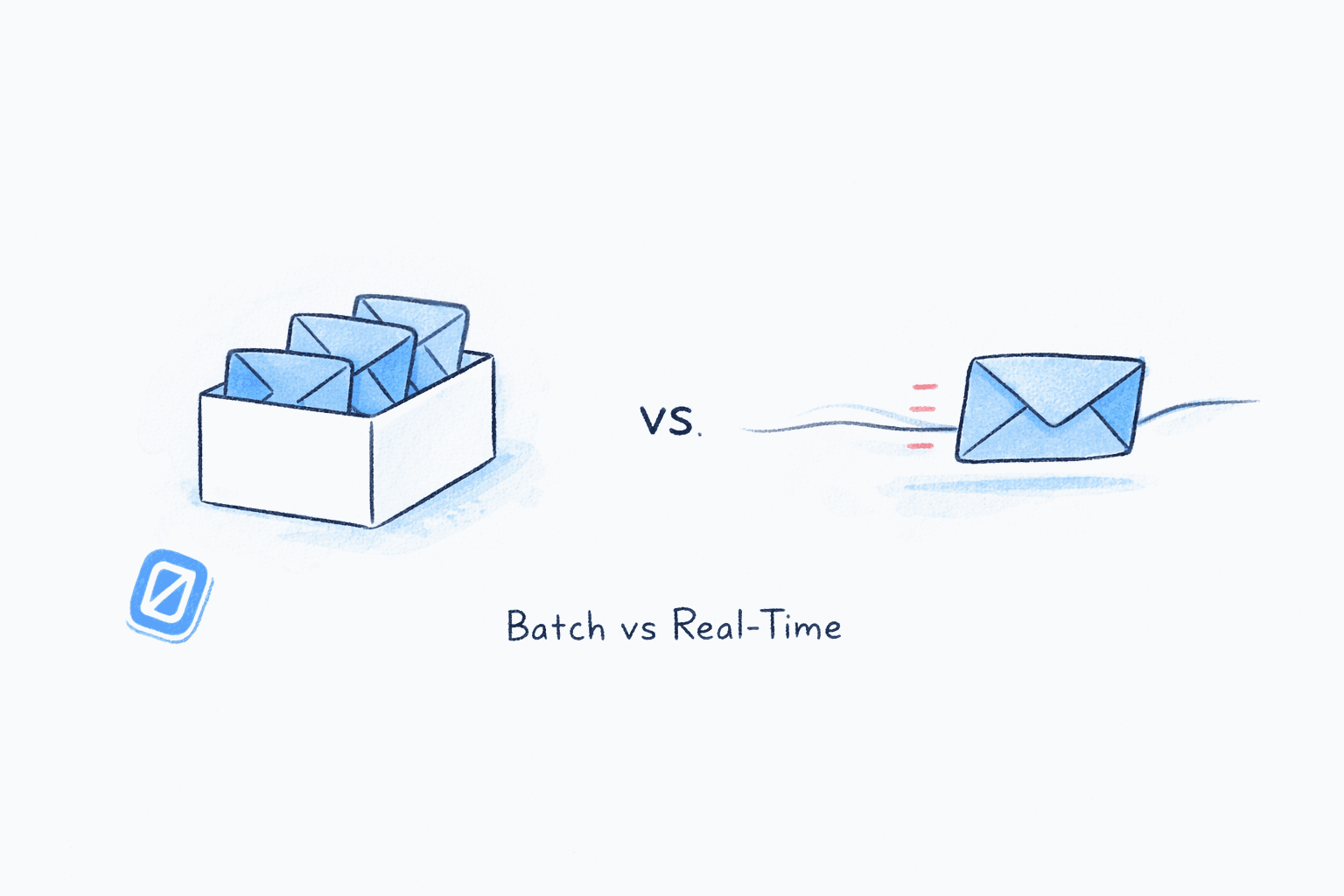
The batching debate is stuck in 2015. Every productivity blog repeats the same advice: check email three times a day, batch your responses, protect your deep work. But the research has moved on, and the answer is more nuanced than either camp admits. If you’ve read the classic guidance on how often to check email, you’ve seen one side of this story. Here’s the rest.
The real finding from 2025-2026 research isn’t that batching beats real-time, or that real-time beats batching. It’s that a hybrid approach, combining AI-assisted triage with structured micro-batching, outperforms both extremes by a significant margin. The professionals who process email fastest and with the least stress aren’t the ones rigidly checking at 9 AM, 12 PM, and 5 PM. They’re the ones who let intelligent filtering surface what’s urgent while processing everything else in focused bursts.
Key Takeaway
Strict email batching reduces stress but creates response lag that damages professional relationships. Constant monitoring destroys focus. The 2026 solution is hybrid micro-batching: AI pre-sorts your inbox by urgency, you process high-priority items in short bursts throughout the day, and batch everything else into one or two focused sessions.
Why Pure Email Batch Processing Falls Short in Practice#
The foundational research on email batching comes from Kushlev and Dunn’s 2015 University of British Columbia study, which found that limiting email checks to three times daily reduced stress. That study launched a thousand productivity articles. But it told only part of the story.
In 2022, researchers Wijngaards, Pronk, and Burger published a randomized controlled trial in Internet Interventions that tested email batching under real workplace conditions. Their findings introduced critical boundary conditions. Email batching reduced emotional exhaustion, but only for workers dealing with high volumes who also believed their organization didn’t expect instant responses. For everyone else, the intervention had no significant effect. Worse, the benefits wore off after two weeks.
That’s the problem with pure batching as a universal prescription. It assumes your workplace tolerates delayed responses. In 2026, many don’t.
Gloria Mark’s longitudinal research at UC Irvine, published in her 2023 book Attention Span, documents that the average attention span on a single screen has collapsed from 2.5 minutes in 2004 to just 47 seconds today. Self-interruption is now as common as external interruption. Telling people to “just batch” ignores the cognitive reality of how modern workers actually engage with information.
What Does Real-Time Email Monitoring Actually Cost?#
The opposite extreme is equally unsustainable. Microsoft’s 2025 Work Trend Index, Breaking Down the Infinite Workday, found that knowledge workers face an interruption every two minutes during core hours. That translates to 275 daily interruptions from meetings, emails, and chat messages. Among those surveyed, 68% reported insufficient uninterrupted focus time, and 80% said they lacked the time and energy to do their work effectively.
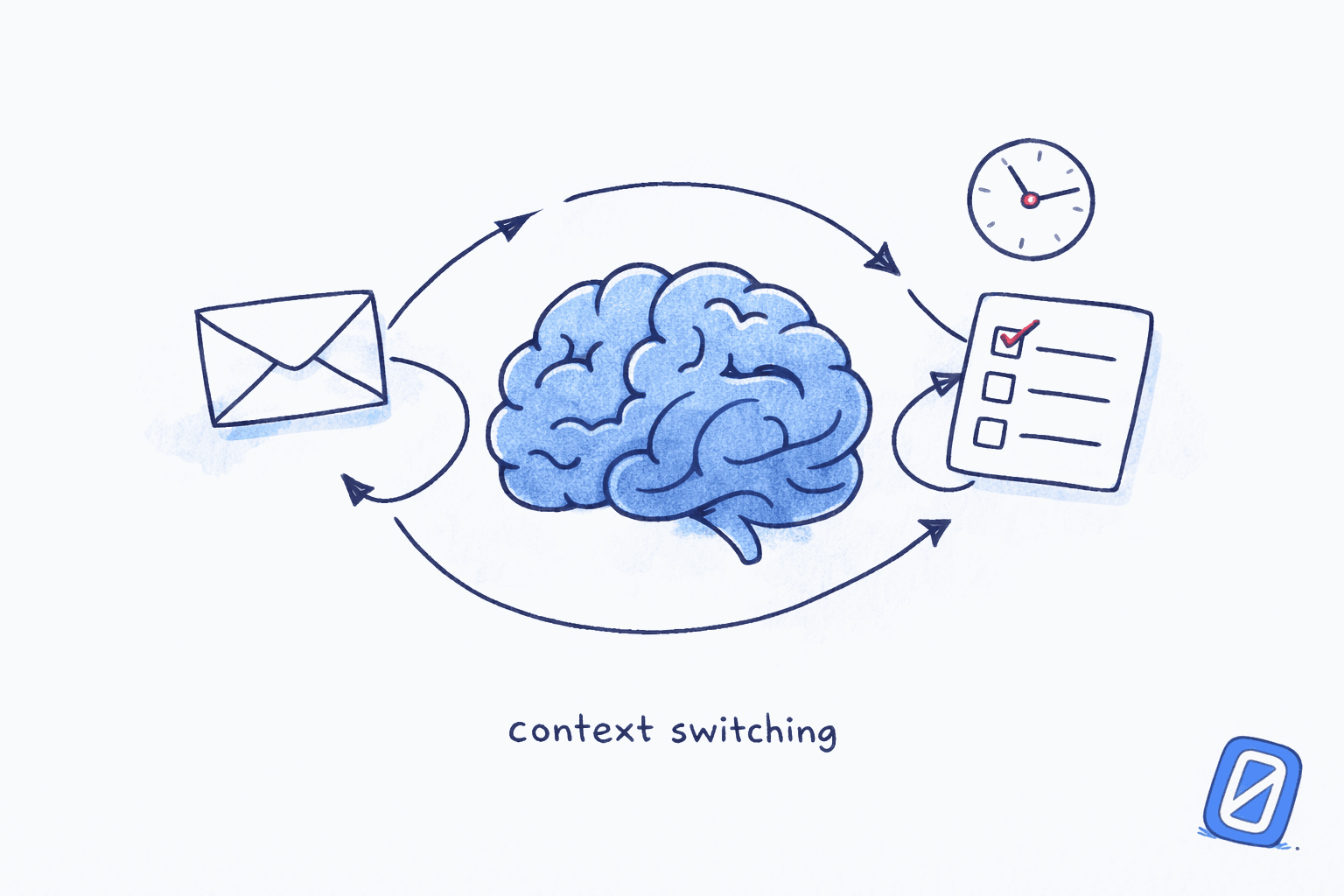
The cognitive cost compounds. As we explored in our analysis of email context switching costs, each context switch after an email check requires an average of 23 minutes to regain full focus, according to Mark’s earlier UC Irvine research. If you check email ten times daily, you’re burning up to 3.8 hours just in refocus time, separate from the time spent actually reading and replying.
The financial toll follows directly from the time. McKinsey Global Institute’s The Social Economy put email at 28% of the knowledge-worker week. On a $100,000 salary, that is roughly $28,000 a year of paid time routed through an inbox, most of it spent on messages that never needed the recipient’s judgment.
The Hybrid Model: What 2026 Research Actually Recommends#
Here’s where it gets interesting. The most productive email workflows emerging from recent research don’t fit neatly into either the “batch” or “real-time” camp. They combine elements of both.
Gloria Mark’s own 2016 CHI study with Shamsi Iqbal at Microsoft Research, Email Duration, Batching and Self-interruption, already hinted at this. The study tracked 40 knowledge workers with computer logs, biosensors, and daily surveys over 12 workdays. Their key finding: people who primarily checked email through self-interruption (rather than responding to notifications) reported higher productivity, especially when combined with longer email processing sessions. Batching correlated with higher productivity ratings, but, notably, it did not reduce measured stress.
The hybrid micro-batching model that’s emerged in 2025-2026 synthesizes these findings into a practical framework:
-
AI triage runs continuously in the background. Incoming messages are scored by urgency, sender importance, and content signals. Only genuinely time-sensitive items surface as notifications.
-
Micro-batches handle urgent items. Two to four times per day, you spend 5-10 minutes on items your AI has flagged as requiring a same-day response. These are short, focused bursts rather than open-ended inbox browsing.
-
One deep processing session handles the rest. A single 25-30 minute window processes non-urgent email in batch. This is where you compose thoughtful replies, make decisions, and clear your queue.
The result: you never miss something genuinely urgent (the failure mode of pure batching), but you also never fall into the reactive trap of real-time monitoring. Your response time for important messages stays under two hours while your deep work blocks remain protected.
If the reactive inbox trap resonates, Swizero builds this hybrid model into your Gmail. AI ranks what matters, surfaces it as a fixed card limit, and gives you a session with a finish line instead of an endless scroll.
What Does the Response Time Data Say?#
One of the strongest arguments against strict batching is the response-time expectation gap. Research by Laura Giurge (London Business School) and Vanessa Bohns (Cornell University), published in Organizational Behavior and Human Decision Processes, identified what they call the “email urgency bias.” Across eight studies, they found that email recipients consistently overestimate how quickly senders expect responses, particularly for messages received outside regular working hours.
This creates a vicious cycle. Workers feel pressure to respond immediately (even when senders don’t expect it), which pushes them toward constant monitoring, which fragments their attention, which reduces both their output quality and their well-being.
“There is no shortcut to designing healthy workplace norms. Organizations need explicit and ongoing discussions around the purposes and usage of communication tools.”
-- Laura Giurge, Assistant Professor of Organisational Behaviour, London Business School
The hybrid model breaks this cycle. Because AI triage identifies genuinely urgent items, workers can trust that anything not flagged can wait for their next batch session. This eliminates the ambient anxiety of “what if I’m missing something critical” that drives compulsive checking.
How Does AI Triage Change the Batching Equation?#
The 2015 batching research assumed a world where all emails arrive in an undifferentiated stream. You either checked everything or checked nothing. AI-assisted triage changes that fundamental constraint.
Gallup’s 2026 State of the Global Workplace Report found that global employee engagement fell to 21% in 2024, with 41% of employees reporting significant daily stress. Digital overload, specifically the constant toggle between communication tools, emerged as a primary burnout driver. The report noted that forcing workers to switch between eight different applications compounds exhaustion.
AI triage addresses this by reducing the decision load before you even open your inbox. Instead of scanning 121 messages to identify the five that need immediate attention, the sorting is done for you. You process only what your AI deems relevant to your current work context.
The mechanism is simple arithmetic on refocus time. Every check you remove is a refocus you do not have to pay for, and the savings compound faster than the reduction in checks.
Who Benefits Most from the Hybrid Approach?#
The Wijngaards study’s most important contribution wasn’t proving that batching works. It was identifying for whom it works. Email batching reduced exhaustion specifically for high-volume workers whose organizations didn’t expect instant responses. That finding suggests the hybrid model’s value depends on your role.
High-urgency roles (customer support, executive assistants, sales): Pure batching is impractical. These roles benefit most from AI triage that surfaces urgent items in real-time while batching routine messages.
Deep work roles (engineers, writers, analysts): These workers can tolerate longer batch intervals. AI triage serves as a safety net, ensuring nothing critical slips while they maintain 2-3 hour focus blocks.
Management roles: The Microsoft data shows managers face the steepest engagement decline, with a five-point drop between 2024 and 2025. Managers need the micro-batch model most because their work alternates rapidly between communication and decision-making. The email triage framework we’ve covered previously maps well to this role.
“The longer daily time spent on email, the lower perceived productivity and the higher measured stress.”
-- Gloria Mark, Chancellor’s Professor of Informatics, UC Irvine
The point isn’t that one approach is universally correct. It’s that the rigid “check three times a day” prescription ignores the reality that different jobs have different communication demands. The hybrid model adapts to those demands rather than fighting them.
What About the Stress Question?#
Here’s a finding that surprises people: Mark and Iqbal’s 2016 study found that batching email did not lead to lower stress, despite popular claims to the contrary. The stress reduction attributed to batching in Kushlev and Dunn’s 2015 study may have been driven by reduced volume of email engagement rather than the batching pattern itself.
The hybrid model addresses stress through a different mechanism: certainty. When you trust that your AI triage will flag anything urgent, the background anxiety of an unchecked inbox diminishes. You’re not stressed because you’re ignoring email. You’re calm because you know nothing is being missed.
Microsoft’s infinite workday data supports this interpretation. The 40% of workers checking email before 6 AM and the 30% returning to their inbox by 10 PM aren’t driven by actual urgency. They’re driven by uncertainty about whether something urgent awaits. AI triage eliminates that uncertainty, which may do more for stress than any fixed schedule ever could.
How to Implement Hybrid Micro-Batching#
If you want to move from reactive email processing to a hybrid model, here’s the practical framework supported by the 2025-2026 research:
Morning triage (5 minutes). Let AI pre-sort overnight messages. Scan only what’s flagged urgent. Respond or defer. Don’t open the full inbox.
Mid-day micro-batch (5-10 minutes). Process AI-flagged items that arrived during your deep work block. Quick responses only. Anything requiring more than two minutes goes into the afternoon batch.
Afternoon deep session (25-30 minutes). Process remaining email in one focused window. Compose replies, make decisions, clear your queue to zero. This is where the finish line concept pays off.
Evening boundary (0 minutes). Nothing after hours. The AI catches overnight urgency; you’ll see it in the morning triage. The research from Microsoft’s Work Trend Index is clear: after-hours chat has increased 15% year-over-year and it correlates directly with burnout.
Total daily email time under this model: 35-45 minutes. Compare that to the 2.3 hours average for reactive processors or the 13 hours per week the baseline data suggests for unstructured email engagement.
Frequently Asked Questions#
Is email batching still effective in 2026?#
Email batching remains effective for reducing time spent on email, but the 2022 Wijngaards randomized trial showed its stress-reduction benefits are contingent on organizational culture and email volume. Pure batching works best when your workplace doesn’t expect instant responses. For most professionals, a hybrid approach combining AI triage with structured batches outperforms strict batching alone.
How often should I check email with the hybrid model?#
The hybrid micro-batching model involves two to three brief AI-assisted triage sessions (5-10 minutes each) plus one deeper processing session (25-30 minutes). Total daily email time: 35-45 minutes. The key difference from reactive checking is that only pre-filtered urgent items surface in the short sessions.
Does AI email triage actually reduce stress or just save time?#
Both, and the stress reduction is the larger effect. It comes less from time savings than from eliminating the uncertainty that drives compulsive inbox checking. When you trust that nothing urgent is being missed, the background anxiety of an unchecked inbox disappears.
What’s the difference between micro-batching and just checking email frequently?#
Micro-batching is intentional and filtered. You check only AI-flagged urgent items during brief sessions, then batch everything else into a single deep session. Frequent checking is reactive and unfiltered, meaning you scan the entire inbox each time. The cognitive cost of micro-batching is low because you’re processing a small pre-sorted queue, not making triage decisions on 121 messages.
Can I implement hybrid micro-batching without AI tools?#
Partially. You can use VIP filters and priority inbox settings to approximate AI triage. But research suggests the manual overhead of maintaining rules and filters often pushes people back toward reactive checking. Purpose-built AI triage tools like Swizero handle the sorting automatically, letting you focus on the processing rather than the prioritization.
Sources#
- For Whom and Under What Circumstances Does Email Message Batching Work? -- Wijngaards, Pronk, and Burger, Internet Interventions, 2022. Randomized trial showing batching reduces exhaustion only for high-volume workers in organizations without instant-response expectations.
- Email Duration, Batching and Self-interruption: Patterns of Email Use on Productivity and Stress -- Mark, Iqbal, Czerwinski, Johns, Sano, and Lutchyn, CHI 2016. In-situ study of 40 workers showing batching correlates with productivity but not stress reduction.
- Breaking Down the Infinite Workday -- Microsoft Work Trend Index, 2025. Knowledge workers face 275 daily interruptions; 68% report insufficient focus time.
- Attention Span: A Groundbreaking Way to Restore Balance, Happiness and Productivity -- Gloria Mark, 2023. Documents the decline from 2.5-minute to 47-second average attention spans on screens.
- You Don’t Need to Answer Right Away! -- Giurge and Bohns, Organizational Behavior and Human Decision Processes, 2021. Eight studies documenting the email urgency bias.
- The Social Economy: Unlocking value and productivity through social technologies -- McKinsey Global Institute, 2012. Interaction workers spend an estimated 28% of the workweek managing email.
- State of the Global Workplace 2026 -- Gallup, 2026. Global engagement at 21%, with digital overload identified as a primary burnout driver.
Your inbox doesn't have to feel like this.
Swizero finishes your email in minutes, not hours.
Give your inbox a finish line