Out of Office Email: Templates for Every Situation
By Chris Stefaner, Co-founder of Swizero
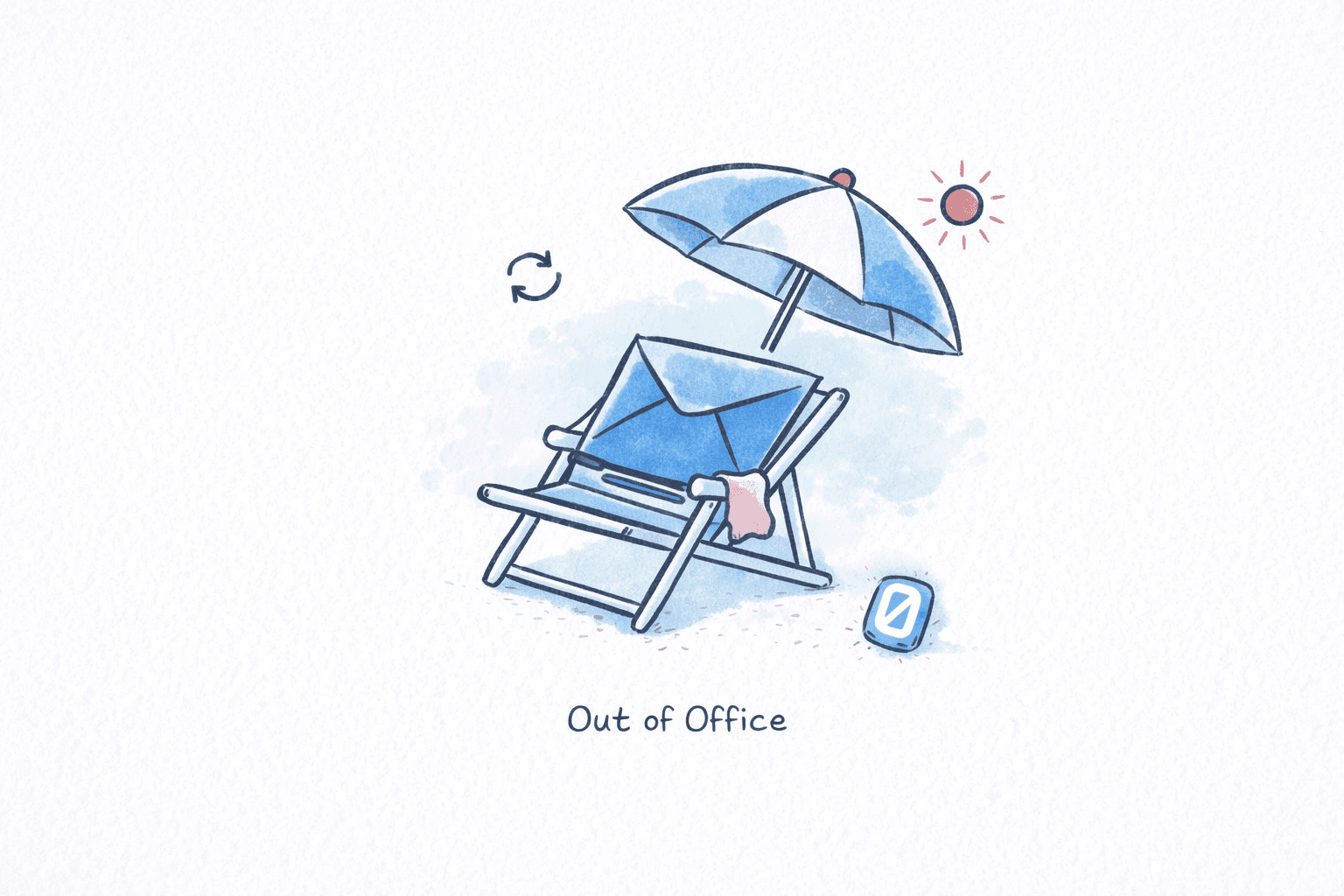
An out of office email tells people you are away, when you will return, and who to contact in the meantime. A good one takes 30 seconds to write. A bad one leaks personal details to strangers, leaves coworkers guessing, or promises “limited access” when you really mean “no access at all.”
Below are out of office message examples organized by situation, along with a checklist for what to include (and what to leave out), security tips most people skip, and step-by-step setup instructions for Gmail and Outlook.
What Every Out of Office Email Needs#
Before copying an out of office email template, check that yours covers these five essentials:
| Element | Why it matters | Example |
|---|---|---|
| Clear absence dates | Senders know whether to wait or escalate | “Sept 3 through Sept 14” |
| Return date or timeframe | Sets expectations for a reply | “I’ll respond when I return on September 15” |
| Alternative contact | Prevents blocked decisions | “Reach Jamie Lee at jamie@company.com” |
| Response expectation | Stops follow-up chains | “I will not be checking email during this time” |
| Professional tone | Reflects well on you and your company | Brief, warm, no oversharing |
One thing this table does not include: your personal reason for being away. External contacts do not need to know you are on a beach in Portugal or recovering from surgery. A vague “away from the office” is almost always the right call for anyone outside your team. (For more on setting healthy email boundaries, see our guide to after-hours email policies that actually work.)
How Should You Handle Out of Office Messages for Different Situations?#
The right out of office email depends on how long you will be gone, whether you will have any email access, and who is sending you messages. Each OOO email template below covers a different scenario, so pick the one closest to your situation and customize it.
Vacation (1-2 weeks)#
Thank you for your email. I’m out of the office from [start date] through [end date] with no email access. For urgent matters, please contact [Name] at [email]. I’ll respond to your message when I return on [return date].
Extended vacation (2+ weeks)#
Hi there, I’m currently away on an extended break and will return to the office on [date]. During this time I will not be monitoring email. For anything time-sensitive, please reach out to [Name] at [email], who is covering my responsibilities. All other messages will be addressed after [return date].
Sick leave (unknown return date)#
Thank you for reaching out. I am currently out of the office for medical reasons and unable to respond to email. For immediate assistance, please contact [Name] at [email]. I appreciate your patience and will follow up when I return.
Honestly, sick leave messages are the hardest to write. You do not know when you will be back, and you do not owe anyone a diagnosis. Keep it short.
Parental leave#
Thank you for your message. I am on parental leave through [month, year]. During this time I will not be checking email. For urgent requests, please contact [Name] at [email]. For [specific area], reach out to [Name 2] at [email 2]. I look forward to reconnecting upon my return.
Parental leave OOO messages work best when you list separate contacts for separate responsibilities, since you may be gone for months and a single backup person can become a bottleneck.
Sabbatical#
Hello! I’m on sabbatical from [company] through [month, year] and will not have access to this email account. Please direct all inquiries to [Name] at [email]. Thank you for understanding.
Conference or work travel#
Thanks for your email. I’m attending [conference name] from [dates] and will have limited email access. I’ll do my best to respond within 48 hours. If your matter is urgent, please contact [Name] at [email].
This is one of the few situations where “limited access” is actually accurate. You are not off the grid; you are in sessions all day and checking email over lunch.
Personal day#
I’m out of the office today and will return tomorrow, [date]. For urgent matters, contact [Name] at [email]. Otherwise, I’ll respond when I’m back.
For a single day, brevity is the whole point. No one needs three paragraphs explaining a personal day.
Extended leave (medical, family, or personal)#
Thank you for your email. I am on an extended leave of absence and will return on [date or “at a later date”]. All matters related to [area] are being handled by [Name] at [email]. Your patience is appreciated.
Internal-only (for colleagues and teammates)#
Hey team, I’m out from [dates] for [vacation/personal time]. [Name] is covering [specific tasks]. Slack me only if something is on fire. Otherwise, I’ll catch up on [return date]. Enjoy the quiet inbox while it lasts.
Internal messages can be warmer and more casual. Your teammates already know you; external contacts do not.
VIP clients#
Thank you for reaching out. I’m currently away from the office and will return on [date]. To ensure you receive prompt attention, I’ve arranged for [Name, Title] to assist you directly. You can reach them at [email] or [phone]. I’ll also follow up with you personally upon my return.
The difference here is the personal follow-up promise. VIP clients should feel like a named human is tracking their request, not that they have been routed to a generic queue.
Funny / creative#
You’ve reached my inbox, but I haven’t. I’m out of office until [date], probably eating questionable street food or reading a book that is definitely not about email. For anything urgent, [Name] at [email] is your hero. For everything else, I’ll be back on [date] with a tan and a fresh perspective.
A word of caution: a funny out of office email works well with people who already know your personality. If your inbox gets a lot of cold outreach, recruiters, or client inquiries, consider using a professional version for external senders and saving the humor for your internal auto-reply. Need help nailing the right tone? Our guide to writing better emails covers how to match tone to audience.
Holiday period (end of year)#
Thank you for your email. Our office is closed for the holiday period from [date] through [date]. I will respond to your message when we reopen on [return date]. For emergencies, contact [Name] at [email]. Wishing you a happy holiday season.
What Should You Leave Out of an Out of Office Reply?#
Your out of office email is visible to everyone who emails you, including strangers. Security researchers at Proofpoint have flagged out-of-office auto-replies as a meaningful attack surface. Here is what to avoid and why.
Your specific location. “I’m in Bali until the 15th” tells a stranger you are not at home and your house may be unoccupied. It also tells a social engineer exactly where you are.
Your personal phone number. If someone needs to reach you urgently, they can contact your designated backup. Putting a cell number in an auto-reply broadcasts it to every newsletter, spam bot, and cold emailer in your inbox.
Your supervisor’s name and contact details. According to the FBI’s Internet Crime Complaint Center, business email compromise (BEC) attacks caused $2.9 billion in losses in 2023 alone. Chain-of-command details in your OOO message give attackers exactly what they need to impersonate your boss.
The word “limited access” when you mean “no access.” This is probably the most common OOO lie. If you are not going to check email, say so. “Limited access” trains people to expect a slow reply, and then they get frustrated when they receive no reply at all. Be honest; it sets better expectations.
Medical or personal details. “I’m recovering from knee surgery” or “I’m at a funeral” are details that external senders have no business knowing. “Out of the office for personal reasons” works fine. If you want to understand why inbox-related stress runs so deep, our piece on email and mental health digs into the research.
| Do | Don’t |
|---|---|
| State return date clearly | Say “limited access” when you mean none |
| Name one alternative contact | List your cell phone for all external senders |
| Keep it under 100 words | Reveal your travel destination |
| Use separate internal/external messages | Share medical or personal details |
| Test it from a personal email first | Assume it works without checking |
How Do You Set Up an Out of Office Email in Gmail?#
Setting up an auto reply vacation message takes under two minutes on desktop and slightly less on mobile.
On desktop#
Open Gmail Settings
DesktopClick the gear icon in the top-right corner of Gmail, then click See all settings.
Find the Vacation Responder
DesktopScroll down to the Vacation responder section near the bottom of the General tab. Select Vacation responder on.
Set Dates and Message
DesktopEnter your First day and Last day (checking the end-date box). Write your subject line and message body. Optionally check Only send a response to people in my Contacts to avoid replying to spam.
Gmail sends your auto-reply to each sender only once every four days, unless they send you a new message.
Click Save Changes at the bottom of the page. A yellow banner will appear across the top of your inbox confirming the vacation responder is active.
On the Gmail mobile app#
Open Settings in the Gmail App
Gmail AppTap the hamburger menu (three lines) in the top-left, scroll down, and tap Settings. Select your email account.
Enable the Vacation Responder
Gmail AppTap Vacation responder (Android) or Out of Office AutoReply (iOS). Toggle it on, enter your dates, subject, and message, then tap Save or Done.
Set your start date to the day before your actual departure. This gives you a buffer if you log off early.
According to Google’s own support documentation, your auto-reply starts at 12:00 AM on the start date and ends at 11:59 PM on the end date.
How Do You Set Up an Out of Office Email in Outlook?#
Outlook calls this feature “Automatic Replies” and lets you set different messages for internal and external contacts.
Open Automatic Replies
DesktopIn the new Outlook, click the View tab, then View settings, then Accounts → Automatic Replies. In classic Outlook, go to File → Automatic Replies.
Toggle on Turn on automatic replies, set your start and end dates, and write your message. On the Inside My Organization tab, write your internal version. On the Outside My Organization tab, write your external version. Microsoft’s support page notes that sending replies outside your organization will respond to every inbound email, including newsletters and spam, so consider restricting external replies to contacts only.
Tips for Writing a Better Out of Office Email#
-
Write two versions. Most email platforms let you set separate internal and external auto-replies. Use the internal version for specifics (“Jamie is handling the Henderson account”) and the external version for basics (“I’ll be back September 15”). Getting the sign-off right matters too; our list of 75+ email sign-offs has options for every tone.
-
Set a return-date buffer. If you get back on Monday, set your OOO return date to Tuesday. That first day back will be consumed by catching up, and you do not want people expecting an immediate reply at 9 AM while you are still digging through hundreds of accumulated messages.
-
Test it. Send yourself a test from a personal email before you leave. A surprising number of auto-replies are either not active, have typos in the backup contact’s email, or look broken on mobile.
-
Remove your out of office email the moment you return. An active OOO message three days after you are back makes you look disorganized, and it keeps routing people to your backup unnecessarily.
-
Do not promise what you cannot deliver. “I’ll respond to all messages upon my return” sounds professional until you come back to 400 unread emails. According to an Empower survey of 1,028 full-time employees, 49% check work email during PTO anyway. That statistic tells you something: the dread of the return-to-work inbox is real.
If the post-vacation inbox avalanche is the part of time off you dread most, Swizero takes a different approach. A fixed card limit means you come back to a handful of prioritized cards, not 500 unread messages competing for your attention.
Frequently Asked Questions#
Should your out of office email say why you are away?#
For internal contacts, a brief reason (“vacation,” “parental leave”) helps teammates plan coverage. For external contacts, you do not need to explain. “I am out of the office” is sufficient. Oversharing can create security vulnerabilities and is rarely necessary for a professional auto-reply.
How long should an out of office email be?#
Keep it under 100 words. Aim for 3-5 sentences covering your return date, whether you have email access, and who to contact for urgent matters. Longer messages get skimmed or ignored entirely.
Can you set different out of office email messages for internal and external contacts?#
Yes. Both Gmail and Outlook support this. Gmail offers a checkbox to restrict replies to your contacts only, while Outlook provides separate tabs for “Inside My Organization” and “Outside My Organization” messages. Use this to share specific project handoff details internally and a more guarded message externally.
Is it unprofessional to use a funny out of office email?#
Not necessarily, but context matters. A humorous OOO works well for internal audiences and industries with casual cultures (creative agencies, startups). For client-facing roles, law firms, or finance, stick with a professional tone. When in doubt, use humor internally and keep the external reply straightforward.
Should you set up your out of office email the day you leave?#
Set it up the day before, or at minimum 30 minutes before you log off. Last-minute setup leads to typos, forgotten backup contacts, and the risk of leaving without activating it. Test it from a personal email to confirm it fires correctly.
Do out of office replies go to every email you receive?#
In Gmail, the vacation responder sends a reply to each unique sender only once every four days. If the same person emails you again, Gmail will not send another auto-reply unless their message has a different subject. In Outlook, you can restrict external replies to contacts only, which prevents auto-replying to newsletters, marketing emails, and spam.
What is the biggest security risk of out of office emails?#
Revealing organizational hierarchy and personal contact details to external senders. Attackers use this information for business email compromise scams, which cost organizations $2.9 billion in 2023 according to the FBI. Never include your personal phone number, your manager’s name, or your physical location in an external-facing auto-reply.
How do you write an out of office email for parental leave?#
State that you are on parental leave, give a general return timeframe (a specific month rather than an exact date, since plans can shift), list separate contacts for separate areas of responsibility, and clearly state that you will not be checking email. Avoid specifying details about the birth or adoption; “parental leave” is all anyone needs to know.
Sources#
- Send an automatic reply when you’re out of office. Google Support. Gmail vacation responder setup and behavior documentation.
- Set up auto-reply (out of office). Microsoft Support. Outlook Automatic Replies setup guide.
- Are Your Out-of-Office Replies Revealing Too Much?. Proofpoint. Security analysis of OOO auto-reply risks.
- Business Email Compromise. FBI IC3. $2.9 billion in BEC losses reported in 2023.
- Pursuit of PTO: Half of Americans Feel Tied to Their Emails on Vacation. Empower, 2024. Survey of 1,028 full-time employees on PTO and email behavior.
Your inbox doesn't have to feel like this.
Apply what you just learned, faster.
Put this into practice with Swizero