How to Stop Spam Emails That Won't Unsubscribe
By Chris Stefaner, Co-founder of Swizero
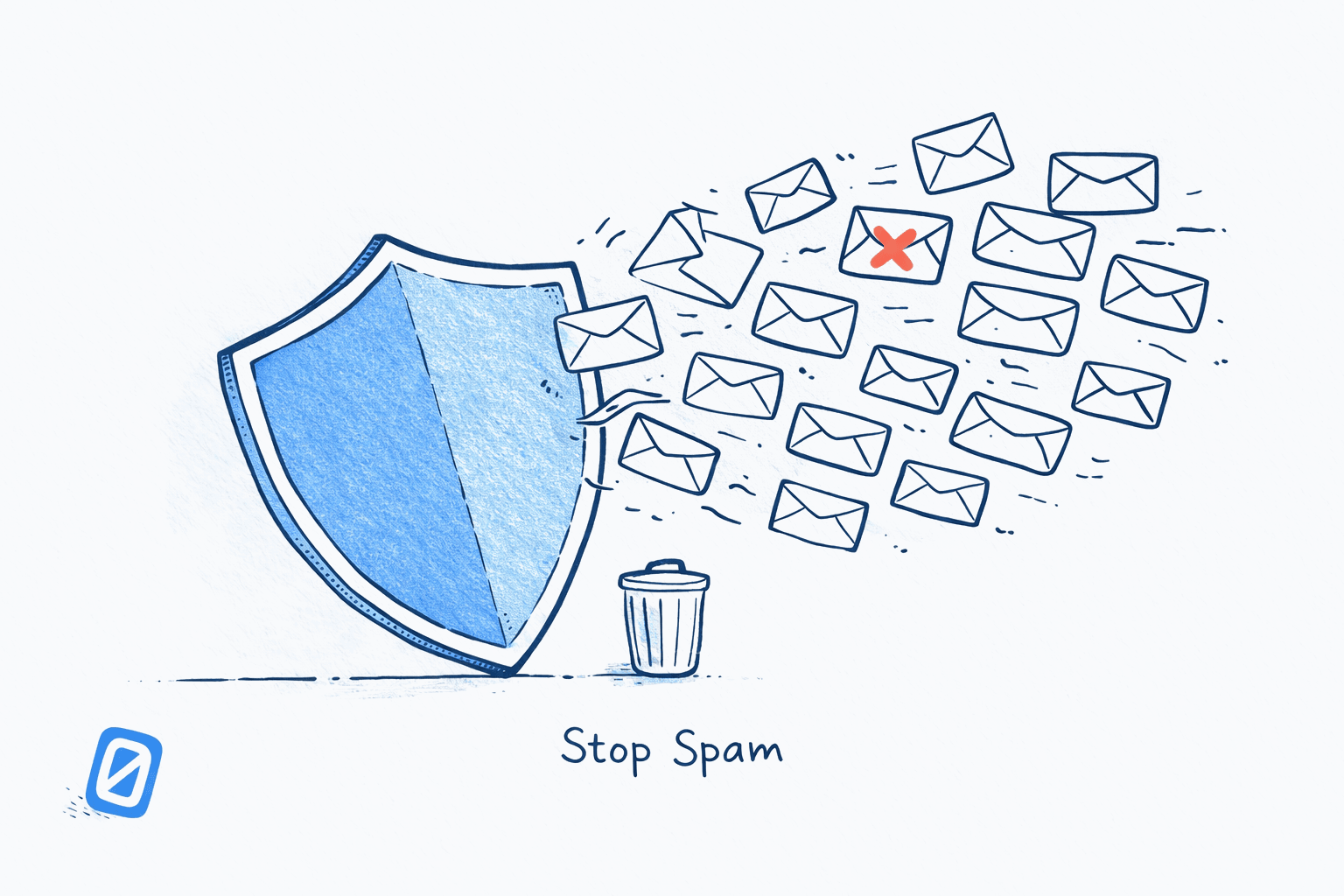
Wondering how to stop spam emails that ignore your unsubscribe requests? Start by reporting the sender to the FTC at ReportFraud.ftc.gov, blocking them in Gmail or Outlook, creating filters to auto-delete their messages, and filing complaints with their ISP through SpamCop. If the sender is violating the CAN-SPAM Act, each illegal email carries a penalty of up to $53,088.
Unsubscribing works for legitimate newsletters. But roughly 46% of all email traffic is spam, and the senders behind true junk mail have no intention of honoring your opt-out request. This guide on how to stop spam emails covers the legal protections you already have, how to report violators, and the Gmail and Outlook tools that go beyond the spam button.
What Makes an Email Legally Spam (and How to Stop Spam Emails That Break the Law)?#
Under the CAN-SPAM Act of 2003, a commercial email is illegal if it does any of the following:
- Uses a deceptive subject line or false “From” information
- Fails to identify itself as an advertisement
- Omits a valid physical postal address
- Does not include a working unsubscribe mechanism
- Ignores your opt-out request (senders must honor requests within 10 business days)
If a sender keeps emailing you after you unsubscribe, they are breaking federal law. Knowing how to stop spam emails from these repeat offenders starts with understanding the penalties they face. Each separate email in violation is subject to penalties of up to $53,088, and the FTC can pursue both the company that sent the email and the company whose product was advertised.
For EU residents, the GDPR provides even stronger protections. Regulators can fine violators up to 20 million euros or 4% of global annual revenue, whichever is higher. Since enforcement began in 2018, cumulative GDPR penalties have exceeded 7.1 billion euros across more than 2,245 documented fines. The French regulator CNIL fined Orange 50 million euros in 2025 specifically for blending advertisements with regular emails without proper consent.
How Do You Report Spam to the FTC and ISPs?#
Knowing when and how to report spam email to the FTC matters because reporting does two things: it builds the FTC’s enforcement database, and it gets the sender’s infrastructure flagged by their own internet service provider. Here is how to do both.
Report to the FTC#
Forward the spam email to ReportFraud.ftc.gov. The FTC uses reports stored in this database to pursue law enforcement actions against senders of deceptive email. You can also forward spam directly to spam@uce.gov, which feeds into the same system.
Report to the Sender’s ISP via SpamCop#
SpamCop is a free service that automates ISP reporting. Sign up, and you receive a unique forwarding address. Forward your spam there, and SpamCop parses the email headers, identifies the originating server, looks up the ISP’s abuse contact, and lets you send a complaint with one click.
Register a Free SpamCop Account
Go to [SpamCop.net](https://www.spamcop.net/) and click Register. You will receive a unique reporting email address like submit.abc123@spam.spamcop.net.
Save this address as a contact in your phone so you can forward spam quickly from mobile.
Forward Full Headers to SpamCop
DesktopIn Gmail, open the spam email, click the three-dot menu next to Reply, and select Show original. Copy the full headers and paste them into SpamCop, or forward the raw message to your SpamCop reporting address.
SpamCop requires full email headers. Without them, it cannot trace the originating server.
You can also report directly to the sender’s ISP by emailing abuse@[their-domain].com. The database at Abuse.net helps you find the correct contact address for any ISP.
How to Block Spam Emails in Gmail (Beyond the Spam Button)#
If you want to know how to stop spam emails in Gmail specifically, hitting “Report spam” teaches the filter, but persistent senders often rotate addresses. Here is how to block spam emails Gmail cannot catch with its default tools.
Block a Specific Sender#
Open any email from the sender, click the three-dot menu next to Reply, and select Block [sender name]. All future messages from that address go straight to Spam.
Create a Filter to Auto-Delete#
Filters catch messages even when the sender changes their display name but keeps a similar domain or keyword pattern.
Create a Gmail Filter
DesktopClick the search options icon (the sliders) in the Gmail search bar. Enter the sender address or domain in the From field. Click Create filter. Check Delete it and click Create filter again.
Use wildcard domains like "@spammydomain.com" to catch all addresses from that domain, not just one sender.
Use Keyword-Based Filters for Pattern Spam#
Some spam shares common subject line phrases (“You’ve been selected,” “Act now,” “Limited time offer”). Create filters using the Has the words field to catch these patterns regardless of sender address.
How to Stop Spam Emails in Outlook#
Outlook offers tiered junk email protection. Open Settings, go to Junk email, and adjust the protection level.
Adjust Outlook Junk Email Protection Level
DesktopIn Outlook, go to Settings (gear icon) then Junk email. Set the protection level to High to aggressively filter suspected junk. For maximum control, select Safe Lists Only, which blocks all email except messages from your Safe Senders list.
"Safe Lists Only" is aggressive. Only use it if you have already added all your trusted contacts to the Safe Senders list.
You can also add specific addresses or entire domains to Outlook’s Blocked Senders list from the same settings page. Unlike Gmail, Outlook lets you block at the domain level natively, without creating a separate filter. For Outlook users figuring out how to stop spam emails, this domain-level blocking is often the single most effective setting to enable.
How Do Email Aliases Help You Catch Data Leakers?#
When spam emails won’t stop despite your best efforts, the next question is: who leaked your address? If spam suddenly appears at an address you only gave to one company, you know exactly who is responsible. Email aliases make this detective work automatic.
Gmail’s plus addressing lets you append +anything to your username. Give each service a unique alias: yourname+netflix@gmail.com, yourname+bankname@gmail.com. When spam arrives at yourname+bankname@gmail.com, you know that bank (or a breach of their data) is the source.
One honest caveat: many spammers strip the plus sign and everything after it before adding your address to their lists. For more robust alias protection, services like Apple’s Hide My Email (included with iCloud+) and DuckDuckGo Email Protection generate random forwarding addresses that cannot be reverse-engineered to your real inbox.
If managing spam filters and aliases feels like a second job, Swizero takes a different approach: AI-powered sorting means spam never reaches your cards in the first place, so you spend zero time playing defense.
| Strategy | Catches Known Senders | Catches Unknown Senders | Identifies Leakers | Effort Level |
|---|---|---|---|---|
| Block sender | Yes | No | No | Low |
| Gmail/Outlook filter | Yes | Partial (keyword) | No | Medium |
| SpamCop ISP report | Yes | Yes | No | Medium |
| FTC complaint | Yes | Yes | No | Low |
| Plus addressing alias | No | No | Yes | Low |
| Random alias service | No | No | Yes | Medium |
When Should You Consider a New Email Address?#
Sometimes the best strategy for how to stop spam emails is a clean break. If your address has been in multiple data breaches, appears on harvested lists, or receives dozens of spam messages daily despite filters and reports, a new address may save you more time than fighting each sender individually.
Before you switch, forward important contacts to the new address and set up auto-forwarding from the old one for a transition period. Update your accounts gradually rather than all at once. Our guide on practical solutions for email overload covers strategies for regaining control of a flooded inbox before or after a migration.
Tips to Stop Spam Emails for Good#
The most reliable way to stop junk email is a combination of filters, reporting, and good inbox hygiene. Here are the habits that matter most.
- Never reply to spam, even to say “stop.” Replying confirms your address is active and monitored, which makes it more valuable to spammers.
- Check breach exposure regularly. Use Have I Been Pwned to see if your email appears in known data breaches. If it does, expect increased spam from that point forward.
- Avoid publishing your email in plain text online. Harvesting bots scrape forums, social profiles, and public directories. Use contact forms or obfuscation when possible.
- Report consistently. Learning how to stop spam emails is only half the battle; you also need to follow through. Every spam report you file through Gmail, SpamCop, or the FTC contributes to aggregate enforcement action. One report does little; thousands from different recipients trigger investigation.
- Use a dedicated sign-up address. Keep your primary inbox for personal and professional contacts. Use a separate address for online shopping, free trials, and account registrations. If it gets flooded, you can abandon it without disrupting your real correspondence. For more on how AI email assistants actually work to separate signal from noise, that deep dive explains the filtering technology behind modern inbox tools.
Frequently Asked Questions#
Is it illegal to send spam emails in the US?#
Yes. The CAN-SPAM Act makes it illegal to send commercial emails with deceptive headers, misleading subject lines, or no unsubscribe mechanism. Each violation carries fines up to $53,088. Criminal penalties including prison time apply for aggravated violations like address harvesting or using botnets.
Why do I still get spam after unsubscribing?#
Legitimate senders must honor unsubscribe requests within 10 business days under CAN-SPAM. If emails continue after that window, the sender is either violating the law or your address has been shared with third parties who operate independently from the original sender. Either way, knowing how to stop spam emails from these sources requires the reporting and filtering steps described above.
Does clicking “Report Spam” in Gmail actually do anything?#
Yes. When you report spam, Gmail uses that signal to train its filtering algorithms. Reports from multiple users against the same sender can result in that sender’s messages being blocked for all Gmail users, not just you.
Can I sue a spammer under CAN-SPAM?#
No. The CAN-SPAM Act does not include a private right of action for individuals. Only the FTC, state attorneys general, and internet service providers can bring lawsuits. Your recourse is to report violations to the FTC and your ISP.
How do I stop spam emails on my iPhone?#
If you are wondering how to stop spam emails on mobile, the process is straightforward. In the Gmail app on iPhone, open the spam email, tap the three-dot menu in the top-right corner, and select Report spam or Block [sender]. For the built-in Apple Mail app, open the message, tap the sender’s name, and select Block this Contact. Blocked senders’ emails go directly to Trash.
What is the difference between spam and phishing?#
Spam is unsolicited commercial email, usually advertising a product or service. Phishing is a targeted attack designed to steal your credentials, financial information, or personal data by impersonating a trusted entity. Approximately 3.4 billion phishing emails are sent daily, and 82.6% of them are now AI-generated.
Does GDPR protect me from spam if I’m in the EU?#
Yes. If you live in the EU and are researching how to stop spam emails, GDPR gives you stronger tools than CAN-SPAM. Companies need explicit consent before sending you marketing emails. You can request deletion of your personal data at any time, and companies must comply. Fines for violations reach up to 20 million euros or 4% of annual global revenue.
Should I use a spam filter app or just rely on Gmail?#
Gmail’s built-in spam filter catches the vast majority of junk email, but if you need to know how to stop spam emails that slip through, third-party filter apps add marginal improvement for most users. The bigger gains come from proactive strategies like alias usage and consistent reporting, as detailed in our email statistics overview for 2026 and our comparison of the best email apps. Understanding how email platforms differ in their approach to privacy also matters when choosing your tools, since some providers scan your messages more aggressively than others. For a broader look at the Gmail and Outlook filtering landscape, see our Gmail vs Outlook 2026 comparison.
Sources#
- CAN-SPAM Act: A Compliance Guide for Business. Federal Trade Commission. Defines unsubscribe requirements and penalty amounts ($53,088 per violation).
- GDPR Fines Hit 7.1 Billion Euros. Kiteworks, 2026. Cumulative enforcement data across 2,245 documented fines since 2018.
- Email Spam Statistics 2026. DeBounce, 2026. Approximately 46% of all email traffic is spam, totaling 176 billion junk messages daily.
- Phishing Statistics 2026. StationX, 2026. 3.4 billion phishing emails sent daily; 82.6% are AI-generated.
- GDPR Enforcement Tracker. CMS Law. Running database of all documented GDPR fines and enforcement actions.
- ReportFraud.ftc.gov. Federal Trade Commission. Official portal for reporting deceptive spam and fraud.
- SpamCop FAQ: How Do I Get Started Reporting Spam?. SpamCop. Walkthrough of the automated ISP reporting process.
Your inbox doesn't have to feel like this.
Apply what you just learned, faster.
Put this into practice with Swizero