How to Start an Email: 20+ Openers That Get Replies
By Chris Stefaner, Co-founder of Swizero
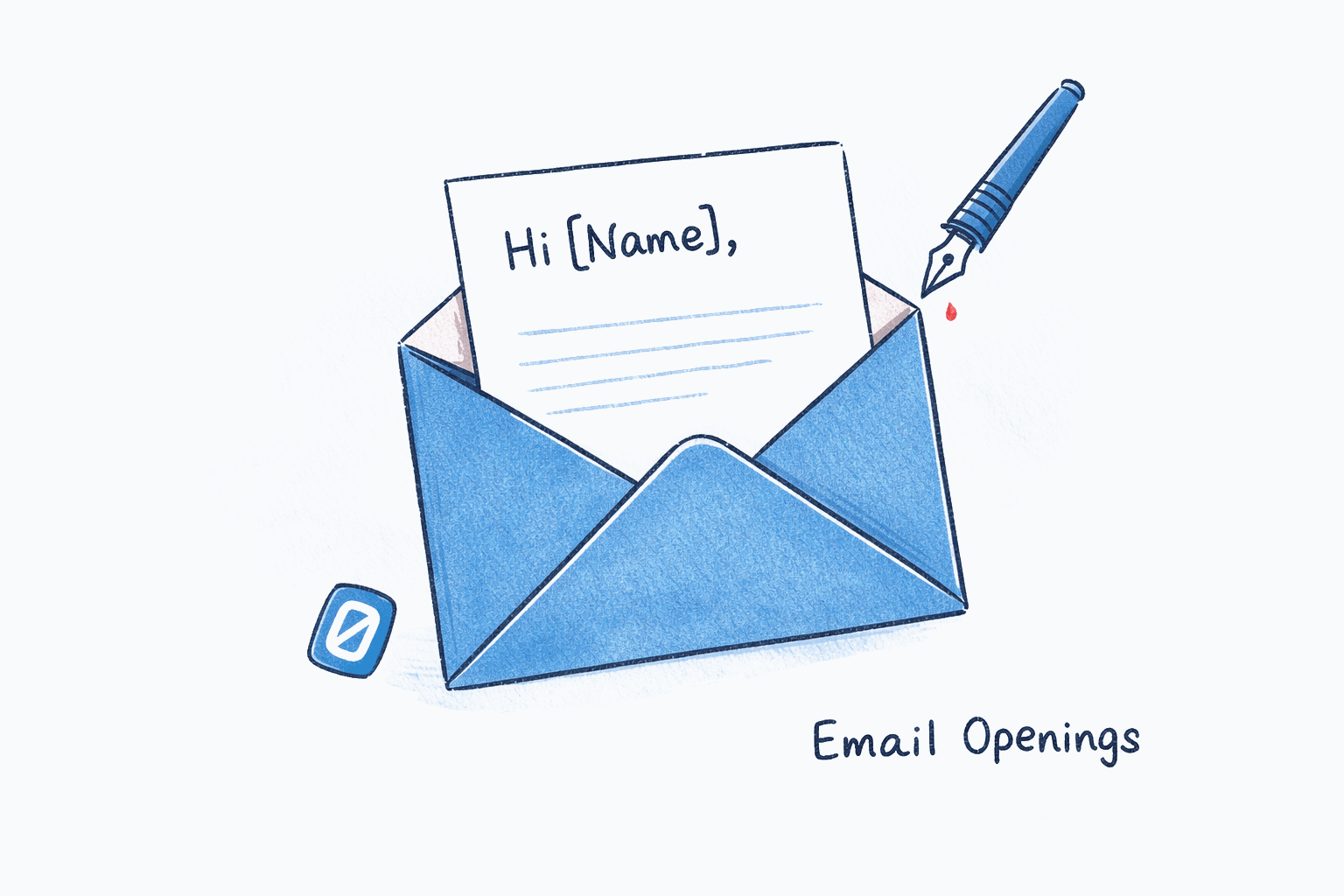
To start an email professionally, use “Hi [Name],” followed by one sentence that explains why you’re writing. That two-part formula (greeting + purpose) works for 90% of professional situations. For formal emails, swap “Hi” for “Dear”; for casual ones, drop straight to the first name.
Below you’ll find 60+ email opening lines organized by situation: professional, casual, cold outreach, follow-ups, apologies, and introductions. (Once you’ve nailed the opening, see our guide on how to end an email for the other half of the equation.)
How to Start a Professional Email#
A professional email opening greets the reader by name and signals the email’s purpose. Anything beyond that is filler.
“Hi Sarah,” works for colleagues and clients you’ve emailed before. “Dear Ms. Chen,” is appropriate for first-contact emails and job applications. “Hello [Name],” sits right in the middle and rarely feels wrong.
According to Grammarly’s analysis of professional email conventions, the strongest openers answer the reader’s unspoken question: “Why should I care about this right now?”
| Opening Line | Best For |
|---|---|
| I’m writing to follow up on our conversation about [topic]. | Post-meeting emails |
| I wanted to share a quick update on [project]. | Status updates |
| I have a question about [specific thing]. | Direct requests |
| Thank you for getting back to me so quickly. | Replies to helpful emails |
| I’m reaching out because [one-sentence reason]. | First-contact emails |
| Per your request, here’s [deliverable]. | Fulfilling a task |
| I’d like to propose [idea] for [project]. | Pitching internally |
| Could you take a look at [attachment/link] when you have a moment? | Review requests |
| Congratulations on [achievement]. | Relationship building |
Casual Email Greetings That Still Sound Professional#
Not every email needs boardroom energy. When you’re replying to someone who signed off with “Cheers,” matching their register builds rapport faster than forced formality. Casual does not mean sloppy: still use their name, still spell everything correctly.
| Opening Line | Best For |
|---|---|
| Hey [Name], quick question for you. | Teammate requests |
| Hope your week’s going well. | Monday/Tuesday openers |
| Just wanted to loop you in on this. | FYI messages |
| Good [morning/afternoon], just a heads-up. | Time-sensitive FYIs |
| Hey, circling back on [topic]. | Informal follow-ups |
| Quick note before the meeting. | Pre-meeting context |
Honestly, the greetings people agonize over the most are usually the ones that matter the least. If you have a working relationship, “Hey [Name]” plus a clear first sentence is enough.
Cold Outreach Opening Lines#
Cold emails live or die on the opening line. Personalization is the difference between a 7% and a 17% response rate, according to SmartReach’s 2026 cold email analysis. The rule: lead with an observation about them, not a statement about you.
| Opening Line | Why It Works |
|---|---|
| I saw your [talk/post/article] about [topic] and it changed how I think about [thing]. | Specific flattery, not generic |
| Congrats on [recent milestone]. That’s no small feat. | Trigger event, proves research |
| I noticed [company] just [launched/raised/expanded]. | Shows awareness of their world |
| [Mutual connection] suggested I reach out to you about [topic]. | Social proof, instant trust |
| Your team’s approach to [problem] caught my attention. | Compliments their strategy |
| This is a cold email, so I’ll keep it short. | Disarming honesty |
Avoid “I hope this email finds you well” in cold outreach. It’s background noise.
Follow-Up Email Openers#
The best follow-up openers acknowledge the gap without guilt-tripping. If you send follow-ups regularly, our guide on how to write a follow-up email that gets replies covers timing, templates, and automation.
| Opening Line | Best For |
|---|---|
| Just checking in on [topic] from last [day/week]. | Gentle first follow-up |
| Wanted to bump this to the top of your inbox. | Second follow-up |
| I know you’re busy, so I’ll keep this brief. | Respectful of their time |
| Any updates on [specific deliverable]? | Direct and task-focused |
| Following up on my email from [date] about [topic]. | Clear reference point |
| Circling back with a quick update on my end. | Gives before asking |
| Not sure if my last email got buried, so resending. | Honest, no pressure |
How Do You Start an Email to Someone You’ve Never Met?#
State your name, how you found them, and one sentence that makes this relevant to them (not to you). First impressions in email are permanent, and you don’t get body language or vocal tone to help.
| Opening Line | Context |
|---|---|
| My name is [Name], and I’m [role] at [company]. | Standard professional intro |
| We haven’t met, but [mutual contact] thought we should connect. | Warm introduction |
| I came across your work on [topic] through [source]. | Research-backed outreach |
| I’m reaching out because I think [company] could benefit from [specific thing]. | Direct value proposition |
Thank You, Apology, and Difficult Situation Openers#
Gratitude and accountability share a trait: specificity. “Thank you for your quick turnaround on the Q3 report” outperforms “Thanks for everything.” “I’m sorry the report had incorrect figures in section 3” reads as accountability, while “Sorry for any inconvenience” reads as deflection.
| Opening Line | Best For |
|---|---|
| Thank you for taking the time to [action]. | Post-meeting, post-interview |
| I really appreciate your quick response on this. | Acknowledging speed |
| I owe you an apology for [specific thing]. | Direct accountability |
| I’m sorry for the delay in getting back to you. | Late replies |
| I made an error in my last email and want to correct it. | Correcting mistakes |
| This is on me. Here’s how I’m fixing it. | Taking ownership |
Situational Openers: Job Applications, Networking, and Requests#
Some emails don’t fit neatly into “professional” or “casual.” Here are openers for the most common specific situations.
| Opening Line | Situation |
|---|---|
| I’m applying for the [role] position listed on [source]. | Job application |
| I was excited to see the [role] opening on your team. | Job application (warmer) |
| It was great meeting you at [event] last [day]. | Post-networking |
| I enjoyed our conversation about [topic] at [event]. | Post-networking follow-up |
| [Name] suggested I reach out to you about [topic]. | Referral-based networking |
| I’m writing to request [specific thing] for [reason]. | Formal request |
| Would it be possible to [action] by [date]? | Time-bound request |
| I wanted to confirm our meeting on [date] at [time]. | Meeting confirmation |
| Quick update: [one-sentence status]. | Status report |
| I’d love your input on [topic] before we move forward. | Feedback request |
| As discussed, here’s [deliverable]. | Post-meeting deliverable |
| I’m forwarding this from [Name] for your review. | Forwarding with context |
| Wanted to let you know that [update]. | Proactive FYI |
| I have good news about [project/topic]. | Positive update |
| Reaching out about a potential collaboration on [topic]. | Partnership inquiry |
| I noticed an issue with [specific thing] and wanted to flag it. | Problem reporting |
| I’d like to schedule a quick call to discuss [topic]. | Meeting request |
| Hope this isn’t too forward, but I had an idea about [topic]. | Unsolicited suggestion |
| Just a reminder that [deadline/event] is coming up on [date]. | Gentle reminder |
| Sharing some context before tomorrow’s meeting. | Pre-meeting prep |
| I wanted to loop you in before this moves forward. | Keeping stakeholders informed |
| Writing to introduce [Name], who [one-sentence context]. | Third-party introduction |
| I’ve attached [document] for your review. | Document sharing |
If crafting the right opening for every email feels like a time sink, Swizero drafts contextually appropriate replies with AI, so you spend less time on blank compose windows.
What Greetings Should You Avoid?#
Some greetings have become so overused they signal “I’m not thinking about this.” Knowing what to avoid is half the battle when learning to write better emails.
“To Whom It May Concern” suggests you didn’t bother finding the recipient’s name. With LinkedIn and company websites, there’s almost no excuse for this in 2026.
“I hope this email finds you well” isn’t wrong, but it’s become the email equivalent of elevator music. The email productivity habits that actually work tend to strip these fillers out entirely.
“Per my last email” has become universally understood as passive-aggressive. Even if you mean it literally, find another way to reference prior context.
“Hey” (without a name) reads too casual for most professional settings.
Tips for Choosing the Right Email Opening#
-
Match the reader’s register. If they signed off with “Cheers,” don’t reply with “Dear Mr. Thompson.” When in doubt between “Hello” and “Hi,” go with “Hello” on the first email. If they reply with “Hi,” mirror their register in the next message. This small habit is one of the email productivity tips that busy professionals swear by.
-
Name them. “Hi Jordan” outperforms “Hello” or “Hi there” every time because it signals the message was written for them, not blasted to a list.
-
Get to the purpose fast. Your opening line is the preview text in the recipient’s inbox. Research from Stripo found that 34% of recipients weigh that snippet almost as heavily as the subject line.
-
When in doubt, go one notch more formal. You can always warm up in the second email. You can’t undo a “Hey buddy” to someone who expected “Dear Dr. Nakamura.”
-
Read your first line aloud. If it could be the opening of any email to anyone, it is too generic. Add one specific detail: a name, a date, or a project title. This simple test catches filler openers that look fine on screen but sound hollow when spoken.
-
Skip the throat-clearing. If you catch yourself writing “I just wanted to reach out,” delete it and start with the actual point.
How to Customize Your Email Greeting in Gmail#
Gmail lets you save templates so you never start from scratch.
Enable Templates in Gmail Settings
DesktopClick the gear icon in the top-right corner of Gmail, then select See all settings. Navigate to the Advanced tab and find Templates. Select Enable, then click Save Changes.
Save a New Template
DesktopCompose a new email with your preferred greeting and opening line. Click the three-dot menu in the compose window footer, hover over Templates, then select Save draft as template and click Save as new template.
Name your templates by context (e.g., 'Formal Intro,' 'Follow-Up') so they're easy to find later.
Frequently Asked Questions#
What is the best way to start a professional email?#
Start with “Hi [Name],” followed by one sentence that states why you are writing. This works for the vast majority of professional emails. Use “Dear [Name]” for formal contexts like job applications or first-time emails to senior executives.
Is “Dear” too formal for email?#
“Dear” is appropriate for first-contact emails, cover letters, and messages to senior executives. It feels stiff in ongoing conversations with colleagues. In those cases, “Hi” or “Hello” is more natural and equally professional.
Can I start an email with “Hey”?#
“Hey” is fine for close colleagues and friends. It is too casual for first-contact emails, messages to managers you don’t know well, or external professional communication. When in doubt, use “Hi” instead.
What should you not say at the beginning of an email?#
Avoid “To Whom It May Concern” (shows you didn’t research the recipient), “Per my last email” (reads as passive-aggressive), and “I hope this email finds you well” (readers mentally skip it). These phrases waste your strongest attention real estate.
How do you start an email to someone you don’t know?#
Introduce yourself with your name and role in the first sentence, then explain why you are reaching out and why it matters to them. Use “Hi [Name]” or “Hello [Name]” as the greeting. Find their name on LinkedIn rather than using generic alternatives.
Should you use the recipient’s first name or last name?#
Use their first name for peers and colleagues. Use their last name with a title (Dr., Professor) for formal situations, first-time emails to authority figures, or when communicating across cultures where formality is expected. In academic contexts, never assume “Mr.” or “Mrs.” when the person may hold a doctorate or professorship. The safe hierarchy is: use “Professor” if they teach, “Dr.” if they hold a PhD, and only fall back to “Mr./Ms.” if you are certain neither applies.
How do you start a follow-up email without sounding pushy?#
Reference the specific topic from your previous email and add new context or value. “Following up on [topic] with one additional thought” works better than “Just checking in.” Framing the follow-up as providing information rather than requesting a response reduces perceived pressure.
How long should an email opening be?#
Keep your greeting and opening line to 15-25 words total. The greeting itself is 2-4 words (“Hi [Name],”), and the first sentence should state your purpose in one line. Anything longer delays the reader from reaching your actual message.
Sources#
- How to Start an Email With a Strong Greeting and Opening - Grammarly, 2026. Professional email greeting conventions and best practices.
- Email Subject Line Statistics That Show Why Your First Impression Matters - Stripo, 2026. 34% of recipients weigh preview text almost as heavily as subject lines.
- Cold Email Statistics: Open and Reply Rates - SmartReach, 2026. Personalized emails achieve 17% response rates vs. 7% for generic outreach.
- Proven Email Opening Lines That Increase Reply Rates - ListKit, 2026. Cold email opening line effectiveness data.
Your inbox doesn't have to feel like this.
Apply what you just learned, faster.
Put this into practice with Swizero