The Open Tab Tax: Email Cognitive Load Drains Focus Even When You Ignore It
By Chris Stefaner, Co-founder of Swizero
You are not ignoring your inbox. Your brain won’t let you.
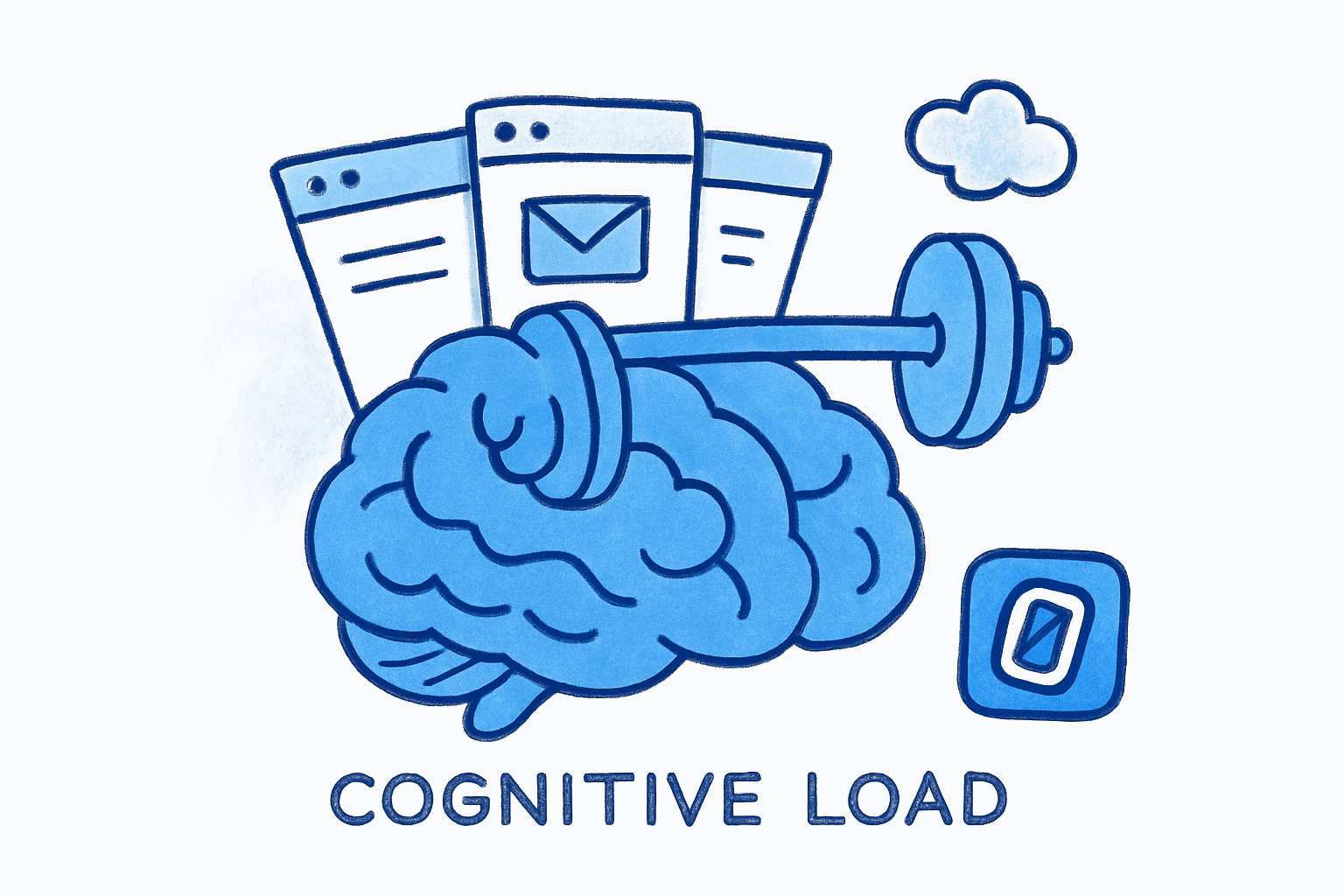
Even when your email tab sits untouched behind three other windows, your working memory is quietly tracking it. The tab title changes. The unread count ticks up. You never click over, never read a single subject line, and still your cognitive performance drops. This is the open tab tax: a measurable drain on focus that operates below conscious awareness, fueled by the same psychological mechanisms that make you remember an unfinished crossword puzzle at 2 a.m.
The concept should feel familiar if you’ve ever tried to concentrate on a report while knowing your inbox was filling up behind you. You weren’t checking it, so you assumed you were fine. You weren’t.
Here is the specific, testable claim this post will defend: an inbox you cannot finish functions like an ambient cognitive load, consuming working memory resources even when you never interact with it. The research backing this claim comes from cognitive psychology, organizational behavior, and attention science. And it points to a surprisingly simple architectural fix.
Key Takeaway
An open inbox tab degrades cognitive performance through three mechanisms: the Zeigarnik effect (unfinished tasks consume working memory), attentional residue (partial attention lingers on the inbox even after you look away), and the mere-presence effect (awareness of an information source drains cognitive capacity without any interaction). A finite, completable inbox neutralizes all three.
Why Does an Open Inbox Drain Working Memory?#
The answer starts with Alan Baddeley’s multicomponent model of working memory, first proposed in 1974 and refined over five decades. Baddeley’s model describes a central executive that acts as an attentional control system, directing focus toward relevant information and suppressing irrelevant input. The central executive has a fixed capacity. Every task-irrelevant stimulus it must suppress costs resources that would otherwise support reasoning, comprehension, and decision-making.
Here is what that means for your inbox: your central executive doesn’t get to decide whether email is relevant. It has to evaluate the question continuously. Is there something urgent in there? Did the client reply? Is that meeting confirmed? Each unanswered question occupies a slot in what Baddeley’s model calls the episodic buffer, a limited-capacity store that integrates information from different sources and holds it for the central executive to process.
A 2025 review published in Advances in Psychological Sciences and Applications found that chronic digital multitasking is associated with diminished working memory, reduced executive function, and greater difficulty filtering irrelevant stimuli. The researchers emphasized that “the apparent increases in productivity are mostly a mirage, masking significant reductions in working memory, attention span, and emotional control.”
This isn’t about checking email. It’s about knowing email exists and not knowing what’s in it. The monitoring itself is the cost.
The Zeigarnik Effect: Your Inbox as Unfinished Business#
In 1927, Soviet psychologist Bluma Zeigarnik documented a phenomenon her professor Kurt Lewin had noticed at a Viennese restaurant: waiters remembered incomplete orders far better than completed ones. Her study of 164 subjects found that participants recalled interrupted tasks at roughly 90% accuracy, compared to significantly lower recall for completed tasks. The brain, it turned out, maintains active cognitive representations of unfinished work.
This is not a historical curiosity. It is the operating principle of every open inbox on earth.
Your inbox is, by definition, never finished. New messages arrive continuously. There is no state in which “all tasks are complete.” The Zeigarnik effect predicts that this permanent incompleteness will generate persistent intrusive thoughts, the kind that surface while you’re trying to write a paragraph, review a contract, or think through a product decision. Your brain keeps a background thread running, dedicated to tracking unresolved items.
E. J. Masicampo and Roy Baumeister tested this directly in a 2011 study published in the Journal of Personality and Social Psychology. Participants with unfulfilled goals showed intrusive thoughts during unrelated tasks, higher mental accessibility of goal-related words, and worse performance on unrelated cognitive tasks (anagram solving). The critical finding: allowing participants to formulate specific plans for their unfulfilled goals eliminated the interference entirely. Those who made concrete “when, where, how” completion plans showed no more intrusive thoughts than participants who had actually completed the goal.
The implication for email is direct. An inbox with no finish line generates Zeigarnik-driven intrusions. An inbox with a defined endpoint, one you can actually clear, allows your brain to discharge the “unfinished business” signal and reclaim those working memory resources.
This is why Swizero caps your inbox at a fixed card limit. Not because fewer emails are inherently better, but because a finite set is completable. Completable means your brain can stop tracking it. The Zeigarnik effect has a known antidote: closure. A handful of cards, cleared with swipes, provides that closure in a way that a 121-message inbox never can.
What Is Attentional Residue, and How Does Email Trigger It?#
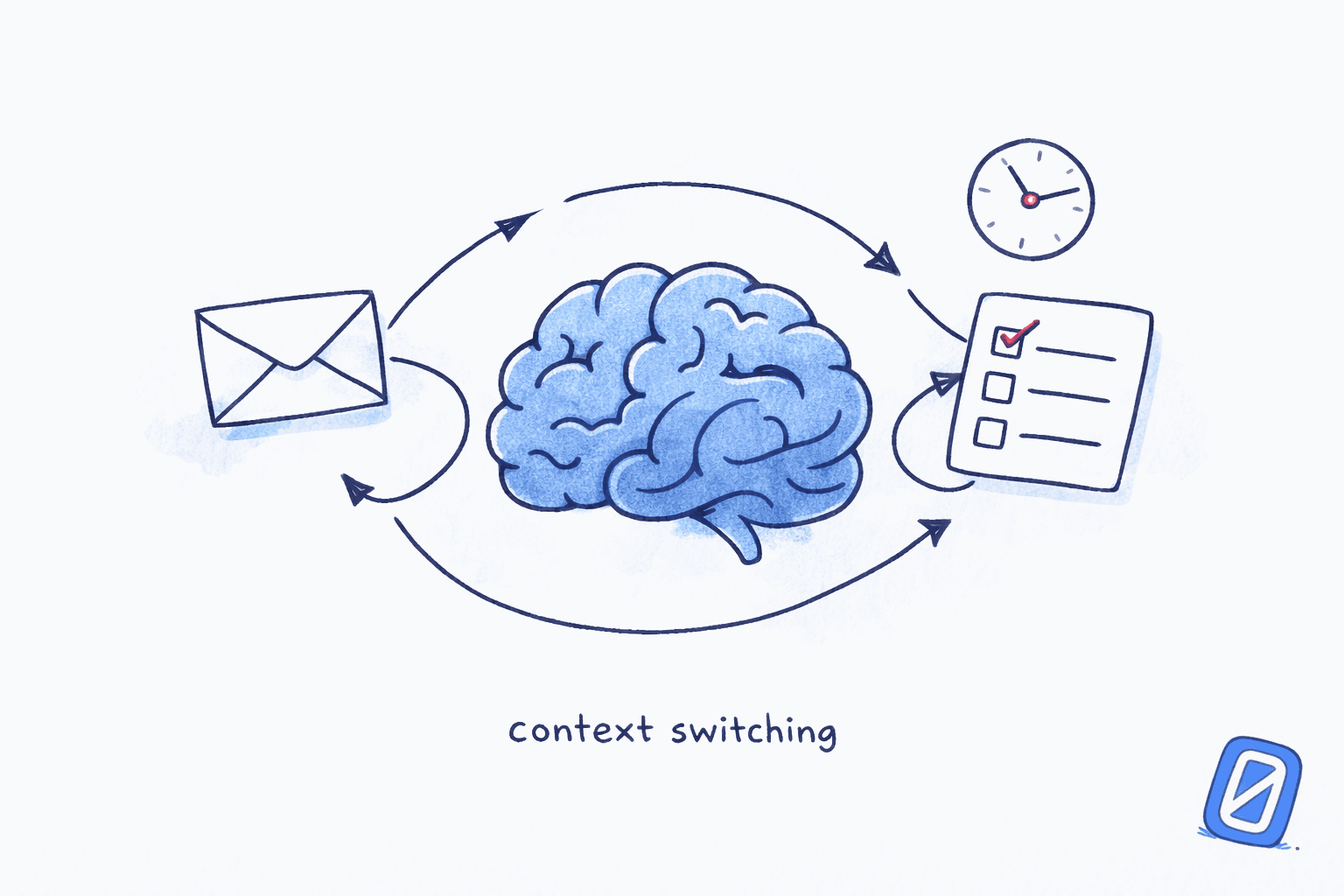
Sophie Leroy, now at the University of Washington’s Bothell School of Business, coined the term “attention residue” in a 2009 paper published in Organizational Behavior and Human Decision Processes. Her central finding: when people switch from Task A to Task B, a portion of their cognitive resources remains allocated to Task A. This residue degrades performance on Task B.
Leroy’s experiments showed that the residue is worst when Task A was left incomplete and when the person felt no time pressure to finish it. Both conditions describe a typical knowledge worker’s relationship to email. You check your inbox, see 14 new messages, process three of them, and then switch back to your “real” work. Task A (email) is incomplete. There was no hard deadline forcing closure. Residue accumulates.
“People need to stop thinking about one task in order to fully transition their attention and perform well on another,” Leroy wrote. “Yet results indicate it is difficult for people to transition their attention away from an unfinished task.”
The attention cost is not trivial. Gloria Mark, Professor of Informatics at UC Irvine and author of Attention Span (2023), has documented through decades of field research that it takes an average of 23 minutes and 15 seconds to fully regain deep focus after an interruption. Her work also found that attention spans on screens have shrunk from an average of 2.5 minutes in 2004 to roughly 47 seconds in recent measurements.
But here is the part most productivity advice misses: you don’t have to check your email to trigger attentional residue. Simply knowing the inbox is there, knowing it contains unprocessed items, is enough to prevent full cognitive disengagement from the email task. The residue isn’t caused by reading messages. It’s caused by the awareness that messages exist and remain unhandled.
I could write a whole post about attention residue alone, but the key point here is: your inbox doesn’t need to interrupt you to cost you. It just needs to be unfinished.
The “Brain Drain” Effect: What Smartphones Teach Us About Inbox Tabs#
In 2017, Adrian Ward and colleagues at the University of Texas at Austin published a landmark study in the Journal of the Association for Consumer Research titled “Brain Drain: The Mere Presence of One’s Own Smartphone Reduces Available Cognitive Capacity.” The study tested nearly 800 participants across two experiments. The protocol was simple: perform demanding cognitive tasks (including the Operation Span test, a gold-standard measure of working memory) with your smartphone in one of three locations: on the desk face-down, in your pocket or bag, or in another room.
The results were striking. Participants whose phones were in another room significantly outperformed those whose phones sat on the desk, even though no one in any condition actually used their phone during the tasks. Participants in the pocket/bag condition fell between the two groups. The cognitive costs were highest among those with the greatest smartphone dependence.
Ward’s explanation maps directly onto the inbox problem: “The mere presence of one’s own smartphone may occupy limited-capacity cognitive resources for purposes of attentional control. Because the same finite pool of attentional resources supports both attentional control and other cognitive processes, using attentional control to prevent oneself from attending to one’s phone necessarily reduces the resources available for engaging with the task at hand.”
Replace “smartphone” with “inbox tab” and the mechanism is identical. Your browser tab with Gmail open, its title flickering between “Inbox (3)” and “Inbox (7),” functions as a persistent stimulus that your central executive must continuously suppress. That suppression is not free. It draws from the same resource pool you need for deep thinking.
| Stimulus Location | Working Memory Impact | Mechanism |
|---|---|---|
| Smartphone on desk | Significant reduction in OSpan scores | Central executive allocates resources to suppression |
| Smartphone in pocket | Moderate reduction | Reduced salience, but still tracked |
| Smartphone in another room | No measurable reduction | Below threshold for attentional monitoring |
| Email tab open (visible) | Equivalent to “desk” condition | Unread count provides continuous salience signal |
| Email tab closed | Equivalent to “pocket” condition | Still accessible, partially tracked |
| Email processed and complete | Equivalent to “other room” condition | No open loops, no monitoring required |
Source: Location conditions from Ward et al., 2017. Email tab analogies are the author’s framework based on the same attentional mechanism.
One caveat worth acknowledging: a 2022 replication study published in Acta Psychologica found mixed results when repeating Ward’s exact protocol, with some conditions failing to replicate. A 2023 meta-analysis in Psychonomic Bulletin & Review concluded that the overall effect exists but is smaller than originally reported. The science is real, but the effect size is debated. What isn’t debated is the direction: presence of a salient information source costs cognitive resources, even without interaction.
If the ambient drag of an ever-present inbox resonates, Swizero reduces your inbox to a fixed card limit you can clear in minutes, converting an infinite monitoring task into something your brain can discharge and forget.
Notifications You Never Read Still Degrade Performance#
Cary Stothart, Ainsley Mitchum, and Courtney Yehnert demonstrated this in a 2015 study published in the Journal of Experimental Psychology: Human Perception and Performance. Participants performed a sustained attention task (SART) while receiving cell phone notifications they were instructed not to check. The notifications alone, without any interaction, produced error rates comparable to those seen when participants actively used their phones for calls or texting.
The researchers concluded that notifications “prompt task-irrelevant thoughts, or mind wandering, which has been shown to damage task performance.” The magnitude of the distraction was comparable to active phone use.
This finding reframes the common advice to “just turn off notifications.” Turning off audible alerts helps, and understanding how notification habits form is a useful first step. But the notification isn’t only the buzz or the ping. It’s the number in the tab. It’s the awareness that your inbox state has changed since you last looked. Even a silent, unread notification carries informational weight that the central executive must process.
Most knowledge workers keep an email client open in the background all day. They are not necessarily checking it constantly. But the application is present the entire time. According to the brain drain research, that presence alone imposes a cognitive tax.
How Does Email Cognitive Load Differ from Email Decision Fatigue?#
This distinction matters, and it’s easy to conflate the two. Email decision fatigue concerns the micro-decisions each individual message demands: reply or defer? Delete or archive? Flag or ignore? That’s an active processing cost that occurs while you’re in your inbox.
Email cognitive load, the subject of this post, is the ambient cost that occurs while you’re not in your inbox. It’s the background hum of unfinished business, the attentional residue from your last email session, the working memory slots occupied by the mere awareness that unprocessed messages exist.
Think of it this way: decision fatigue is the price of doing email. Cognitive load is the price of having email.
Both drain the same finite cognitive budget. But they require different solutions. Decision fatigue is reduced by reducing the number of decisions per session, through AI triage, smart defaults, and batched checking schedules. Cognitive load is reduced by making the inbox completable, so your brain can stop monitoring it between sessions.
Most email apps address decision fatigue with features like snooze, labels, and priority sorting. Almost none address cognitive load, because doing so requires a fundamental architectural change: the inbox must have a finite end state. It must be something you can finish.
What Does This Mean for Knowledge Workers in Practice?#
The practical cost is substantial. If 84% of knowledge workers keep email open all day, and the mere presence of an open information source reduces available working memory (Ward et al., 2017), then most knowledge workers are operating at reduced cognitive capacity for the majority of their workday, not because they’re reading email, but because email is there.
Basex research estimated that unnecessary interruptions and recovery time consume 28% of the average knowledge worker’s day, approximately 2.1 hours of lost productivity per day. But this figure primarily counts active interruptions. The ambient drain from background monitoring, the open tab tax, likely adds to this toll in ways that are difficult to measure precisely because they don’t involve discrete interruption events.
Gloria Mark’s field research offers perhaps the most concrete framing. Her work shows that email interruptions cause compensatory behavior: people work faster after being interrupted, completing tasks in the same amount of time but at the cost of significantly higher stress, frustration, and cognitive effort. The hidden cost isn’t lost time. It’s degraded quality of thinking.
“Interrupted work is performed faster,” Mark and colleagues found in their 2008 CHI paper, “but at a price: experiencing more stress, higher frustration, time pressure and effort.”
Honestly, this finding changed how I think about my own email habits. I used to measure the cost of email in minutes. The real currency is cognitive quality.
The Architectural Fix: Why a Finite Inbox Neutralizes the Open Tab Tax#
The three mechanisms documented above, Zeigarnik-driven intrusions, attentional residue, and the mere-presence drain, share a common trigger: the inbox’s infinite, uncompletable nature.
Masicampo and Baumeister’s 2011 research showed that the Zeigarnik effect is neutralized by making a concrete completion plan. Leroy’s attention residue research showed that residue is worst when the prior task was left incomplete with no time pressure. Ward’s brain drain research showed that cognitive costs scale with the salience and relevance of the unattended stimulus.
All three findings converge on the same intervention: make the inbox finite, make it completable, and make “done” an achievable state.
This is the core architectural idea behind Swizero’s fixed card limit. AI ranks your emails by importance and surfaces a handful of cards. You swipe through them. When they’re gone, you’re done. There’s no “Inbox (47)” tab silently taxing your working memory for the rest of the afternoon. The set was finite. You completed it. Your brain can let go.
Compare that to a traditional inbox with 121 unread messages (the Radicati Group’s 2024 estimate for average daily email volume). No human completes 121 messages in a session. The task is always unfinished. The Zeigarnik effect never discharges. Attentional residue accumulates with every partial session. And the tab stays open, a persistent stimulus your central executive must suppress all day.
The fix isn’t willpower. It isn’t “email discipline” or closing the tab (though that helps). The fix is structural: an inbox designed so that “finished” is a real, reachable state. Not inbox zero through heroic effort, but inbox finite by design.
Frequently Asked Questions#
Does keeping an email tab open actually reduce cognitive performance?#
Yes. Research on the mere-presence effect (Ward et al., 2017) demonstrates that awareness of an unattended information source, such as a smartphone on a desk, significantly reduces available working memory capacity. An open email tab functions as the same type of persistent stimulus, providing continuous unread-count signals that the brain’s central executive must actively suppress. That suppression draws from the finite resource pool used for reasoning and focus.
What is attentional residue, and how does it relate to email?#
Attentional residue is a term coined by Sophie Leroy (2009) describing cognitive resources that remain allocated to a prior task after switching to a new one. Email triggers strong residue because it is typically left incomplete: you process some messages but not all, then switch to other work. Because the email task was never “finished,” your brain continues partially attending to it, degrading performance on whatever you do next.
Can I reduce email cognitive load just by closing the tab?#
Closing the tab helps, roughly equivalent to moving your smartphone from your desk to your pocket in Ward’s brain drain research. It reduces salience but doesn’t eliminate awareness. The Zeigarnik effect still operates because you know unprocessed messages exist. Full cognitive relief comes from completing the email task, which requires an inbox designed to be completable.
How is email cognitive load different from email decision fatigue?#
Decision fatigue is the active cost of making choices while processing email: reply, archive, flag, defer. Cognitive load is the passive cost of having email, the ambient drain on working memory from knowing unfinished messages exist. Decision fatigue occurs during email sessions. Cognitive load persists between them. Both deplete the same cognitive budget but require different architectural solutions.
How many working memory resources does email monitoring actually consume?#
Precise measurement is difficult because the drain is ambient rather than discrete. Ward et al. (2017) found statistically significant reductions in Operation Span scores (a working memory measure) from mere proximity to an information source. Basex research estimates that interruptions and recovery consume 28% of a knowledge worker’s day. The ambient monitoring cost likely adds further load that doesn’t appear in interruption-count studies because no discrete interruption event occurs.
Sources#
- Brain Drain: The Mere Presence of One’s Own Smartphone Reduces Available Cognitive Capacity. Ward, Duke, Gneezy & Bos, Journal of the Association for Consumer Research, 2017. Mere presence of a smartphone significantly reduces working memory capacity.
- Why Is It So Hard to Do My Work? The Challenge of Attention Residue When Switching Between Work Tasks. Sophie Leroy, Organizational Behavior and Human Decision Processes, 2009. Coined “attention residue” and demonstrated performance costs of incomplete task switching.
- Consider It Done! Plan Making Can Eliminate the Cognitive Effects of Unfulfilled Goals. Masicampo & Baumeister, Journal of Personality and Social Psychology, 2011. Specific plans for unfulfilled goals eliminate Zeigarnik-driven intrusive thoughts.
- The Attentional Cost of Receiving a Cell Phone Notification. Stothart, Mitchum & Yehnert, Journal of Experimental Psychology: Human Perception and Performance, 2015. Notifications alone, without interaction, produce error rates comparable to active phone use.
- The Cost of Interrupted Work: More Speed and Stress. Mark, Gudith & Klocke, CHI 2008. Interrupted workers compensate with speed but at significantly higher stress and frustration.
- Attention Span: A Groundbreaking Way to Restore Balance, Happiness and Productivity. Gloria Mark, 2023. Decades of field research on interruption recovery (23 min 15 sec average) and shrinking attention spans.
- Multitasking in the Era of Constant Connectivity. Advances in Psychological Sciences and Applications, 2025. Chronic digital multitasking reduces working memory, attention span, and emotional control.
- Breaking Down the Infinite Workday. Microsoft Work Trend Index, 2025. Communication consumes 60% of the workday; heaviest-hit workers absorb a ping roughly every two minutes.
- The Multicomponent Model of Working Memory Fifty Years On. Hitch, Allen & Baddeley, Quarterly Journal of Experimental Psychology, 2025. Updated review of Baddeley’s model and central executive capacity constraints.
Your inbox doesn't have to feel like this.
Swizero finishes your email in minutes, not hours.
Give your inbox a finish line