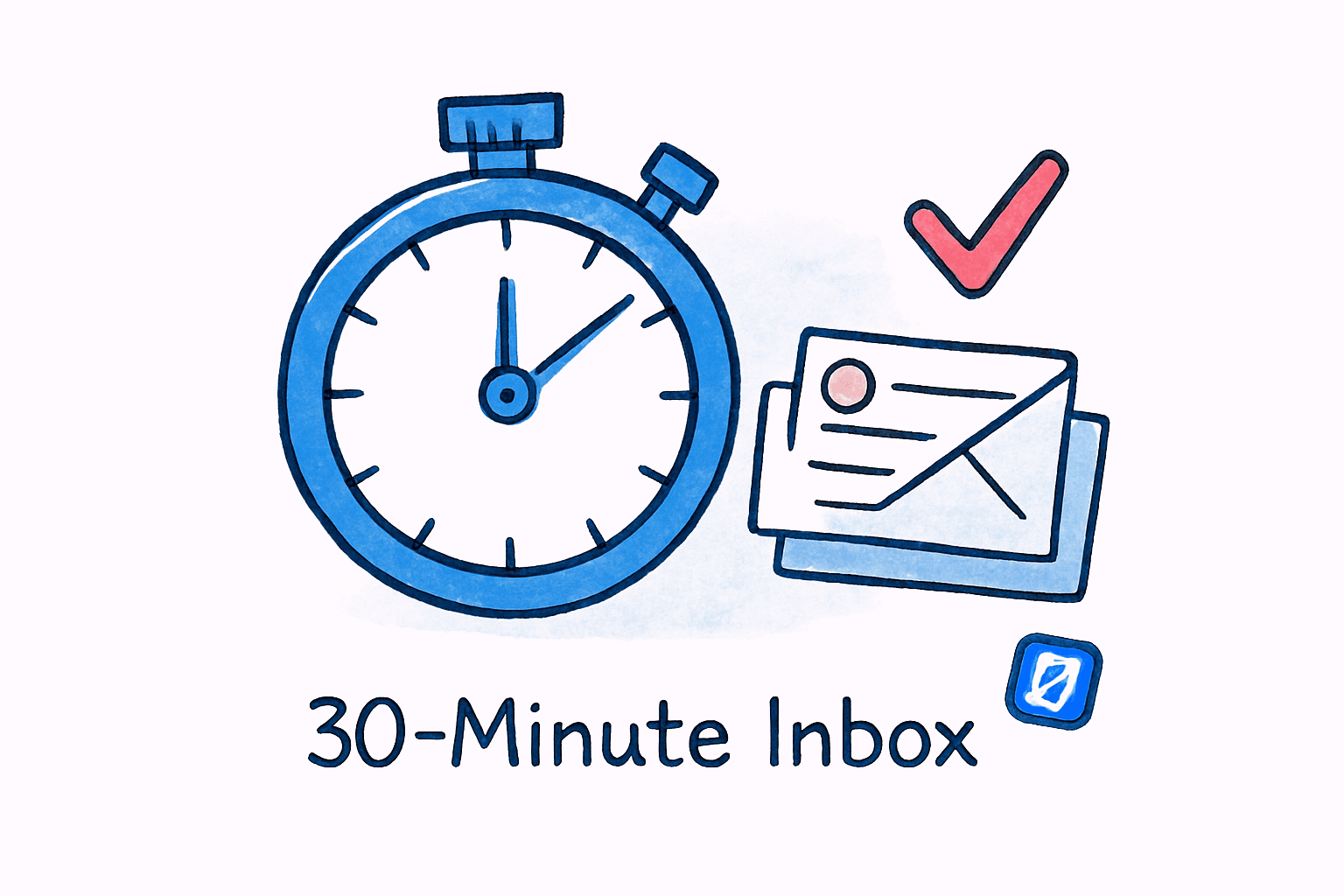
Time Blocking for Email: The One Schedule That Recovers 8 Lost Hours
By Chris Stefaner, Co-founder of Swizero
Most email productivity advice asks you to get faster at something you should be doing less of.
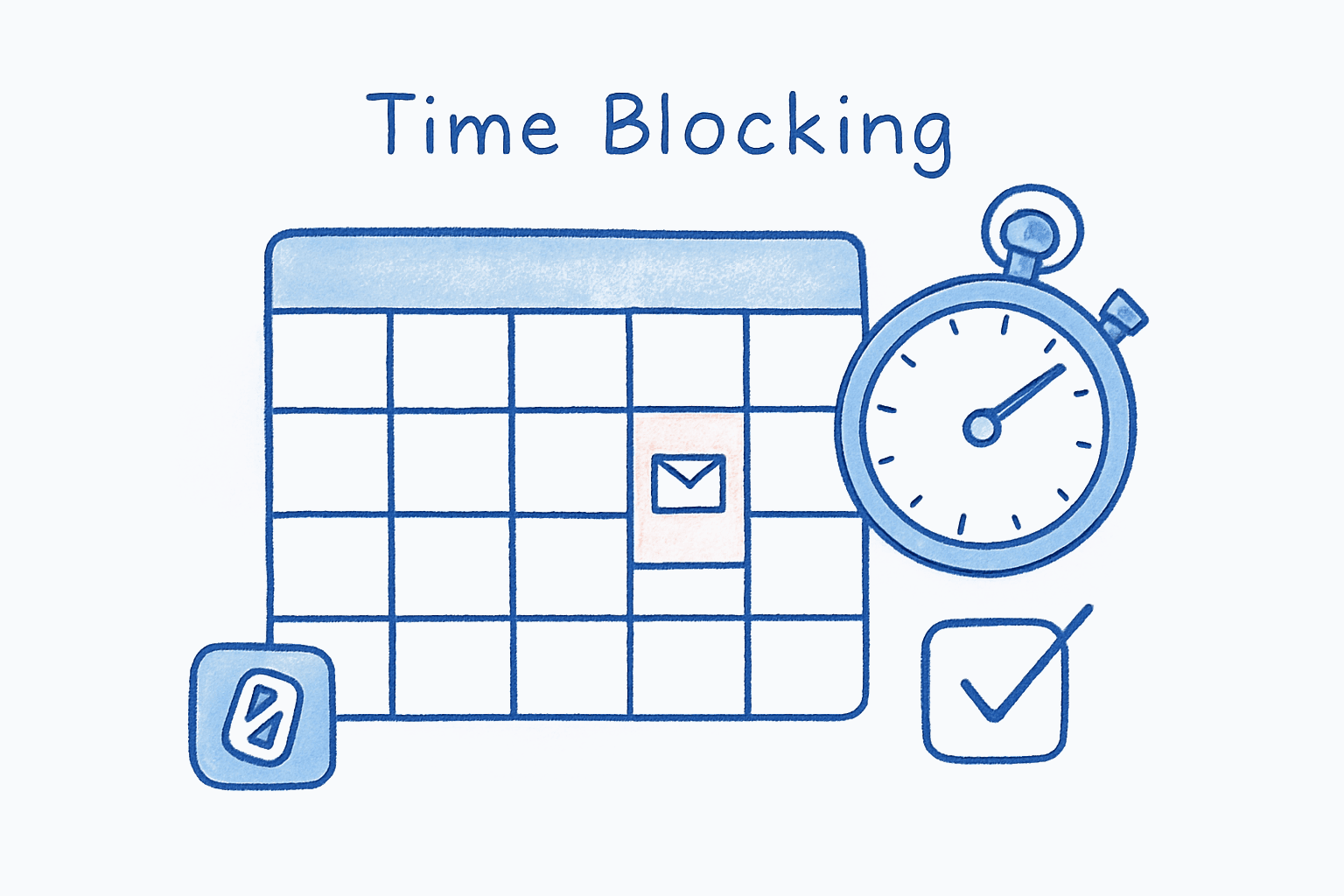
That is the fundamental error. The problem with email is not speed. It is that email has no boundaries, no walls, no finish line. It expands to fill every available minute, and then it borrows from minutes that were supposed to belong to something else. Time blocking for email works not because it makes you a faster emailer, but because it forces email into a container. It gives your inbox a territory and tells it to stay there.
Here is the claim that will make some people uncomfortable: you do not need to be available by email for most of your workday. The research supports this. Your colleagues will adjust. Your career will not suffer. And you will recover roughly eight hours every week that you are currently losing to a pattern you may not even recognize.
Key Takeaway
Time blocking for email means restricting all email activity to 2-3 designated windows per day, typically totaling 60-90 minutes. Research from Microsoft’s 2025 Work Trend Index shows communication (email, chat, meetings) consumes 60% of the average workday. By containing email to fixed blocks, workers can recover 6-8 hours of deep work time weekly.
Where Do Those 8 Hours Actually Go?#
Microsoft’s 2025 Work Trend Index Special Report, Breaking Down the Infinite Workday, found that communication activities consume 60% of the average knowledge worker’s time. Email alone accounts for a significant portion: workers receive an average of 117 emails daily and read four emails for every one they send. More striking, 85% of those emails are read in under 15 seconds, suggesting the majority of email interactions are trivially short yet constant.
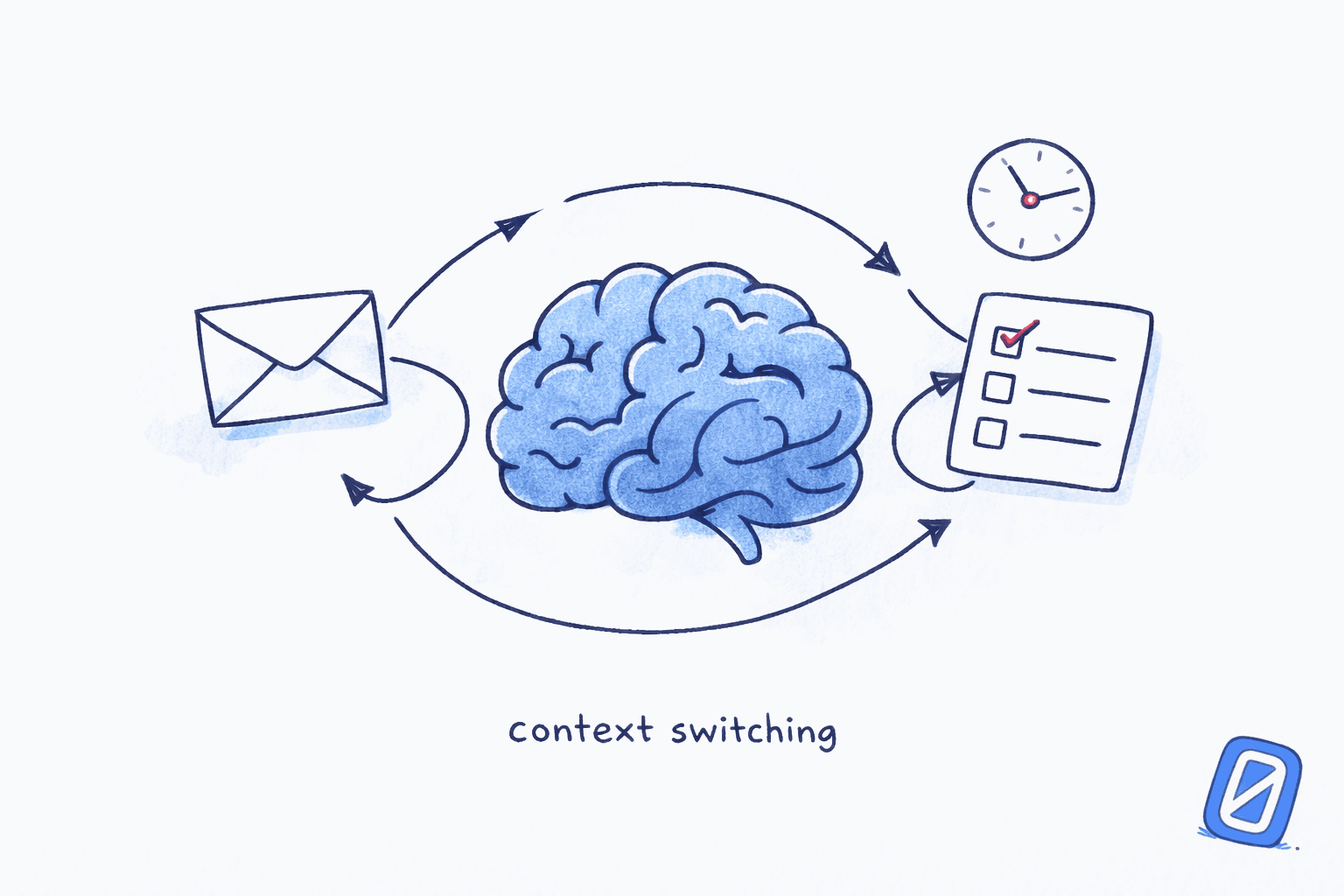
The real cost is not the reading. It is the switching. The same Microsoft report found that employees are interrupted every two minutes during core work hours, accumulating roughly 275 interruptions per day from emails, chats, and meetings combined. Each interruption triggers what psychologist Sophie Leroy at the University of Washington calls “attention residue,” a phenomenon where cognitive fragments of the previous task linger and degrade performance on the next one. Her 2009 paper in Organizational Behavior and Human Decision Processes demonstrated that people who were interrupted mid-task performed significantly worse on subsequent tasks, even when given adequate time to transition.
Those 275 daily interruptions are not 275 moments of productive email work. They are 275 context switches, each carrying a cognitive tax. The math gets ugly quickly.
What Does a Time Blocking Template for Email Actually Look Like?#
The most effective email time management schedule is simpler than most guides suggest. Three blocks per day, each lasting 20-30 minutes, positioned at transition points rather than during peak cognitive hours.
Here is a concrete template:
| Block | Time | Duration | Purpose | Done Condition | Source |
|---|---|---|---|---|---|
| Morning triage | 9:00-9:30 AM | 30 min | Clear overnight accumulation, flag urgent items | All urgent flags addressed | Cal Newport, Deep Work |
| Midday batch | 12:30-1:00 PM | 30 min | Process morning replies, handle requests | Inbox at session-start cleared | Nir Eyal, Indistractable |
| End-of-day sweep | 4:30-5:00 PM | 30 min | Final replies, set expectations for tomorrow | Reply queue empty | Microsoft WTI 2025 |
This schedule totals 90 minutes of email per day. Compare that to the 2-3 hours most knowledge workers currently spend, according to a 2025 ActivTrak State of the Workplace report that found average productive session lengths have grown to 27 minutes and 30 seconds (up 13% from 2023), suggesting workers are capable of longer focused stretches when interruptions are controlled.
The timing matters. Microsoft’s data reveals that 50% of all meetings cluster between 9-11 AM and 1-3 PM, precisely when circadian rhythms create natural productivity peaks. An email scheduling strategy that avoids these windows protects your best cognitive hours for work that actually requires them.
Cal Newport, Professor of Computer Science at Georgetown University and author of Deep Work, has written extensively about this approach. In his Time-Block Planner system, he advises: “Every minute of your workday should be assigned a job. The key insight is that email and other shallow tasks should be batched into specific blocks, not scattered throughout the day.” Newport reports producing the equivalent output of a typical academic, including multiple books, while rarely working past 5:30 PM.
The Batching Evidence Is Real (But Not Perfect)#
A 2022 quasi-experimental study published in Computers in Human Behavior Reports by researchers at a Dutch financial services organization tested email batching with real employees, not undergraduates in a lab. The study found that email batching was negatively related to both email interruptions and emotional exhaustion. Workers who batched their email, particularly those dealing with high volumes, reported significantly lower emotional exhaustion compared to the control group.
There is also a subtler finding worth reckoning with. A 2016 study presented at the CHI Conference (Mark, Iqbal, Czerwinski, and Johns at Microsoft Research) tracked 40 information workers over 12 workdays and found that email batching “correlates with higher rated productivity but showed no evidence of stress reduction.” Productivity gains, yes. Stress relief, no. The researchers observed that workers who batched but still faced an overflowing inbox at session end experienced the same anxiety as those who checked continuously. The implication is that batching solves the scheduling problem but not the volume problem.
One caveat worth acknowledging: the beneficial effects on emotional exhaustion wore off after two weeks once the intervention ended. This suggests that time blocking for email is not a one-time fix but a sustained practice. You cannot batch for a fortnight, declare victory, and go back to reactive checking. The container has to stay in place.
I could write a whole post about why productivity interventions decay (and maybe I will), but the key point here is that email habits need structural reinforcement, not just willpower. That is where tools and systems come in.
Why Most Email Scheduling Strategies Fail#
Most people who try time blocking for email abandon it within a week. Not because the concept is flawed, but because they make one of three predictable mistakes.
Mistake 1: Blocking email but not notifications. If your phone buzzes every time an email arrives, the block is meaningless. You get the cognitive interruption without the reply, which is arguably worse. As Nir Eyal, behavioral design researcher and author of Indistractable, writes on his blog: “If you don’t plan your day in advance in an organized schedule, someone else will plan it for you.” Notifications are someone else’s agenda delivered in real time.
Turning off email notifications is not optional. It is a prerequisite.
Mistake 2: Making blocks too long. A 90-minute email block sounds disciplined but actually recreates the sprawl problem in miniature. You start replying to everything, including messages that did not need replies. Research on email duration from Microsoft Research’s 2016 CHI study found that longer email sessions do not proportionally increase productivity; instead, they correlate with more self-interruptions within the session itself. The planning fallacy makes this worse: Buehler, Griffin, and Ross documented in a 1994 Journal of Personality and Social Psychology study that people systematically underestimate how long tasks take, even with extensive experience. In their study, 37 psychology students predicted how long it would take to finish their senior theses; nearly every student underestimated, not by a little, but by weeks. The same miscalibration applies to email blocks.
Mistake 3: No triage system. Without a way to quickly separate emails that need action from emails that need reading from emails that need nothing, your 30-minute block gets consumed by the first three messages. This is where email triage strategies become the operational backbone of time blocking.
If the triage problem resonates, Swizero handles it structurally: your inbox is reduced to a handful of cards, pre-sorted by AI, so each email block starts with decisions rather than sorting.
How Does Time Blocking for Email Compare to Other Methods?#
Time blocking is one of several email time management approaches, and honestly, none of them is a silver bullet. Each has trade-offs worth understanding.
| Method | Core mechanism | Best for | Limitation |
|---|---|---|---|
| Time blocking | Fixed schedule windows | Workers with predictable workflows | Rigid; struggles with urgent-culture teams |
| Email batching | Processing in groups, flexible timing | Freelancers, async teams | No structure around when batching happens |
| Inbox Zero | Process to empty each session | People who need closure | Unsustainable for most; creates anxiety |
| Pomodoro + email | 25-min focus / 5-min email checks | Task-heavy roles | Frequent checking still triggers residue |
| AI triage + constraints | Automated sorting with finite inbox | High-volume professionals | Requires tool adoption |
Time blocking for email is most effective when combined with a triage mechanism. The block defines when you handle email. The triage system defines how quickly you move through it. Without both, you end up with a beautiful schedule and a growing backlog.
This is the insight behind Swizero’s approach: rather than relying solely on when you check email, it limits how much email you see in any given session. A fixed card limit means your email block has a built-in finish line, something that pure scheduling alone cannot provide.
How to Adapt the Template by Role#
One template does not fit every job. Email volumes and response-time expectations vary dramatically by role, and the research supports different batching frequencies for different contexts.
Founders and Executives: High-volume inboxes warrant a fourth short check, a 10-minute pre-meeting scan at 3:30 PM to avoid surprises heading into afternoon meetings. The key constraint is protecting a contiguous 2-hour deep work block in the morning, before email opens at all.
Individual Contributors: Three sessions (as in the template above) works well. The critical adaptation is making the Midday Processing session coincide with a natural transition point in your work: after finishing a task milestone, not in the middle of one. This minimizes attention residue from the transition.
Customer-Facing Roles: If your job requires faster response times, you need more frequent windows but shorter ones. Five 12-minute sessions spread across the day produce less cognitive cost than continuous monitoring. The 2022 Erasmus study found that batching benefits correlated most strongly with workers whose organizations did not demand instantaneous response, so if same-hour response is expected, session length matters more than session frequency.
The 8-Hour Recovery: Doing the Math#
Here is how the numbers work. I want to be transparent about the assumptions, because productivity claims without math are just marketing.
Current state (based on Microsoft WTI 2025 data):
- 117 emails received daily, read in under 15 seconds each
- 275 interruptions per day from all communication channels
- 60% of work time consumed by communication activities
- In an 8-hour day, that is 4.8 hours on communication, with email as the primary driver
Time-blocked state (based on the 3-block template above):
- 90 minutes of structured email per day
- Notifications off between blocks (0 email-triggered interruptions during focus time)
- Remaining communication (meetings, chat) contained to its own blocks
The delta:
- Current email + email-interruption time: approximately 2.5-3 hours daily
- Time-blocked email time: 1.5 hours daily
- Daily savings: ~1-1.5 hours
- Weekly savings: ~5-8 hours
The range is wide because individual email volumes vary enormously. Someone receiving 200 emails a day will save more than someone receiving 50. But even at the conservative end, five hours per week is a meaningful recovery. That is an extra half-day of focused, decision-free work every week.
Honestly, the “8 hours” in this article’s title represents the upper range. For many readers, 5-6 recovered hours is more realistic. But even that number is transformative when you consider what you could do with an extra 250 hours per year of protected deep work time.
Getting Started: Your First Week#
Skip the elaborate systems. Here is the minimum viable time block:
Day 1-2: Turn off all email notifications on your phone and computer. This alone will feel uncomfortable. Sit with it. Check the research on how often you actually need to check email; the answer is far less than you think.
Day 3-4: Set three calendar blocks: 9:00 AM, 12:30 PM, 4:30 PM, each lasting 30 minutes. During these blocks, process email with intent. Between them, close your email client entirely.
Day 5: Add an auto-responder for the first week: “I check email at 9 AM, 12:30 PM, and 4:30 PM. If something is urgent, text me.” You will be surprised how few texts you receive.
Week 2 onward: Adjust block timing based on your natural energy patterns. Some people prefer two longer blocks instead of three short ones. The schedule is a starting point, not a mandate. As Nir Eyal emphasizes, “Timeboxing enables us to think of each week as a mini-experiment. The goal is to figure out where your schedule didn’t work out in the prior week so you can make it easier to follow the next time around.”
The key insight from the Dutch quasi-experimental study is that consistency matters more than perfection. Workers who maintained batching saw sustained reductions in emotional exhaustion. Workers who stopped saw the benefits evaporate within two weeks.
Frequently Asked Questions#
Does time blocking for email hurt response times?#
Marginally, yes, but less than you expect. Most emails do not require a response within the hour. Microsoft’s 2025 data shows 85% of emails are read in under 15 seconds, suggesting most messages are informational rather than urgent. A maximum 4-hour response gap (between your morning and midday blocks) is faster than most business contexts require. For genuinely urgent matters, colleagues will call or message you directly.
What is the best time blocking template for email beginners?#
Start with three 30-minute blocks at 9:00 AM, 12:30 PM, and 4:30 PM. This schedule avoids your peak focus windows (typically 10 AM-12 PM) while ensuring you never go more than four hours without checking. After two weeks, adjust based on your actual email volume: some people consolidate to two blocks, others keep three but shorten them to 20 minutes.
Can you combine time blocking with email triage?#
Absolutely, and you should. Time blocking defines when you handle email. Triage defines what you do with each message. During your blocked session, sort every email into one of three categories: act now (under 2 minutes), schedule (needs a longer response), or clear. The combination of fixed time windows and a triage system is what prevents blocks from becoming miniature inbox marathons.
How long does it take for time blocking to feel natural?#
Most people report the first 3-5 days as the hardest, particularly the anxiety of not knowing what is arriving between blocks. By week two, the relief of uninterrupted focus periods typically outweighs the discomfort. The Dutch email batching study found measurable reductions in emotional exhaustion during the intervention period, suggesting benefits begin almost immediately even if the habit takes longer to solidify.
Does time blocking work for managers who get 200+ emails a day?#
Yes, though high-volume recipients may need four blocks instead of three, or slightly longer sessions (35-40 minutes each). The principle remains the same: contain email to specific windows and protect everything else. Managers often find that time blocking actually improves their leadership, because they stop reactive micro-managing and start making decisions in batches, which tends to produce more consistent judgment.
Sources#
- Breaking Down the Infinite Workday - Microsoft Work Trend Index Special Report, 2025. Employees interrupted every 2 minutes; 275 daily interruptions; 117 emails received daily; 85% read in under 15 seconds; communication consumes 60% of workday.
- For Whom and Under What Circumstances Does Email Message Batching Work? - Computers in Human Behavior Reports, 2022. Quasi-experimental study showing email batching reduces interruptions and emotional exhaustion.
- Why Is It So Hard to Do My Work? - Sophie Leroy, Organizational Behavior and Human Decision Processes, 2009. Foundational research on “attention residue” from task switching.
- Email Duration, Batching and Self-interruption - Mark, Iqbal, Czerwinski & Johns, Microsoft Research, CHI 2016. Batching correlated with higher rated productivity but showed no evidence of stress reduction; longer email sessions correlate with more self-interruptions.
- Exploring the “Planning Fallacy” - Buehler, Griffin & Ross, Journal of Personality and Social Psychology, Vol. 67, 1994. People systematically underestimate task completion time even with relevant past experience.
- Timeboxing: Why It Works and How to Get Started - Nir Eyal, NirAndFar.com, 2025. Practical implementation of timeboxing for email and task management.
- The Time-Block Planner - Cal Newport, 2020. Daily method for deep work scheduling with batched shallow tasks.
- 2026 State of the Workplace - ActivTrak, 2026. Productive session length grew 13% to 27 min 30 sec from 2023 to 2025.
Your inbox doesn't have to feel like this.
Swizero finishes your email in minutes, not hours.
Give your inbox a finish line