Email Bankruptcy: When It Works, When It's Avoidance
By Chris Stefaner, Co-founder of Swizero
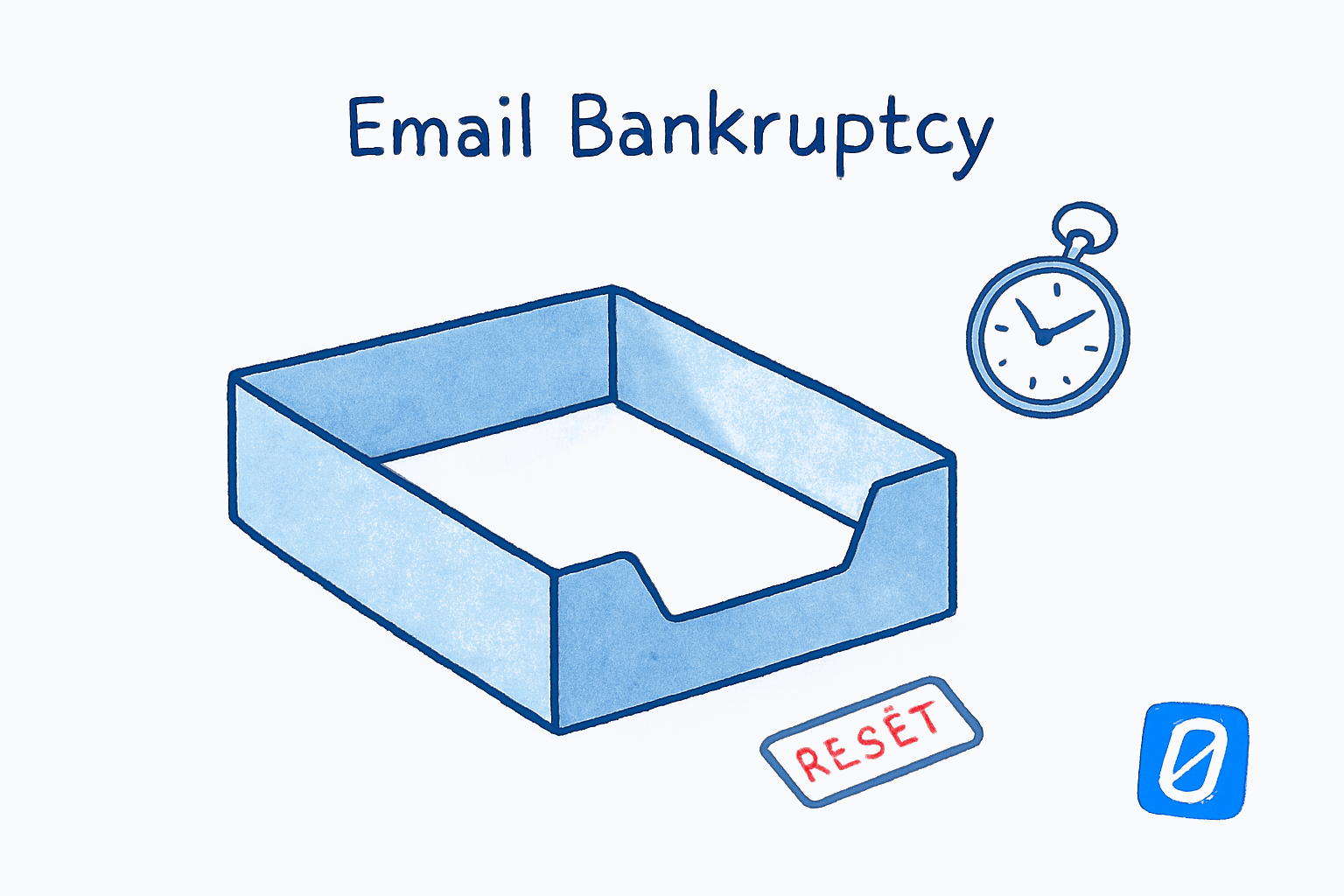
Email bankruptcy; deleting or archiving every message in your inbox and starting clean; is the right move when the backlog is genuinely uncatchable and you have a system to prevent the same flood from rebuilding. It is the wrong move, and a quietly destructive one, when it becomes a recurring ritual that papers over a structural problem with how your inbox is set up.
That distinction is the entire post. Most writing on email bankruptcy treats it as either a heroic act of self-rescue or a sign of personal failure. It is neither. It is a tool with a narrow band of usefulness, sandwiched between two failure modes; denial on one side, recidivism on the other.
Stanford law professor Lawrence Lessig declared email bankruptcy in 2004 after spending 80 hours trying to sort through a backlog of unanswered messages dating to 2002. He sent a single mass apology and started over. The term stuck. The behavior, it turns out, is now common: a 2022 Tech.co survey found that 30% of US adults have done some version of the same thing; entirely deleting or abandoning an inbox to escape overload.
Key Takeaway
Email bankruptcy is justified once; when a backlog is large enough that processing it would cost more than the messages are worth. Repeat bankruptcies signal a system failure, not an email failure. The fix is a finish line: a clear, repeating endpoint that prevents the flood from re-forming.
The problem most “should I declare email bankruptcy?” articles avoid is this: bankruptcy is almost always a symptom of an inbox without a finish line. If your email tool gives you no defined endpoint; no point at which today’s processing is done; backlog is the default state, and bankruptcy is the only escape valve. That framing changes everything about when (and whether) to use it.
What Is Email Bankruptcy, Exactly?#
Email bankruptcy is the act of declaring an inbox unsalvageable, then deleting or archiving everything in it; usually with a brief note to senders that anything still important should be resent. The term is usually attributed to Lawrence Lessig in 2004, though MIT sociologist Sherry Turkle used the phrase as early as 2002.
There are three flavors:
| Type | What you do | Risk level | Best for |
|---|---|---|---|
| Soft bankruptcy | Archive everything; nothing deleted | Low | Most people, most situations |
| Hard bankruptcy | Delete everything older than a cutoff | Medium | Personal accounts only |
| Public bankruptcy | Email all senders announcing the reset | High | Roles where people expect replies |
Soft bankruptcy is reversible. You can search the archive if something turns out to matter. Hard bankruptcy is not. Public bankruptcy adds reputational risk; sending one mass note that says “I’m not getting back to you” can damage relationships if your work depends on responsiveness. Most people who declare email bankruptcy in 2026 should default to the soft version. There is no upside to permanent deletion that the archive doesn’t already give you.
When Is Email Bankruptcy the Right Call?#
Email bankruptcy is the right call when the backlog is genuinely uncatchable, the most-likely-relevant messages have aged past usefulness, and you have a structural change ready to deploy that prevents rebuild. Outside those conditions, it tends to do more harm than good.
The most defensible case: your backlog is so large that the time required to triage it would exceed the value of the messages inside. Lessig estimated 80 hours of sorting against a backlog where the most-likely-relevant messages were already two years old. That math is unwinnable. The average US worker now carries 199 unread emails at any given time, and a meaningful subset of those carry backlogs in the thousands; well past any reasonable triage budget.
Three signals that bankruptcy is the right tool:
- The backlog has crossed a chronological threshold. Anything older than 30 days in most knowledge work is either resolved without you or no longer relevant. Past 90 days, the percentage that still matters is small enough that searching on demand beats triaging.
- The volume is structurally beyond your processing rate. If you receive 150 emails a day and can process 80, the gap compounds. No willpower fix closes it. Bankruptcy resets the clock so you can address the rate problem instead of the backlog problem.
- You are about to change the system. Bankruptcy is most defensible when paired with a real change; a new tool, new rules, a new role; that prevents the backlog from rebuilding. Without that, it is a stress release with a ticking clock.
Mark Hurst, founder of Creative Good and author of the 2007 book Bit Literacy: Productivity in the Age of Information and E-mail Overload, describes the underlying mechanic this way: digital information is “psychologically heavy.” An inbox of 3,000 messages produces a real cognitive weight, distinct from the actual content of those messages; and overloaded users, in his words, “are never sure if they have forgotten something and live in fear of being discovered or punished for what they have forgotten.” Bankruptcy lifts that weight. Whether it stays lifted is a different question, and the answer depends almost entirely on what comes next.
If staring at thousands of unread emails feels like wearing a vest of bricks, Swizero caps your inbox at a handful of cards each session; so the weight Hurst describes never accumulates in the first place. Email with a finish line, instead of a recurring reset.
When Is Email Bankruptcy Avoidance Dressed as Strategy?#
Repeat email bankruptcies are almost always avoidance. The act of deletion produces real, immediate relief; but if the underlying habits driving the overload haven’t changed, the relief is structurally identical to a stress release valve, not a fix.
A line that gets passed around the productivity blogosphere; sourced in a 2014 World Economic Forum piece and many similar articles; captures the pattern: “A lot of people declare email bankruptcy, and then three weeks later they’re back in trouble.” Bankruptcy in that scenario is not a system reset. It is a coping mechanism that mimics one and delivers the same dopamine hit as hitting refresh on a slot machine. (One caveat: there is no controlled study on bankruptcy recidivism rates that I have been able to find; the recurrence pattern is widely observed in productivity literature but not, as far as I can tell, formally measured.)
The signs you are using bankruptcy as avoidance:
- You have declared bankruptcy more than once in the past 18 months.
- You feel relief from the act of deletion, but no curiosity about what specifically caused the overflow.
- Your “system” after the reset is the same one that produced the backlog.
- You delete first and then declare a system change that you don’t actually implement.
The last one is the most common. Bankruptcy creates the feeling of starting over, which substitutes neatly for the harder work of actually starting over. The brain does not distinguish well between symbolic and structural change. Both feel like progress.
Honestly, this is the part that took me longest to admit about my own previous patterns. Deletion felt like agency. It was usually a way to avoid noticing that the same five sources were generating 70% of the noise.
What the Research Says About the Psychological Relief#
The relief from email bankruptcy is real, short-lived, and tied to a phenomenon the productivity literature calls open loops. The Zeigarnik effect; Bluma Zeigarnik’s 1927 finding that interrupted tasks linger in working memory; has been used to explain why unread emails feel heavier than read ones. Each unread message is, in this framing, an open loop demanding active cognitive resources.
The picture is more complicated than the productivity blogs make it sound. A 2025 systematic review and meta-analysis found “no memory advantage for unfinished tasks” in the original Zeigarnik sense; meaning the classic 1927 finding does not replicate cleanly. So the simple version of the open-loops theory should be held loosely.
That said, the related research on anticipatory email stress is robust. Lehigh University researchers Larissa Barber and Andrew Santuzzi’s 2014 Journal of Occupational Health Psychology paper showed that the expectation of having to process email; independent of actually doing it; produces measurable stress. The implication: deleting the backlog reduces anticipatory stress in the same way that deleting your taxes would. It works until the next deadline arrives.
A useful caveat: this body of research is mostly about workplace email and was conducted before the AI-summary era. The dynamics may shift as inboxes get smarter. We don’t know yet whether AI triage reduces or amplifies anticipatory stress; early evidence suggests it depends entirely on whether the AI has a stopping rule.
Why Most Email Tools Make Bankruptcy Inevitable#
This is the part of the conversation that almost never appears in articles about email bankruptcy: the tools themselves are the structural cause.
Standard email; Gmail, Outlook, Apple Mail, every major client; has no defined endpoint. There is no point in your day at which the inbox tells you “you’re done.” There is only a list that grows faster than you can shrink it. In that environment, bankruptcy is not a failure of personal discipline. It is a predictable consequence of a system that has no finish line.
Compare email to other knowledge-work surfaces. A document has a last page. A meeting has an end time. A to-do list, used properly, has items you check off and remove. Email has none of these. It is one of the only daily tools in modern work that defines its own success purely as “less full than yesterday”; a goal that depends on volume you don’t control.
The fix is not another batching protocol. The fix is a defined finish line for each email session, which is exactly what a fixed card limit produces. When you process a handful of cards and the screen says “done,” you have a real endpoint. The next batch is tomorrow’s session, not today’s failure.
This reframes email bankruptcy entirely. It is not a personal flaw. It is a workaround for a structural defect in how email tools define completion. People who use an inbox with a card limit instead of a card list tend to not need bankruptcy, because each session has a clear ending and tomorrow’s session has a clear beginning.
How to Declare Email Bankruptcy Without Recidivism#
If you genuinely need to declare bankruptcy; your backlog is uncatchable, your situation has changed, and you have a real plan for what comes next; here is the protocol that gives the highest chance of not needing to repeat it within six months:
1. Archive, don’t delete. Move everything older than your cutoff into an archive folder or label. Searchable, recoverable, but out of your active view. There is no upside to permanent deletion that justifies the downside of losing something that mattered.
2. Pick a chronological cutoff, not a count. “Older than 60 days” is defensible. “Older than 600 messages” is arbitrary and tends to leave you with a midsize pile that feels worse than zero or thousands.
3. Don’t send a mass apology. The Lessig-style public bankruptcy made sense when the act was novel. In 2026, it reads as performance. If specific people are waiting on you, write to them individually. Otherwise stay quiet.
4. Implement the system change before the deletion. This is the rule that distinguishes a real reset from a coping ritual. The new boundary; a check schedule, a card limit, an unsubscribe sweep, a triage rule; has to be in place before you press archive. Otherwise the backlog rebuilds against the same structural conditions that produced it the first time.
5. Run a sender audit before you reset. Tim Ferriss recommends examining the sources of your inbox volume before any major reset. Most people find that 5-10 senders generate the majority of noise. Unsubscribing or filtering those before bankruptcy makes the post-bankruptcy state durable. Without it, you are bailing a boat without patching the leak.
The single most useful diagnostic question after a bankruptcy: what specifically prevented this from happening before? If the honest answer is “I just didn’t get around to it,” you have a system problem. If the answer is “the volume genuinely changed because of [a job, a launch, a life event],” then bankruptcy was a reasonable response to a one-time spike.
What Bankruptcy Doesn’t Fix#
Email bankruptcy does not fix the rate of incoming mail, the habit of checking too often, the absence of a clear processing routine, or the underlying anxiety that makes the unread count feel heavier than it should.
It removes one specific thing; a backlog; and nothing else. Treating it as a productivity strategy is like treating a haircut as a hair-care strategy. Useful occasionally. Not a system.
The real intervention, for almost everyone who finds themselves drawn to repeated bankruptcies, is structural. Pick a tool that defines what “done” looks like at the end of each session. Cap the number of items you process at once. Make the finish line explicit, repeating, and easy to hit. Bankruptcy is what happens when you don’t have one of those; it is not a substitute for one.
Frequently Asked Questions#
Is email bankruptcy a good idea?#
It depends on whether the backlog is genuinely uncatchable and whether you have a plan to prevent the same flood from rebuilding. As a one-time reset paired with a system change, it can be valuable. As a recurring habit, it becomes avoidance and tends to compound the problem rather than solve it.
Will I miss something important if I declare email bankruptcy?#
If you archive rather than delete, the answer is essentially no; everything is searchable on demand. If you hard-delete, you might. The 30% of US adults who have done this, per the 2022 Tech.co survey, do not generally report regretting it, though the survey did not measure long-term consequences.
Should I email everyone to let them know?#
Usually not. The Lessig-era public announcement was a function of the act being novel; today it reads as theatrical. If specific people are waiting on you, write to them individually. A mass apology to your whole inbox is more reputational risk than relief.
How often is too often to declare email bankruptcy?#
More than once in 18 months is a strong signal that the backlog isn’t the problem; your system is. The right intervention at that point is a structural change to how you process email, not another reset.
What’s the difference between email bankruptcy and inbox zero?#
Inbox zero is a recurring practice of clearing your inbox to zero unread. Email bankruptcy is a one-time act of declaring an inbox unsalvageable. Inbox zero, when it works, prevents the conditions that lead to bankruptcy. When it fails; usually because the volume exceeds the processing rate; bankruptcy becomes the escape valve.
Sources#
- Lawrence Lessig declares email bankruptcy. 43 Folders, summary of Lessig’s 2004 announcement and 80-hour sort attempt.
- Email Overload: 30% of Americans Declare “Email Bankruptcy”. Tech.co, 2022 survey.
- Email bankruptcy. Wikipedia entry, term origin attributed to Lawrence Lessig (2004) and Sherry Turkle (2002).
- Bit Literacy: Productivity in the Age of Information and E-mail Overload. Mark Hurst, 2007. Argues digital information has measurable psychological weight.
- Preventing Email Bankruptcy: From 1920’s Postcards to Video Confessions. Tim Ferriss, 2008.
- Should you declare “email bankruptcy”?. World Economic Forum, 2014.
- Zeigarnik effect. Including reference to 2025 meta-analysis showing the original effect does not cleanly replicate.
- Work Trend Index 2025: Breaking Down the Infinite Workday. Microsoft, 2025. Average inbox volume and interruption load.
- Study: The average worker’s inbox contains 199 unread emails. TheLadders.
Your inbox doesn't have to feel like this.
Apply what you just learned, faster.
Put this into practice with Swizero