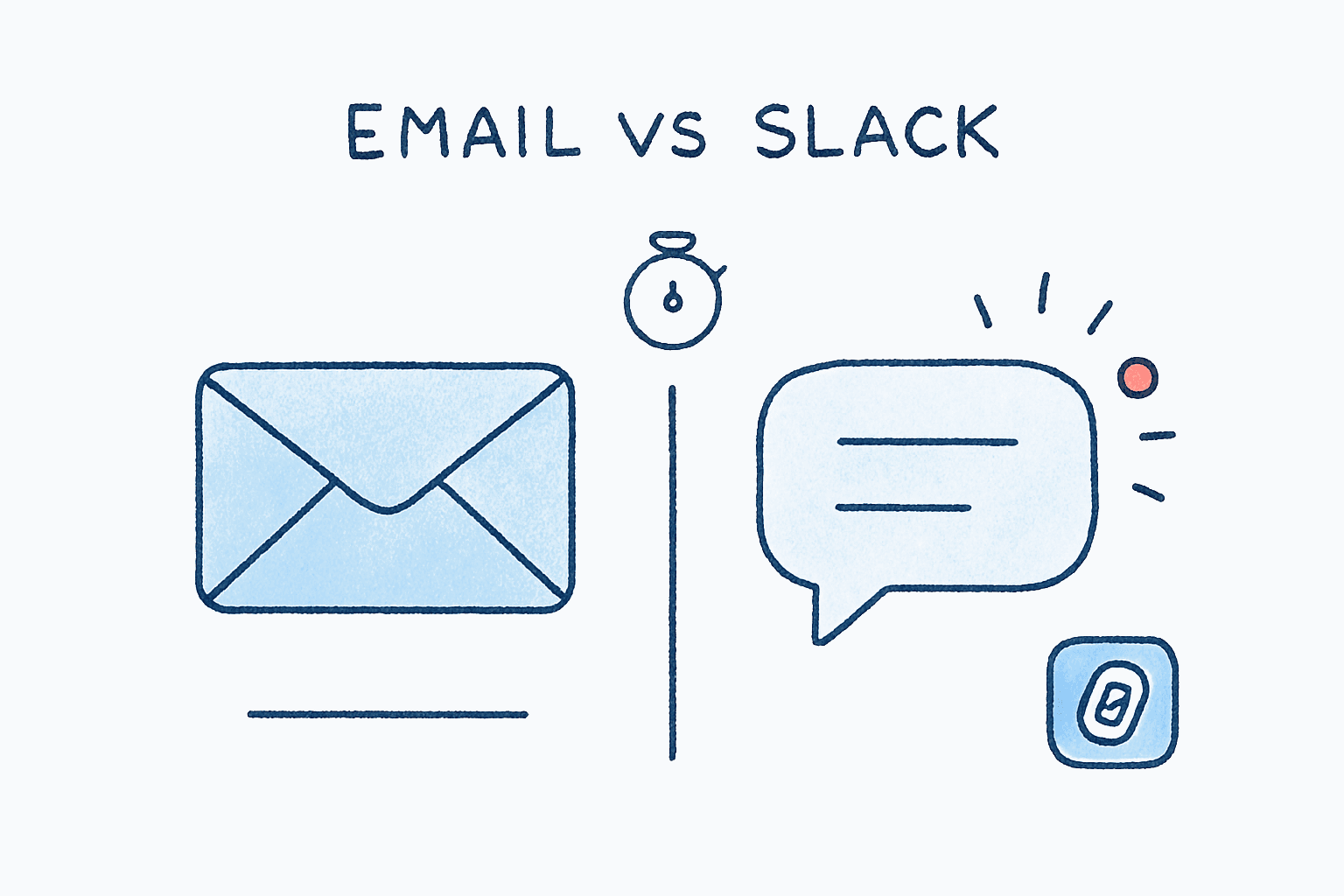
Email vs Slack vs Teams: When to Use What (And Why Email Isn't Dead)
By Chris Stefaner, Co-founder of Swizero
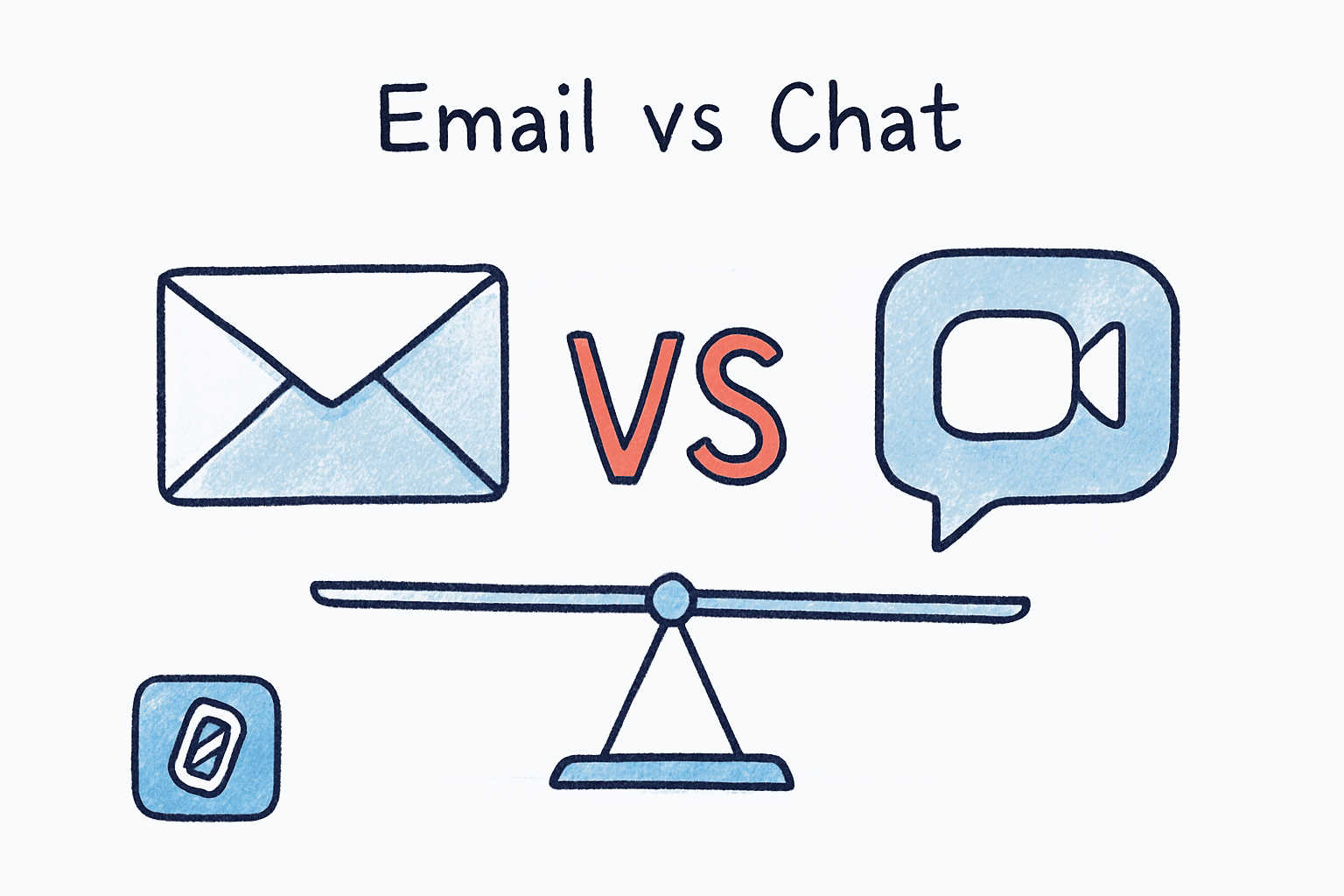
Email is not dead. Slack did not kill it. Microsoft Teams did not replace it. And the next collaboration tool that launches with a “say goodbye to email” tagline will not kill it either.
The email vs Slack vs Teams debate keeps resurfacing because each tool solves a different communication problem. Email handles asynchronous, cross-organizational communication with a permanent record. Slack handles fast-moving internal conversations. Teams handles meetings and Microsoft-integrated workflows. The real crisis is not which tool to pick. It is that most knowledge workers use all three simultaneously with no system for managing the combined cognitive load.
This is where the “email is dead” crowd gets it backwards. They frame the problem as tool selection. The problem is tool overload. A 2022 study published in Harvard Business Review found that the average digital worker toggles between applications and websites nearly 1,200 times per day, losing almost four hours per week just reorienting after each switch. That is five full working weeks per year gone: not to email, not to Slack, not to Teams, but to the friction between them.
Key Takeaway
Email, Slack, and Teams each serve distinct communication needs: email for async depth, Slack for quick internal chatter, Teams for meetings and Microsoft workflows. The productivity drain is not from any single tool but from constantly switching between all three. The fix is assigning each tool a clear role and finishing your email fast so you can focus attention elsewhere.
Email vs Slack vs Teams: What Is Each Tool Actually Best At?#
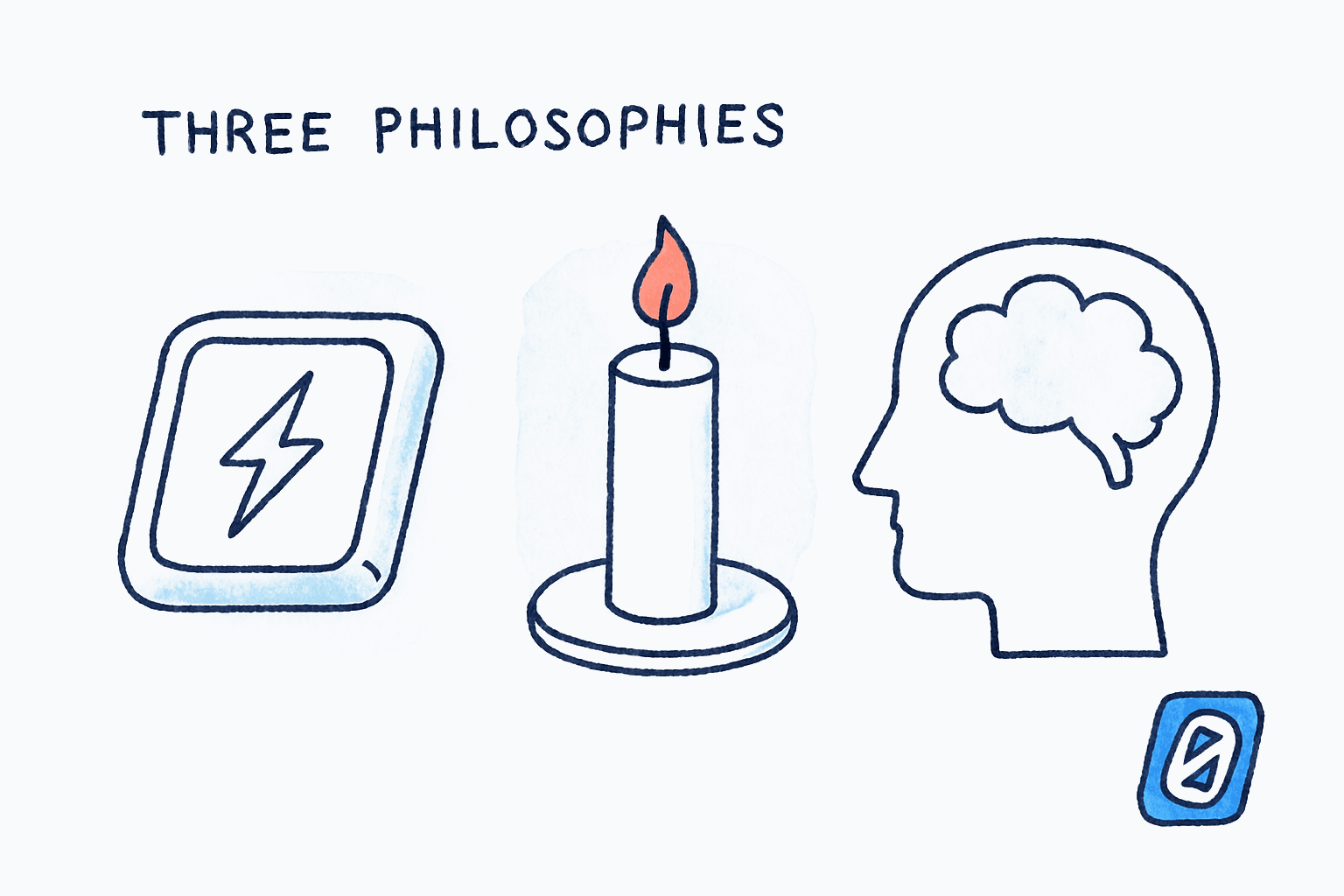
Each of these three platforms evolved to solve a specific problem. When you use them outside that purpose, they break down. Here is a quick framework for what each one does well and where it falls apart.
Email excels at formal communication, external contacts, long-form thinking, legal records, and anything that needs to survive beyond next Tuesday. It is the only universal protocol: everyone has an email address, but not everyone is on your Slack workspace or Teams tenant.
Slack excels at quick internal questions, real-time coordination during projects, casual team culture, and integrations with dev tools. It falls apart for anything that requires careful composition, documentation, or communication with people outside your company.
Teams excels at video meetings, Microsoft 365 document collaboration, and organizations already committed to the Microsoft ecosystem. It struggles when used as a general-purpose chat tool because it tries to be everything (chat, video, file storage, wiki) and ends up being mediocre at most of them.
| Use Case | Best Tool | Why |
|---|---|---|
| Client proposals and contracts | Universal, formal, creates a paper trail | |
| “Hey, is the deploy done?” | Slack | Fast, low-stakes, internal |
| Quarterly planning meeting | Teams | Video + screen sharing + Office integration |
| Detailed project feedback | Requires thought, needs a record | |
| Celebrating a team win | Slack | Casual, emoji reactions, GIFs welcome |
| Cross-company collaboration | No shared workspace needed | |
| Daily standup (remote) | Teams or Slack huddle | Real-time sync, face-to-face optional |
Why Do People Keep Saying Email Is Dead?#
Because it makes a good headline. The “email is dead” narrative has been running since at least 2011, when Slack’s precursor was still a gaming company. Every few years, a new tool promises to eliminate email, gets breathless press coverage, and then quietly pivots to integrating with email once the initial hype fades.
Even Stewart Butterfield, the co-founder of Slack (the company that literally launched with the tagline “be less busy” and built an entire brand around replacing email) eventually admitted the opposite. Speaking at HubSpot’s Inbound conference in 2017, Butterfield said:
“Email is very useful… Email will probably be with the human species for another 30 to 40,000 years or something like that.”
Stewart Butterfield, Co-founder and former CEO of Slack, via CMSWire
I’ll be honest: that “40,000 years” number is probably generous. But the directional point is right. Email is not going anywhere because it is an open protocol, not a product. Slack is a product. Teams is a product. Products get acquired, sunset, and deprecated. SMTP has been running since 1982 and nobody controls it. That is why 91% of professionals still use email daily for work communication, according to a 2025 Signite survey on business communication habits.
The real numbers tell the story, though they need care: the platforms report on different metrics, so the comparison is directional rather than exact. Slack reported 42 million daily active users in early 2025. Microsoft Teams reported roughly 320 million monthly active users. Email has no owner to report anything, but the Radicati Group’s Email Statistics Report, 2024-2028 counts over 4.59 billion mailbox users worldwide, sending 361.6 billion messages per day in 2025. Even taking the most generous reading of the chat platforms, email’s reach is an order of magnitude larger.
Email is not dying. It is the cockroach of the internet, and I mean that as a compliment. (For more on the numbers behind email’s staying power, see our breakdown of email statistics in 2026.)
Does Using All Three Tools Make You Less Productive?#
Yes. Unambiguously yes. The productivity cost of tool fragmentation is one of the most well-documented problems in workplace research, and it is getting worse, not better.
A joint study by Qatalog and Cornell University found that professionals spend 36 minutes per day switching between applications, and it takes an average of 9.5 minutes to regain a productive workflow after each toggle. That lines up with the Harvard Business Review finding of 1,200 daily app toggles, roughly one every 20 seconds during a working day. The cognitive cost is not just time. It is attention residue: part of your brain stays anchored to the previous task even after you have moved on.
Paul Graham described this tension in his influential 2009 essay Maker’s Schedule, Manager’s Schedule:
“A single meeting can blow a whole afternoon, by breaking it into two pieces each too small to do anything hard in.”
Paul Graham, Co-founder of Y Combinator, Maker’s Schedule, Manager’s Schedule (2009)
Graham was talking about meetings, but the same principle applies to every Slack ping, Teams notification, and email alert. Each one fractures your working block into smaller, less usable pieces. The difference is that in 2009, you had one interruption channel. Now you have three. Or five. Or nine, the average reported by Asana’s Anatomy of Work Index, which found that knowledge workers use roughly nine different apps per day and spend 60% of their time on “work about work” rather than skilled, focused output.
If the constant toggle between email, chat, and meetings feels like it is eating your entire day, Swizero is designed to collapse the email portion into minutes. A fixed card limit means your inbox has a finish line, so you can spend your remaining communication time on the channels that actually need real-time attention.
How Should You Divide Communication Across Tools?#
The answer depends on your role, but the principle is universal: each tool gets a lane, and you stop using tools outside their lane.
Here is a framework that works for most knowledge workers:
Email: The Deep Channel#
Use email for anything that requires thought, involves people outside your organization, or needs to exist as a record six months from now. Client communication, vendor negotiations, detailed feedback, formal approvals: these belong in email. Treat email as a batch-processed activity, not a real-time feed. Two to three dedicated sessions per day is enough.
The problem most people have with email is not that it exists. It is that email is unbounded. There is no natural stopping point, no signal that says “you’re done.” You keep scrolling, keep replying, keep feeling behind. That is not an email problem; it is a design problem. Swizero’s entire approach is built around adding that missing constraint: a fixed card limit that turns your inbox into a finite task, not an infinite scroll.
Slack: The Fast Channel#
Use Slack for questions that need answers in under an hour, team coordination during active projects, informal check-ins, and culture-building. Do not use Slack for anything that requires more than three sentences of explanation or anything you will need to reference later. Slack’s search is adequate but nowhere near as reliable as an email archive.
One caveat worth acknowledging: Slack’s notification model is genuinely hard to manage at scale. Speakwise’s 2026 analysis of Slack messaging patterns found that teams average 92 messages per user per day. At that volume, Slack stops being a fast channel and becomes another inbox, except without email’s threading, formality, or archival quality.
Teams: The Meeting Channel#
Use Teams for scheduled video calls, collaborative document editing within the Microsoft ecosystem, and any workflow that is already Microsoft-native. Resist the temptation to use Teams chat as a Slack alternative. Running parallel chat platforms is the fastest way to guarantee that important messages get lost.
The One-Tool-Per-Purpose Rule#
If you take one thing from this post, make it this: never use two tools for the same purpose. If Slack is your quick-question channel, email is not also your quick-question channel. If Teams is your meeting platform, Slack huddles are not also your meeting platform. Redundancy across tools is where productivity goes to die.
What Does the Multi-Tool Future Actually Look Like?#
Joe Thomas, co-founder and CEO of Loom (now part of Atlassian), has argued that the future of work communication is not one tool to rule them all, but a stack where each modality serves a purpose:
“All one billion knowledge workers in the world, I believe, will have async video as part of their communication stack.”
Joe Thomas, Co-founder and CEO of Loom, via SaaStr
Thomas is right that the stack is expanding, not consolidating. The answer to tool overload is not fewer tools; it is faster tools. If your email takes 90 minutes per day, that is 90 minutes unavailable for the Slack threads, Teams meetings, and async videos that also demand your time. Compress email to 15 minutes and the math changes entirely.
This is what Swizero is built for. Not to replace Slack or Teams, but to make the email layer so fast that it stops competing for the same attention budget. A fixed card limit means you process a handful of messages per session, the AI summaries let you assess each one in seconds, and the swipe-based flow means your fingers never stop moving. Email becomes a sprint, not a marathon.
I could write a whole post about the psychology of constraints and why bounded systems outperform open-ended ones; actually, we already did. The short version: when you know there is a finish line, you move faster.
Frequently Asked Questions#
Is email or Slack better for workplace communication?#
Neither is universally better; they serve different purposes. Email is superior for formal, cross-organizational, and long-form communication that needs a durable record. Slack is superior for fast internal coordination and casual team interaction. The 2025 Signite survey found that 91% of professionals still rely on email daily, while Slack’s strength is speed and informality within a single organization.
Can Slack or Teams fully replace email?#
No. Email is an open protocol (SMTP) that works across every organization and platform. Slack and Teams are proprietary products that require everyone to be on the same platform. For external communication (clients, vendors, partners, candidates), email remains the only universal option. Even Slack’s founder Stewart Butterfield acknowledged that email would outlast any single product.
How many communication tools should a team use?#
Most effective teams use two to three core tools with clearly defined purposes, for example, email for external and formal communication, one chat tool for internal coordination, and one meeting platform. The Qatalog and Cornell University study found that excessive tool switching costs professionals 36 minutes per day in reorientation time alone, so minimizing overlap between tools is critical.
How do I reduce notification fatigue across email, Slack, and Teams?#
Assign each tool a specific role and batch your attention accordingly. Check email two to three times per day in focused sessions. Set Slack to “Do Not Disturb” during deep work blocks. Keep Teams notifications limited to meeting reminders and direct mentions. The Harvard Business Review study on app toggling found that workers lose nearly four hours per week to context-switching; reducing unnecessary notifications is the single highest-leverage fix.
Sources#
- How Much Time and Energy Do We Waste Toggling Between Applications?. Harvard Business Review, 2022. Workers toggle 1,200 times/day between apps, losing ~4 hours/week to reorientation.
- Slack CEO Stewart Butterfield: Email ‘Very Useful,’ But…. CMSWire, 2017. Butterfield acknowledges email’s permanence at HubSpot Inbound.
- Email Statistics Report, 2024-2028. Radicati Group, 2024. 361.6 billion emails/day in 2025, 4.59 billion users.
- Slack Statistics 2026: Revenue & Market Share Data. DemandSage, 2025. Slack surpassed 42 million DAU in early 2025.
- Slack vs Microsoft Teams Statistics. ElectroIQ, 2025. Teams reached ~320 million monthly active users.
- Emails Are Still King: 2025 Data on Business Communication Habits. Signite, 2025. 91% of professionals use email daily.
- Maker’s Schedule, Manager’s Schedule. Paul Graham, 2009. Meetings (and interruptions) fracture maker time into unusable fragments.
- Slack Messaging Statistics 2026. Speakwise, 2026. Teams average 92 messages per user per day on Slack.
- Context Switching is Killing Your Productivity. Asana, 2026. Workers use ~9 apps/day and spend 60% of time on “work about work.”
- When It Comes to Work Apps, Minimizing Your Toolkit Can Maximize Productivity. Quartz, 2024. Qatalog/Cornell study: 36 min/day lost to app switching, 9.5 min to regain flow.
- 4 Ways to Get to $10 Billion by Working Async. SaaStr, 2023. Loom CEO Joe Thomas on async video as a new communication modality.
Your inbox doesn't have to feel like this.
A different approach to email, side by side.
See how Swizero compares